
Steps
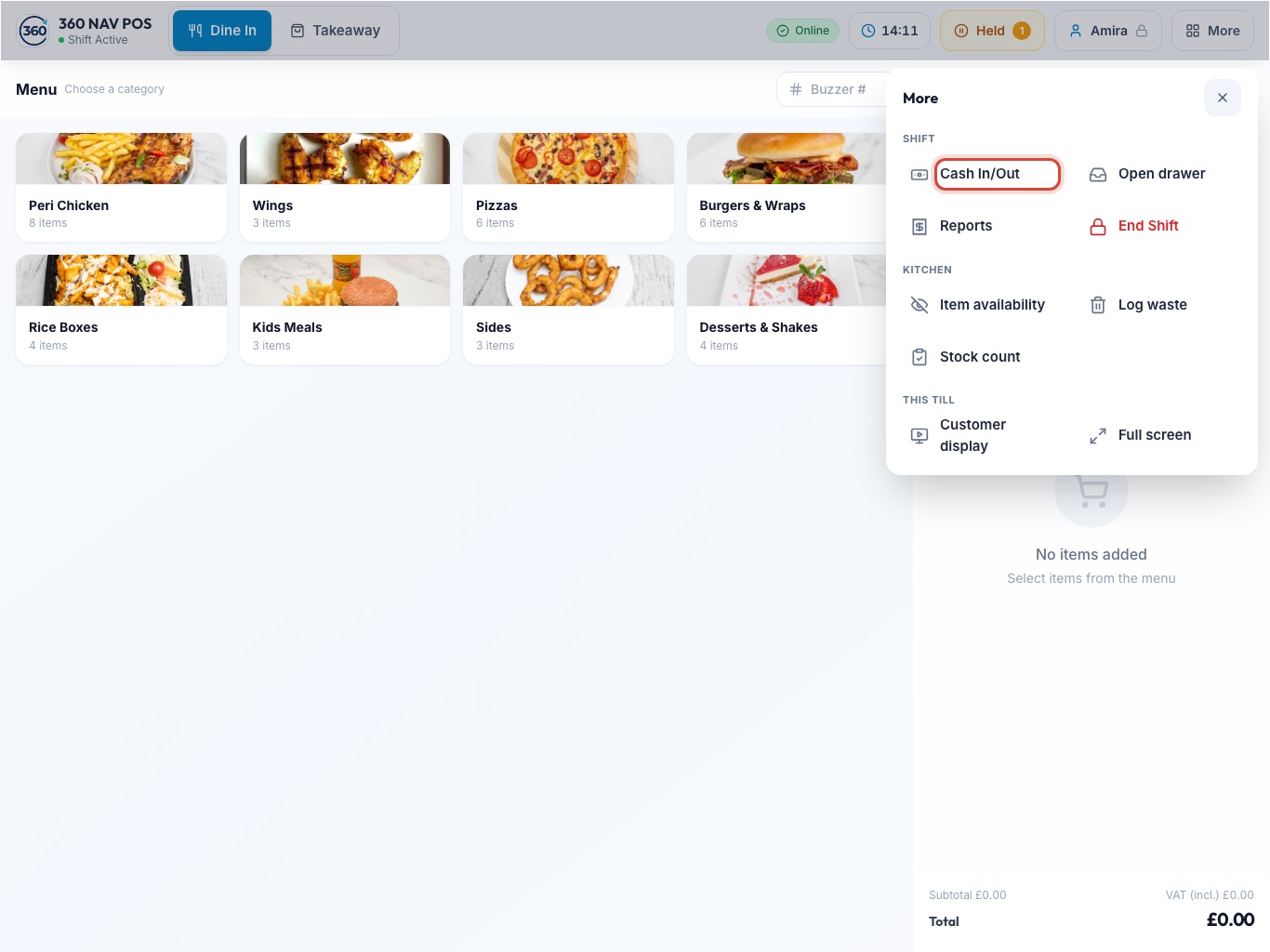
Open Cash In/Out. Tap More, then Cash In/Out.
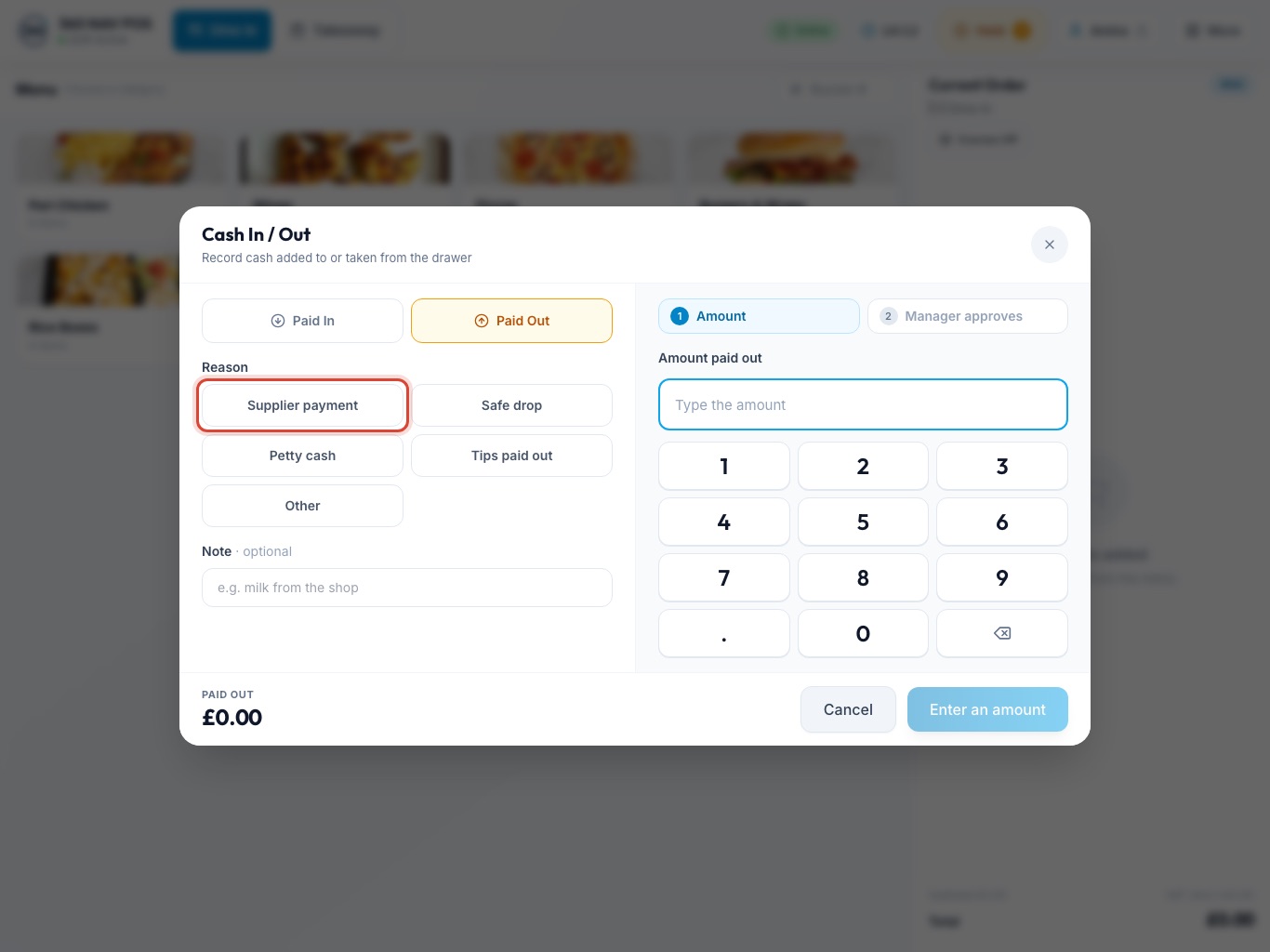
Choose Paid In or Paid Out, and a reason. For example a change top-up, a safe drop, or paying a supplier in cash. Other needs a note saying what it was for.
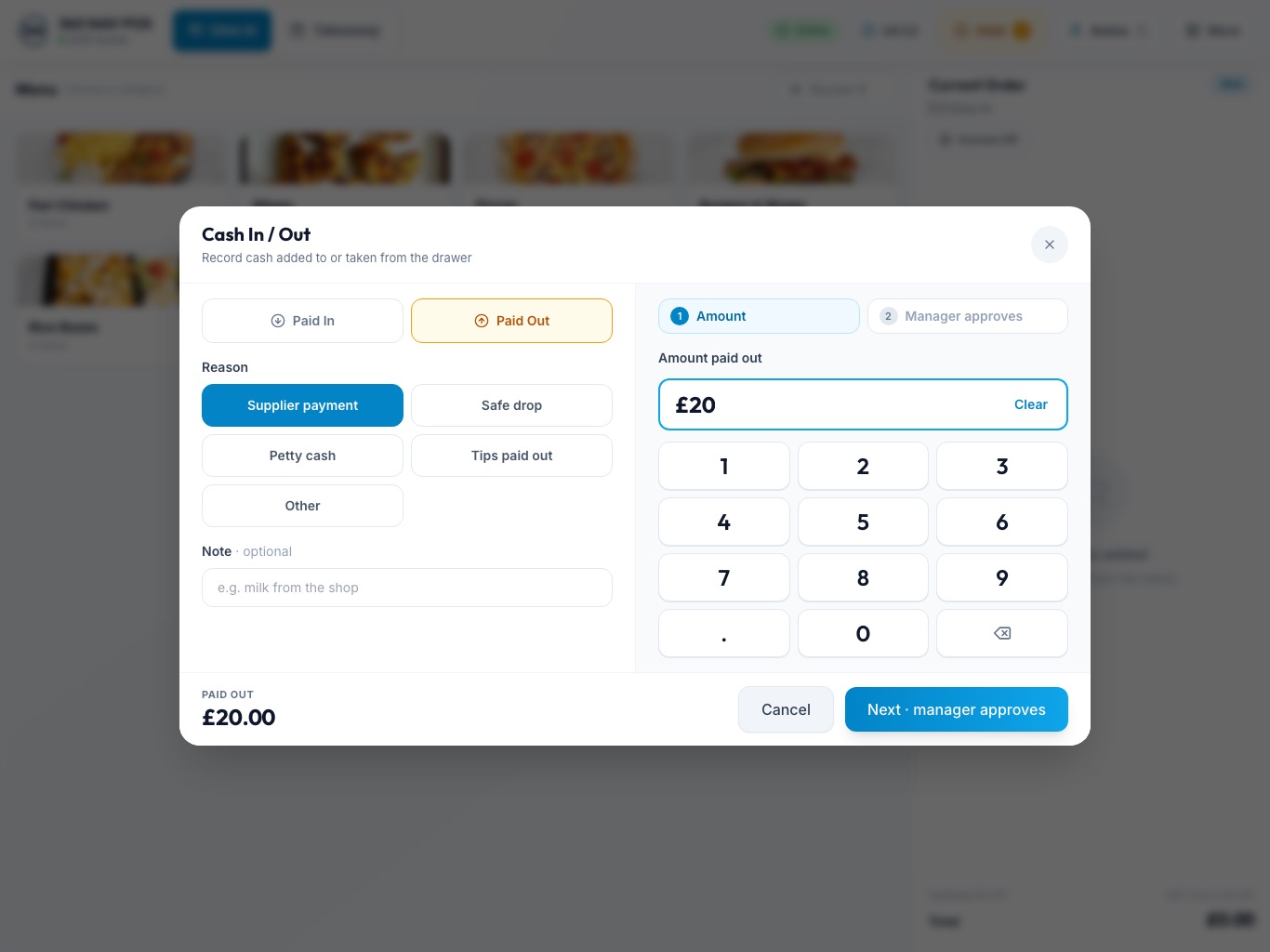
Type the amount.
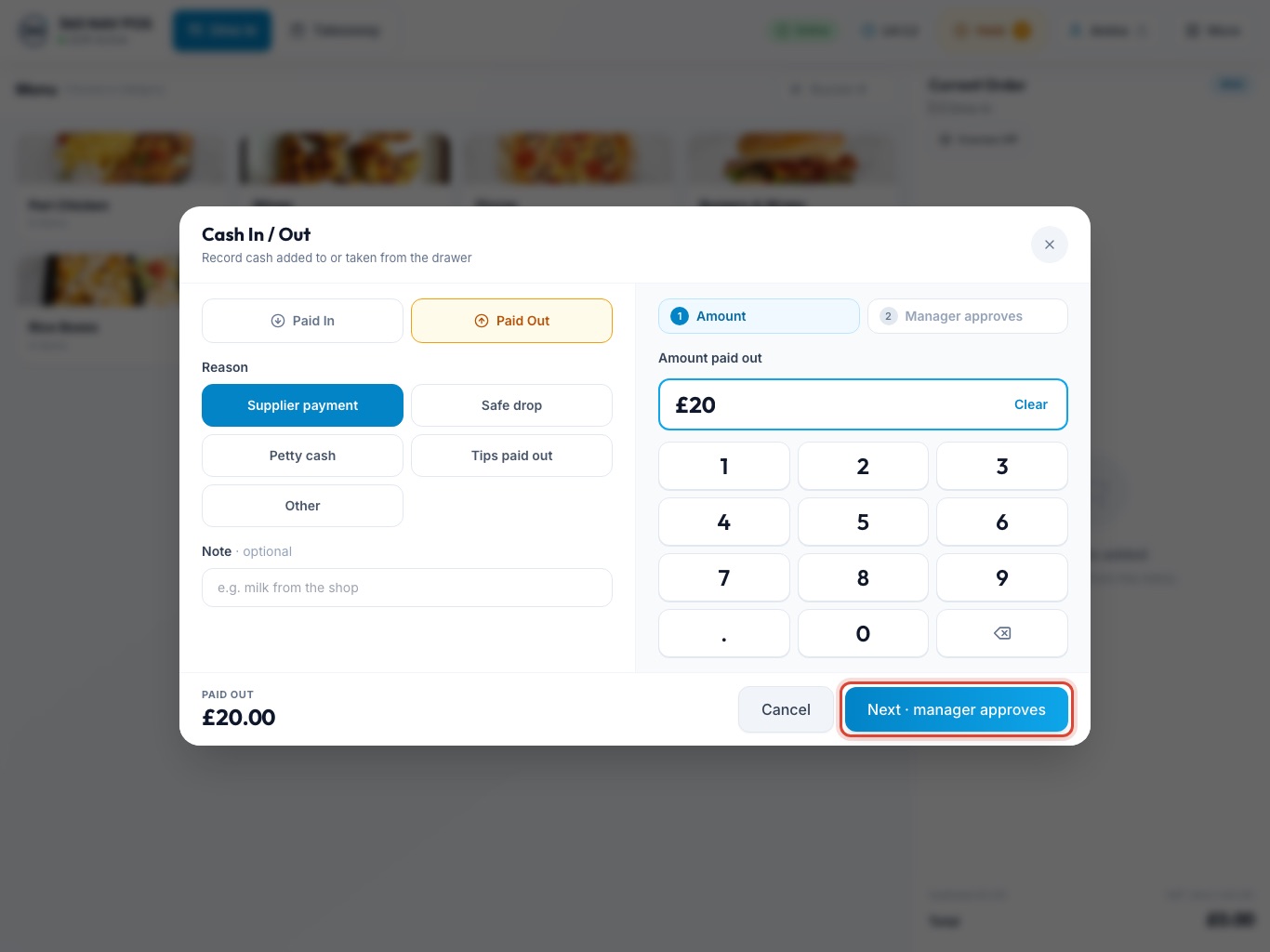
Get a manager to approve. A manager enters their PIN, and the drawer opens.
Tips
- Every movement is counted in the expected cash at the end of the shift, so the cash-up balances.