
Before you start
You need a manager PIN. Close every open order first.
Steps
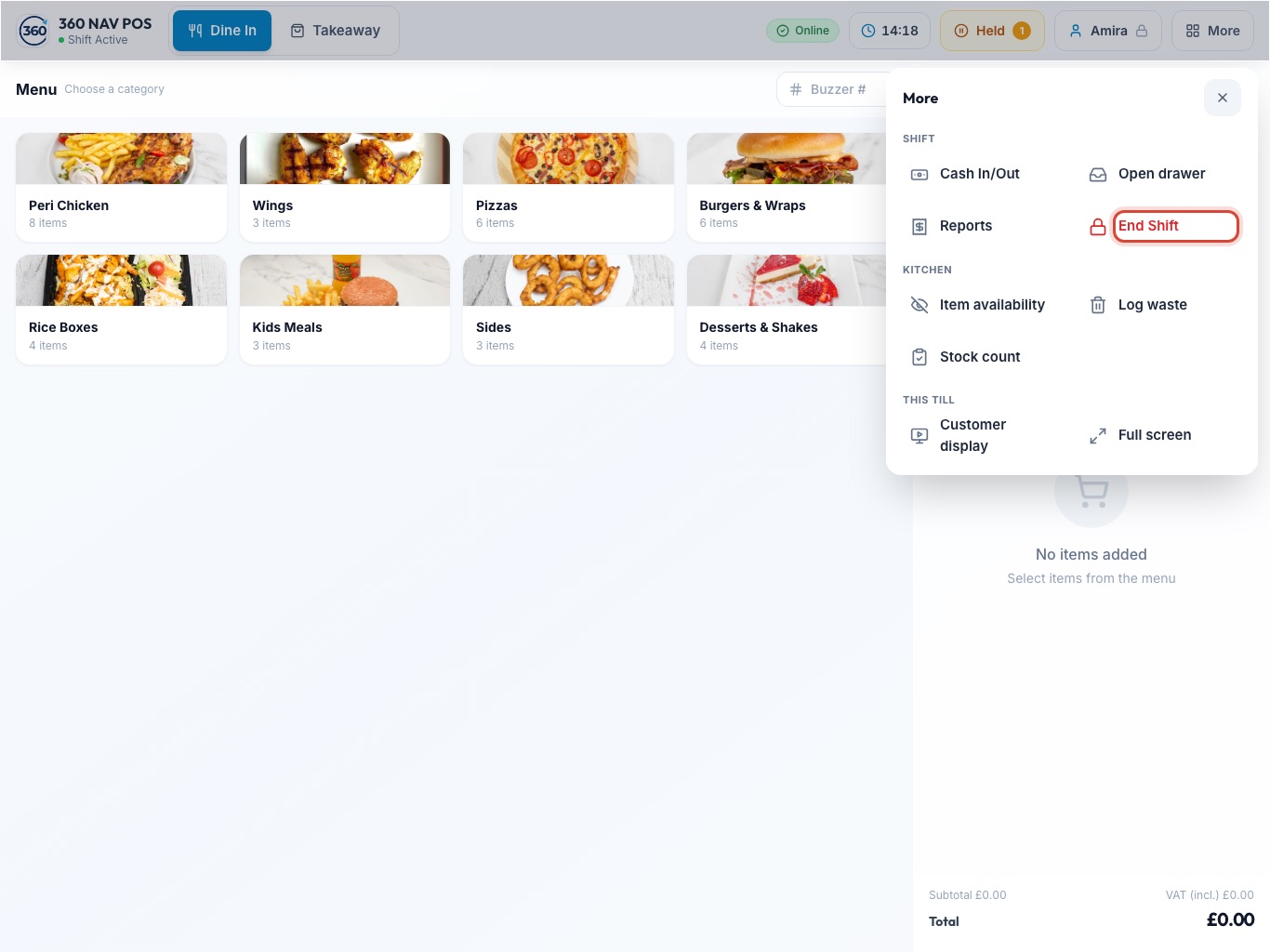
End the shift. Tap More, then End Shift.
Manager PIN. A manager enters their PIN.
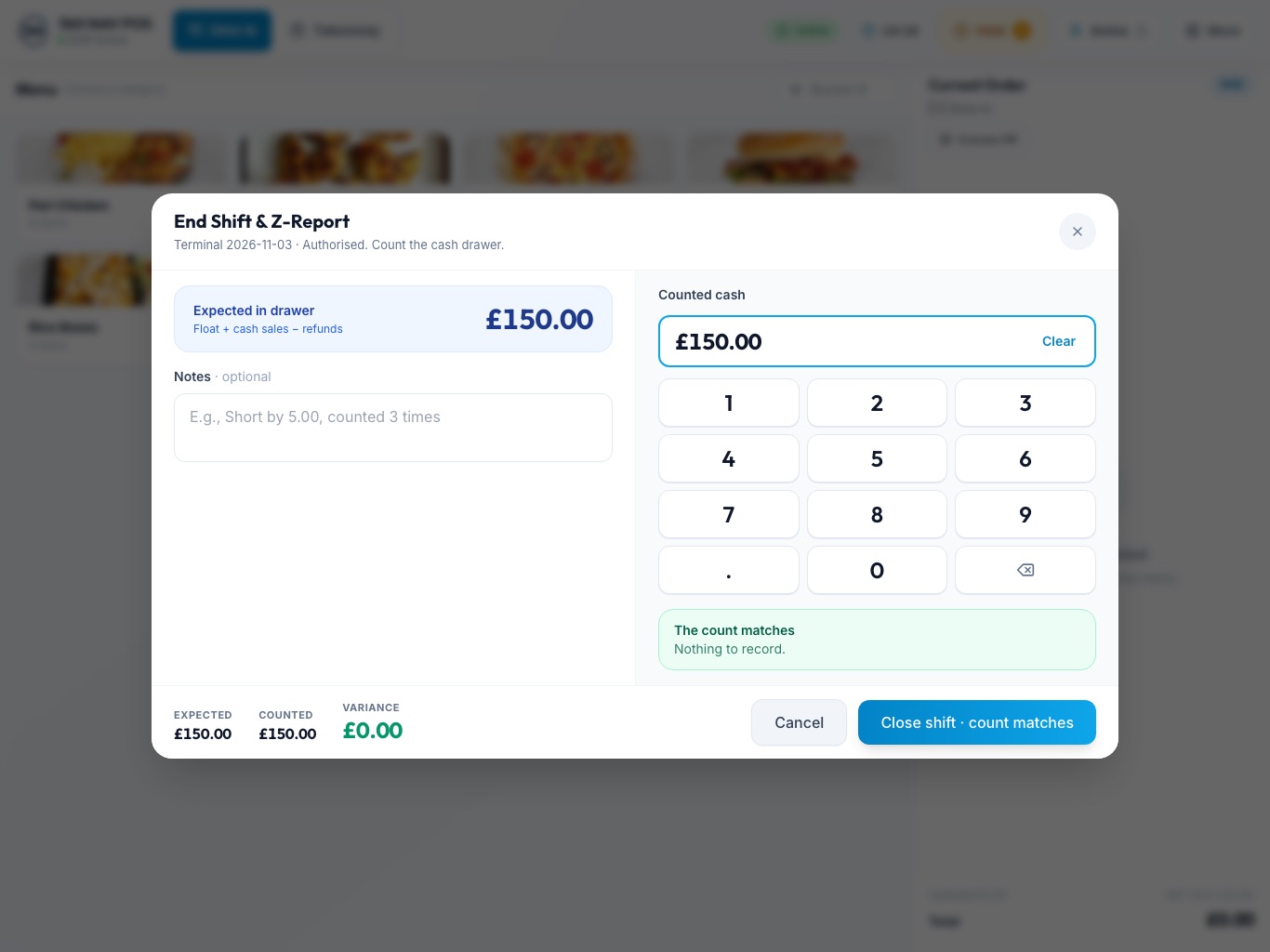
Count the drawer. Count the cash and type the total. The till shows the expected amount (float + cash sales − refunds) and any difference.
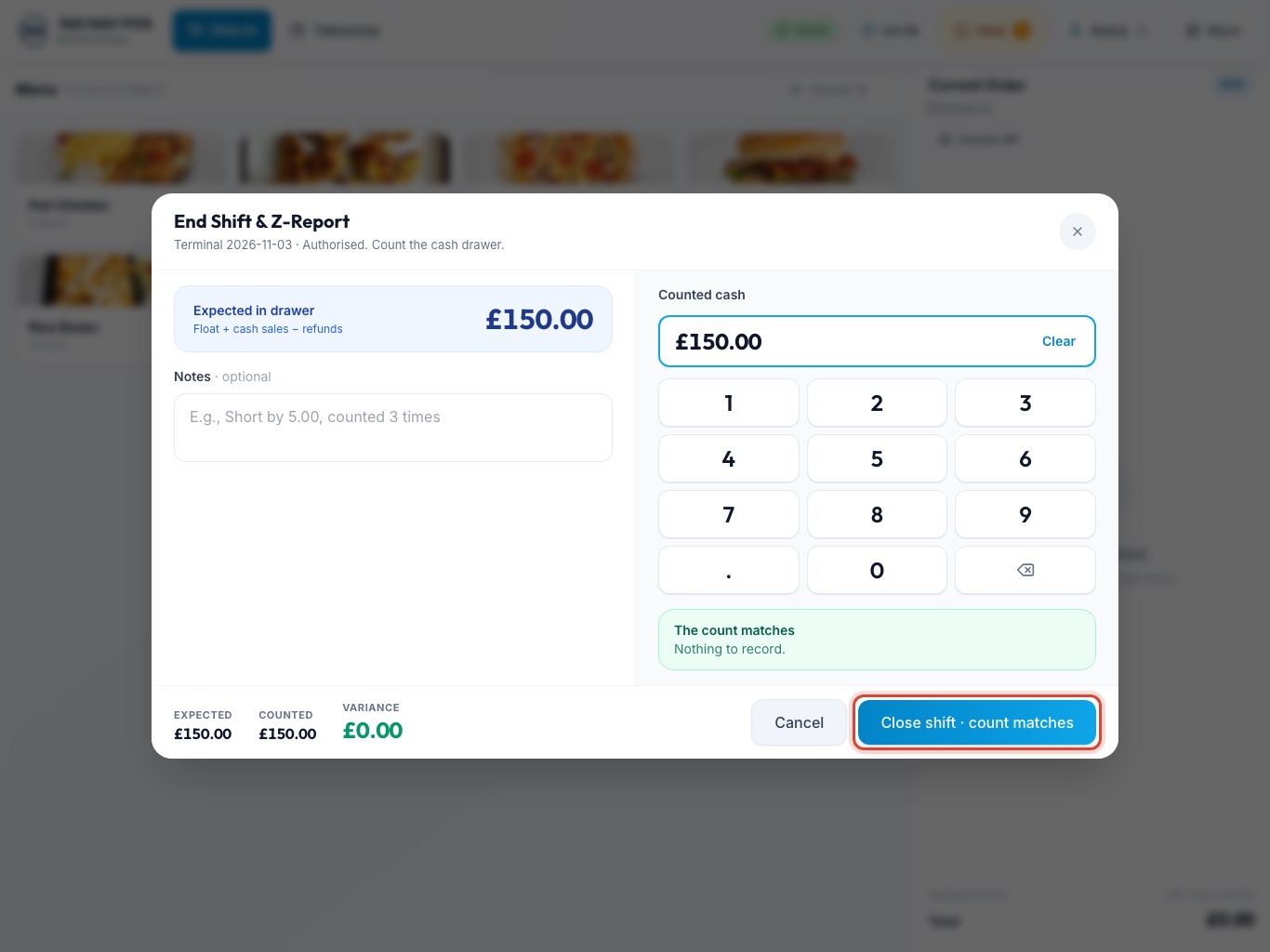
Close the shift. Tap Close shift, then tap again to confirm. Closing finalises every sale on the shift; the Z-report is saved and printed if a printer is set up.
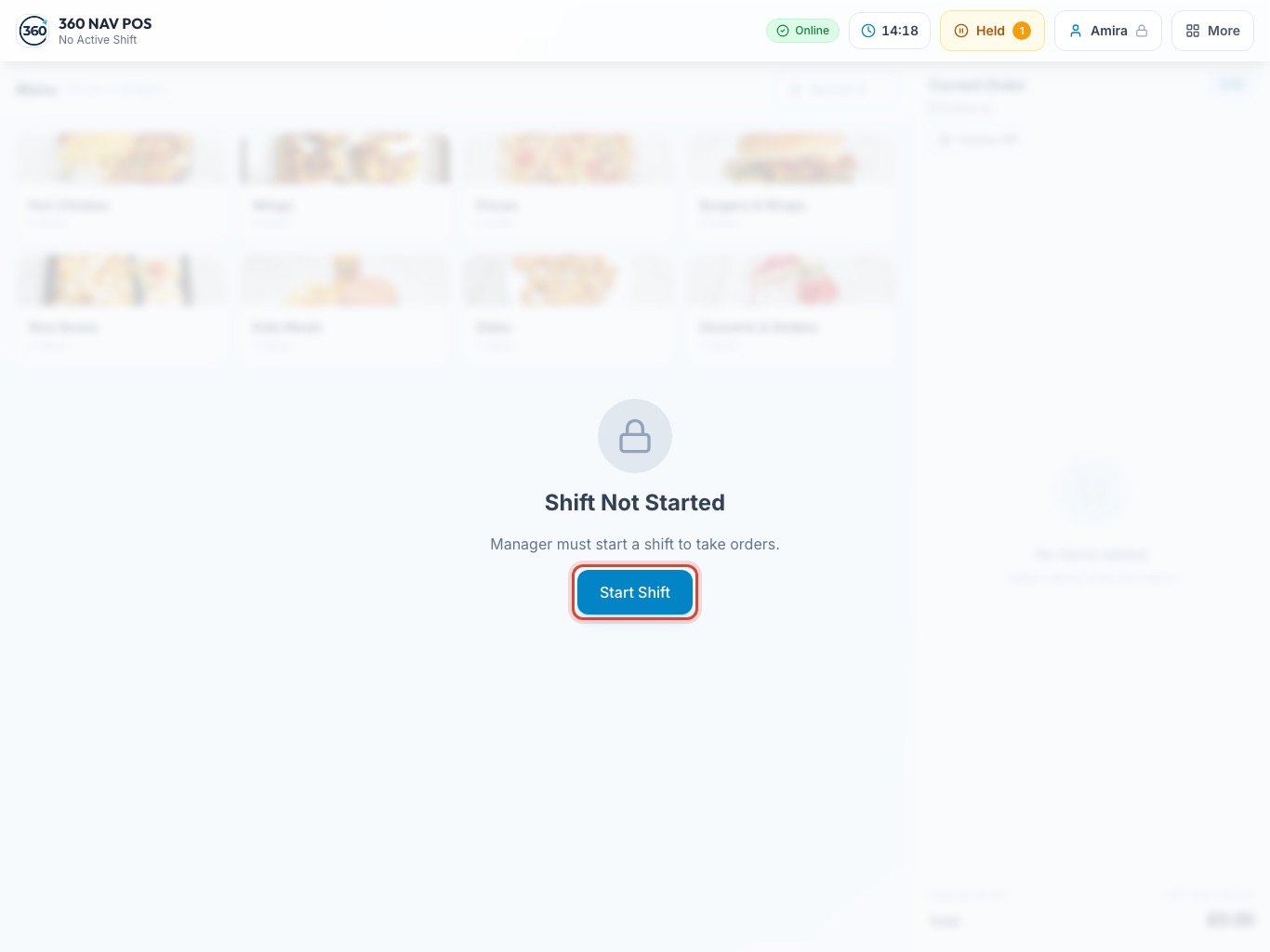
Start the next shift. Next time, a manager taps Start Shift and enters their PIN.
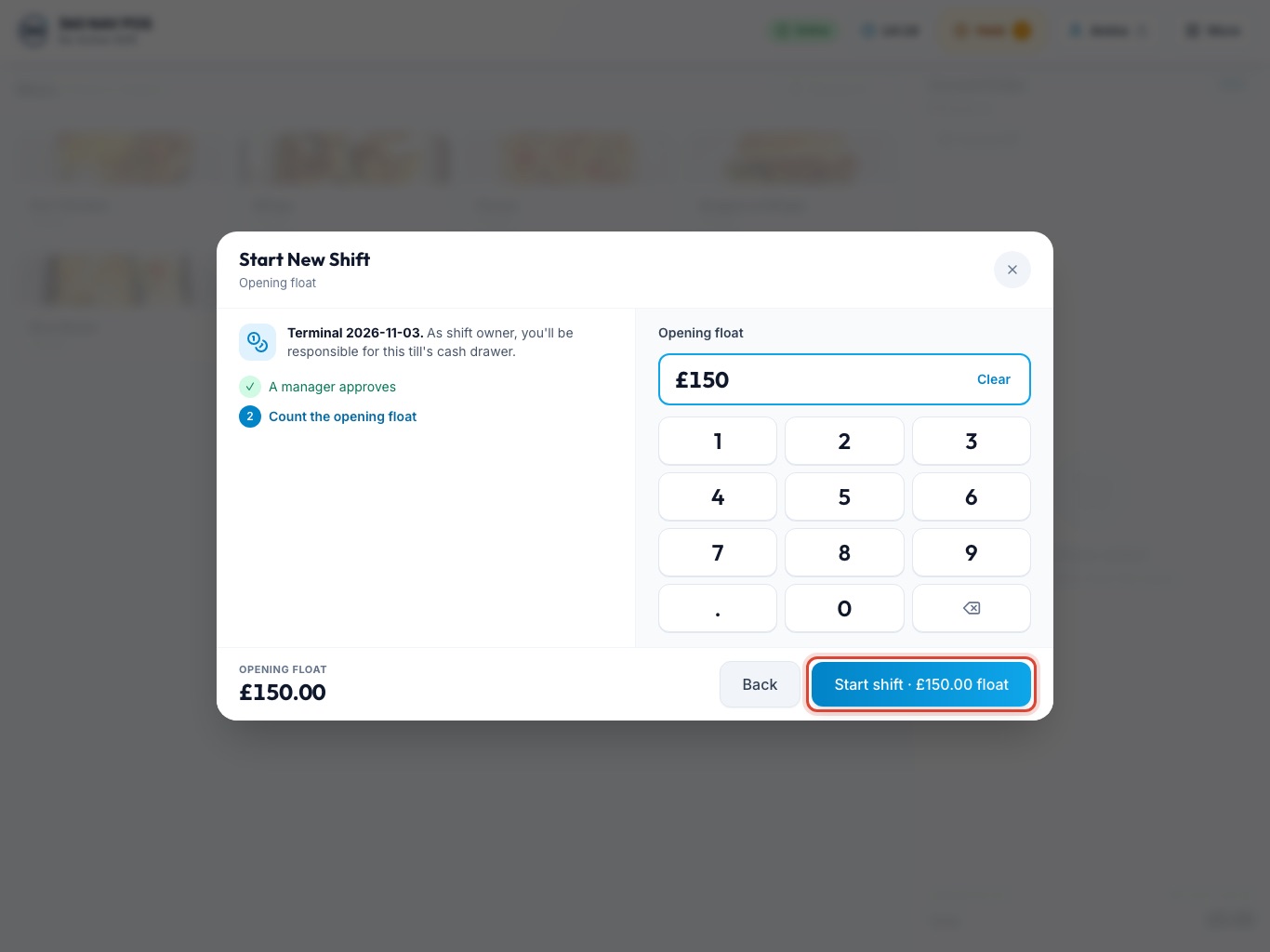
Count the float. Type the opening float, then Start shift.
Tips
- A Z-report can't be changed once it's made. It's your record for HMRC.
- If the count doesn't match, add a note to say why.