
Steps
Open Reports. Tap More, then Reports.
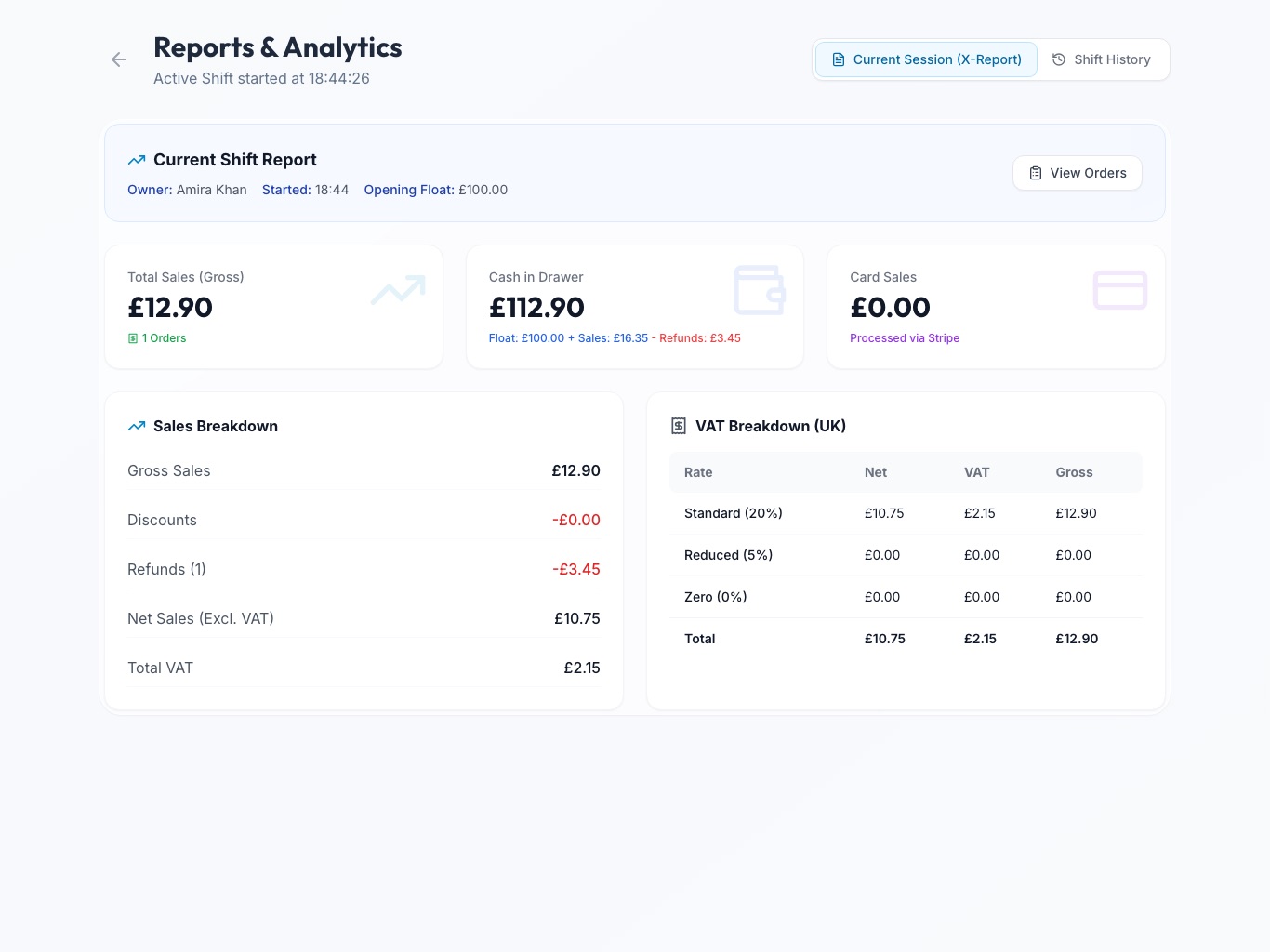
Read the X-report. It shows who opened the shift, the opening float, total sales, cash and card, and the cash that should be in the drawer.
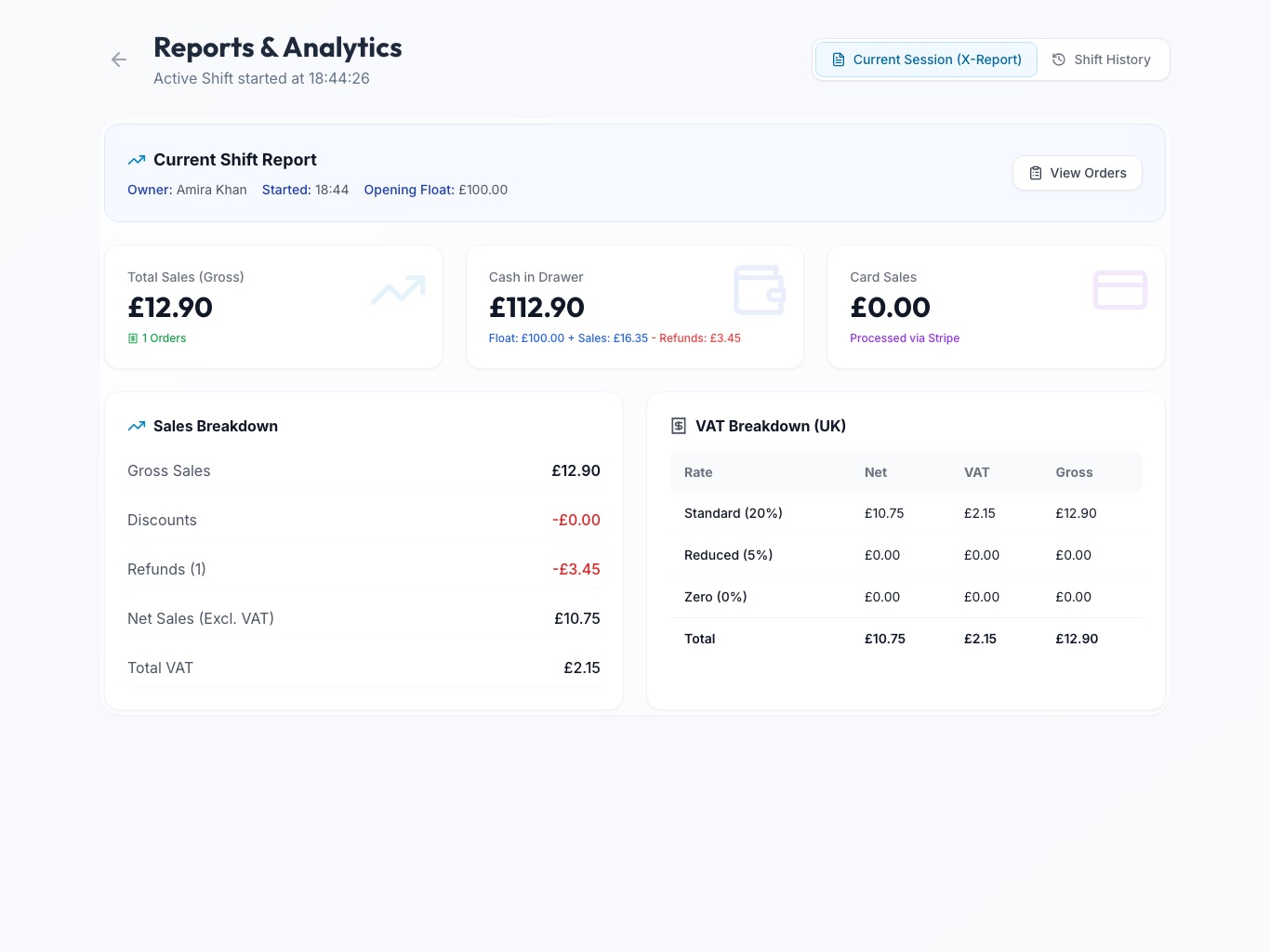
Check VAT. Scroll down for the sales breakdown and VAT by rate (standard 20%, reduced 5%, zero).
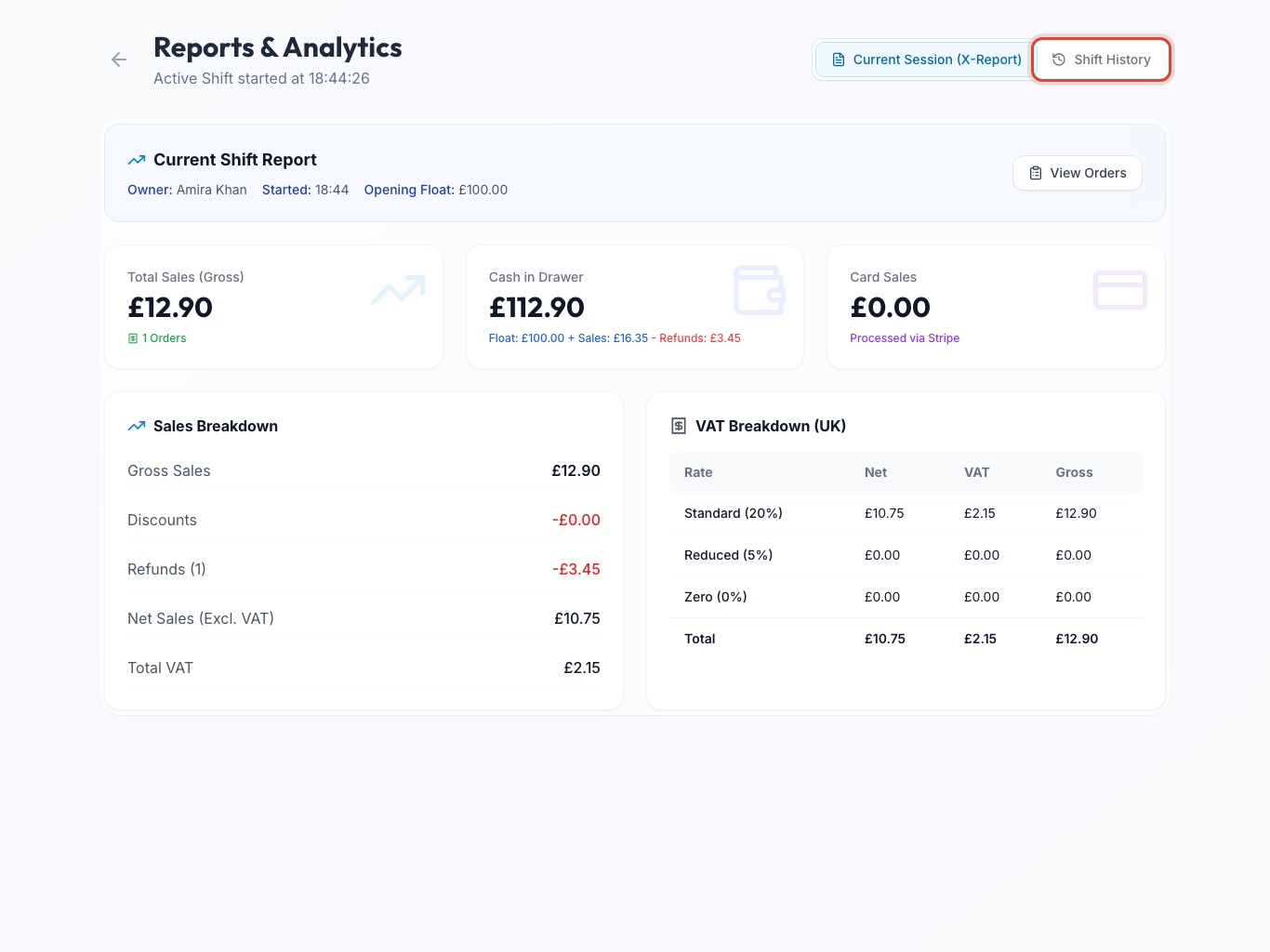
Look at past shifts. Shift History lists earlier shifts and their Z-reports.
Tips
- Checking the X-report doesn't close or reset the shift. You can look as often as you like.
- The cloud dashboard has fuller reports across all your tills and stores.