
Before you start
You need the order to have been paid on the current shift. Refunds are usually done by a manager.
Steps
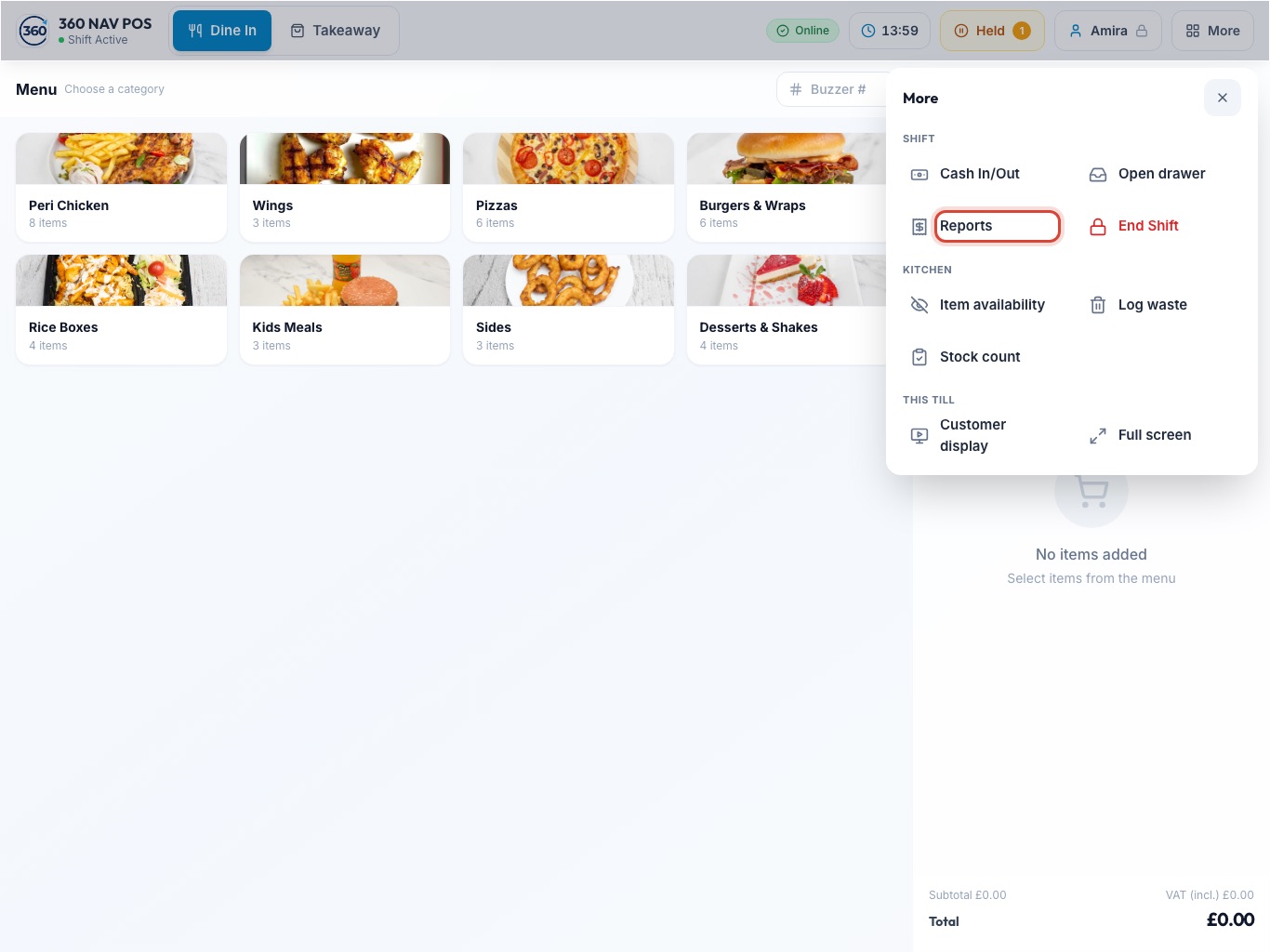
Open Reports. Tap More, then Reports.
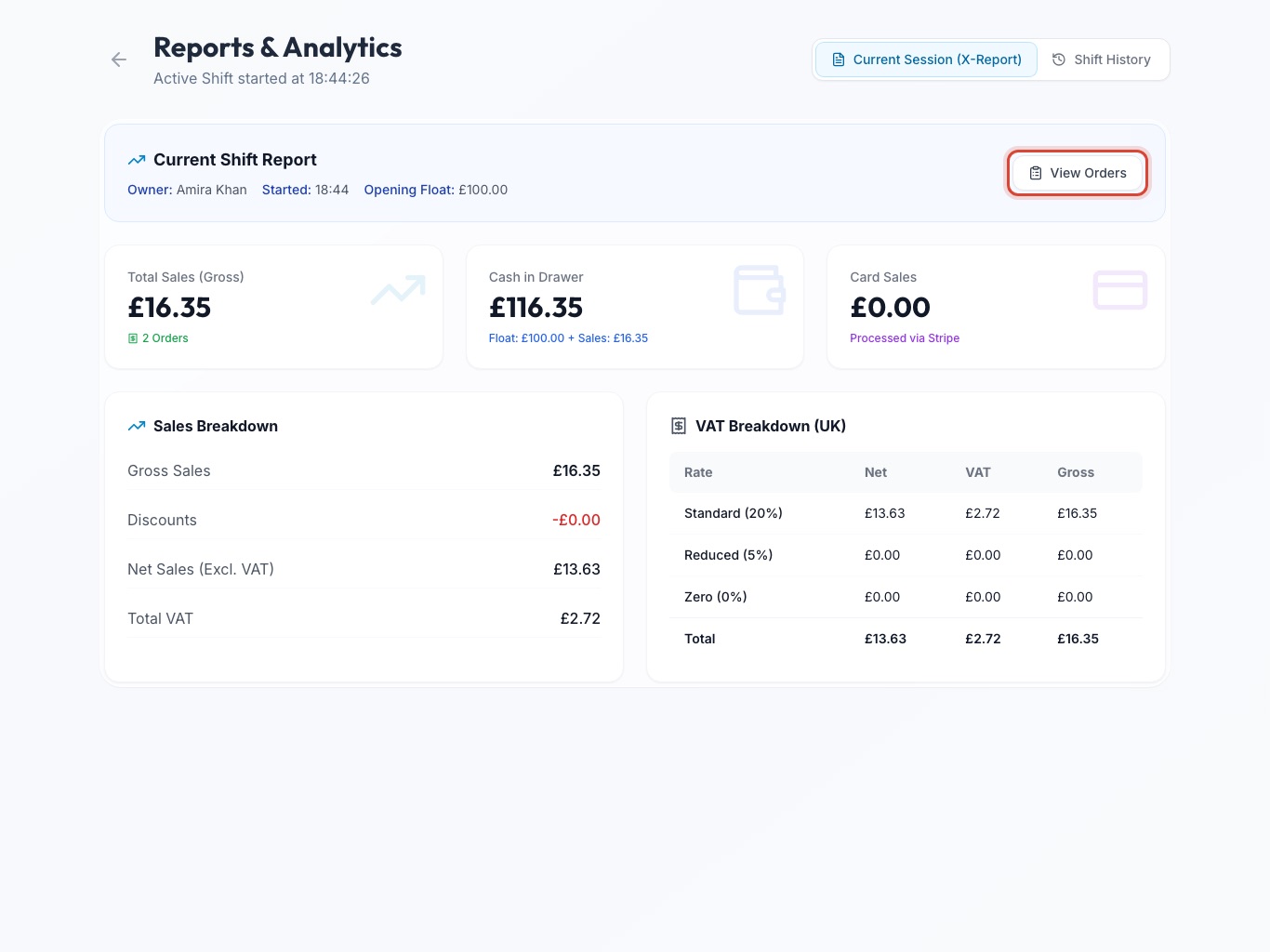
View the shift's orders. Tap View Orders.
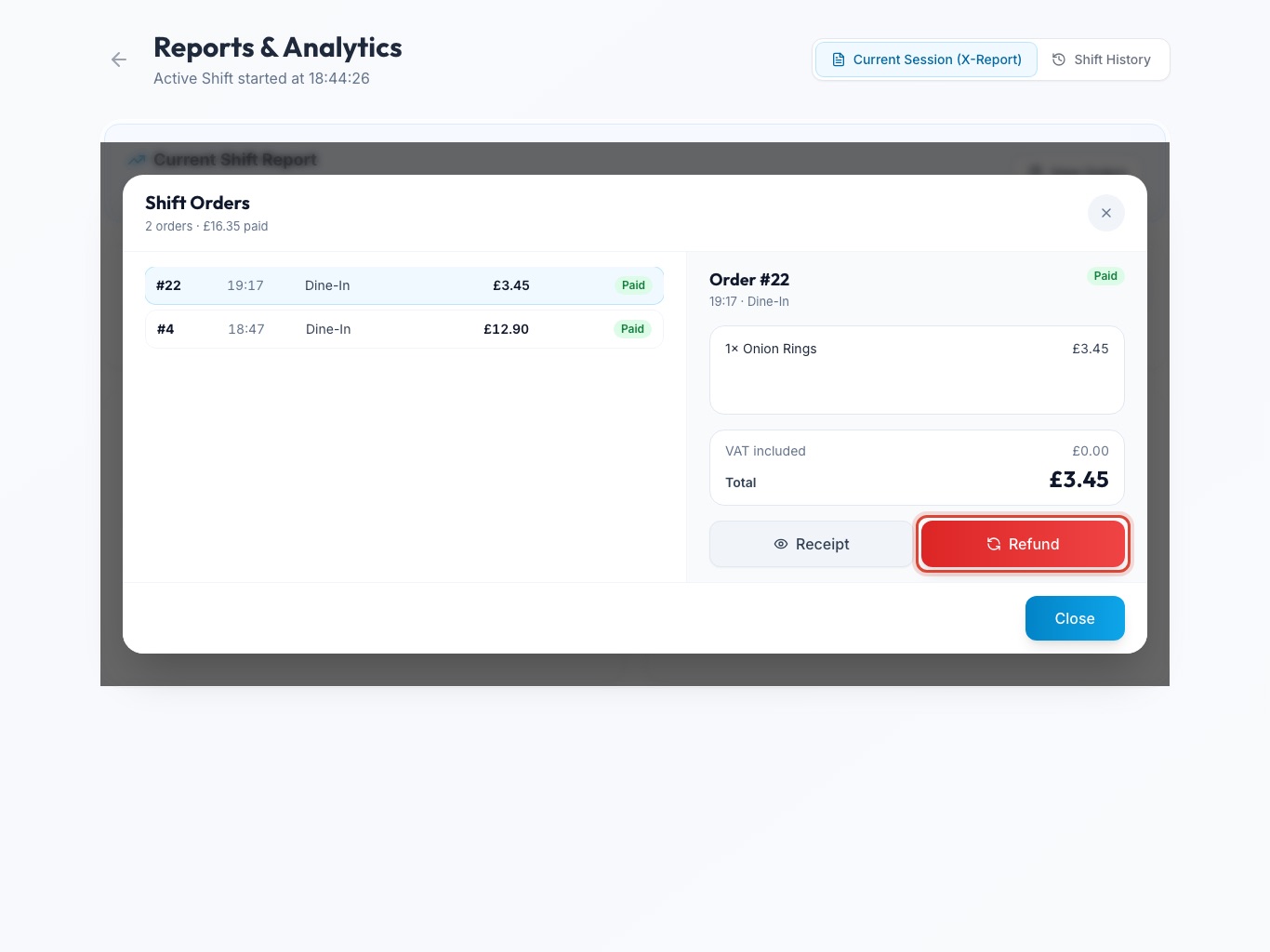
Open the order and tap Refund.
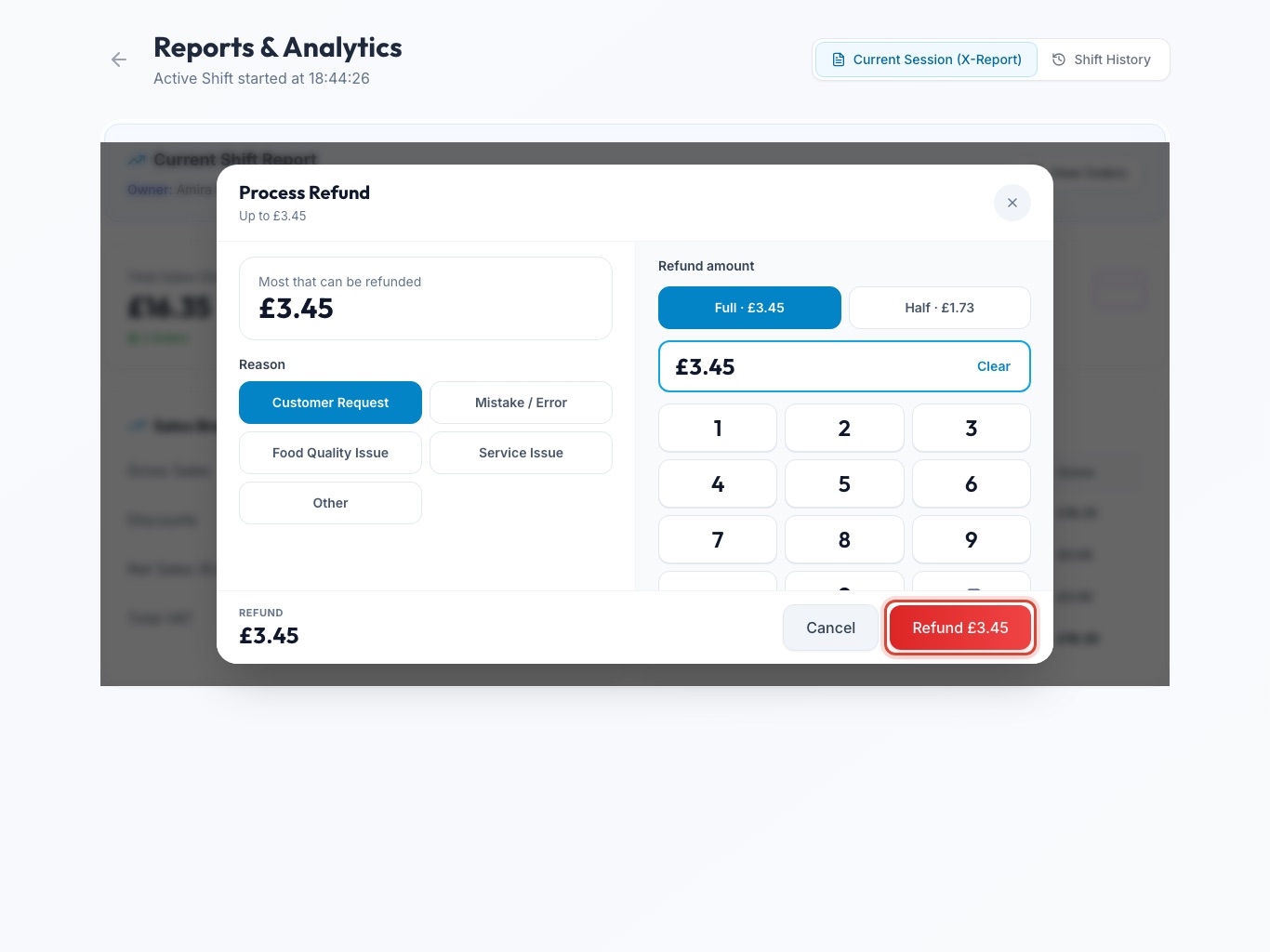
Choose a reason and the amount. Pick a reason, then Full, Half, or type the amount.
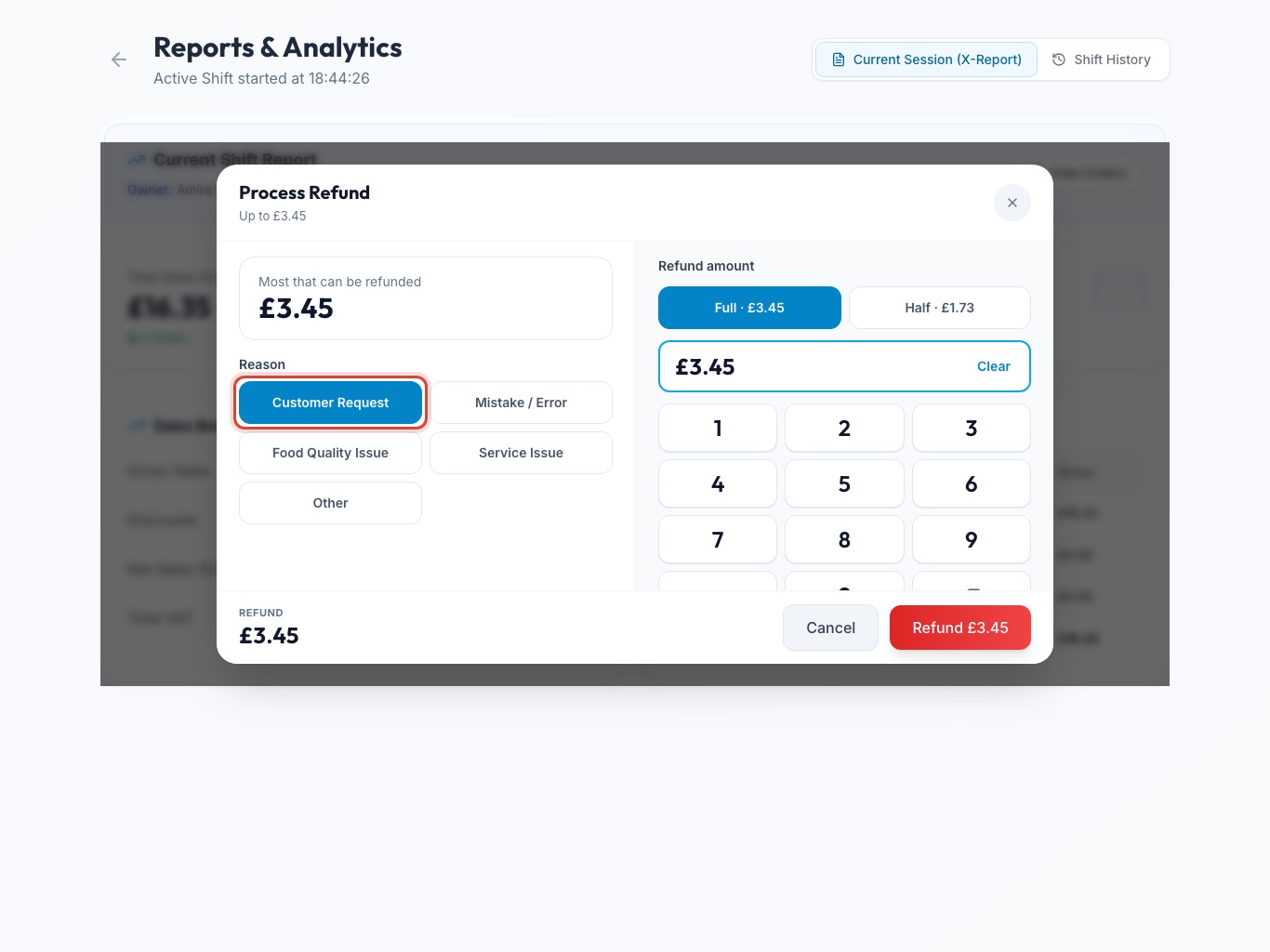
Refund. Tap Refund £…. Cash refunds come out of the drawer; card refunds go back to the customer's card.
Tips
- The refund shows on the X and Z reports, and the expected cash in the drawer goes down by the cash refunded.
- You can't refund more than was paid.