
Steps
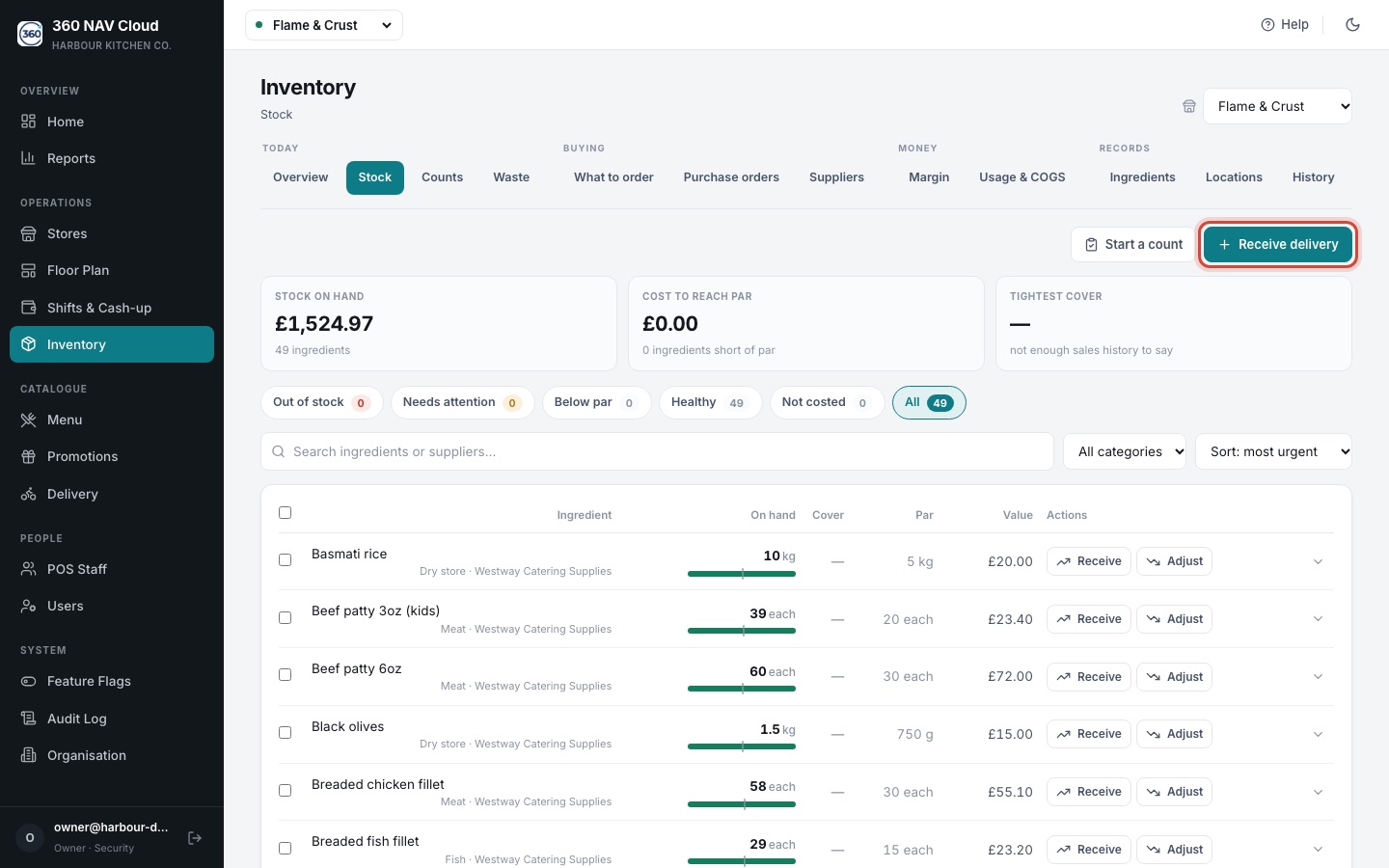
Open Inventory, then Stock.
Click Receive delivery. Deliveries you ordered through Purchase orders are listed at the top.
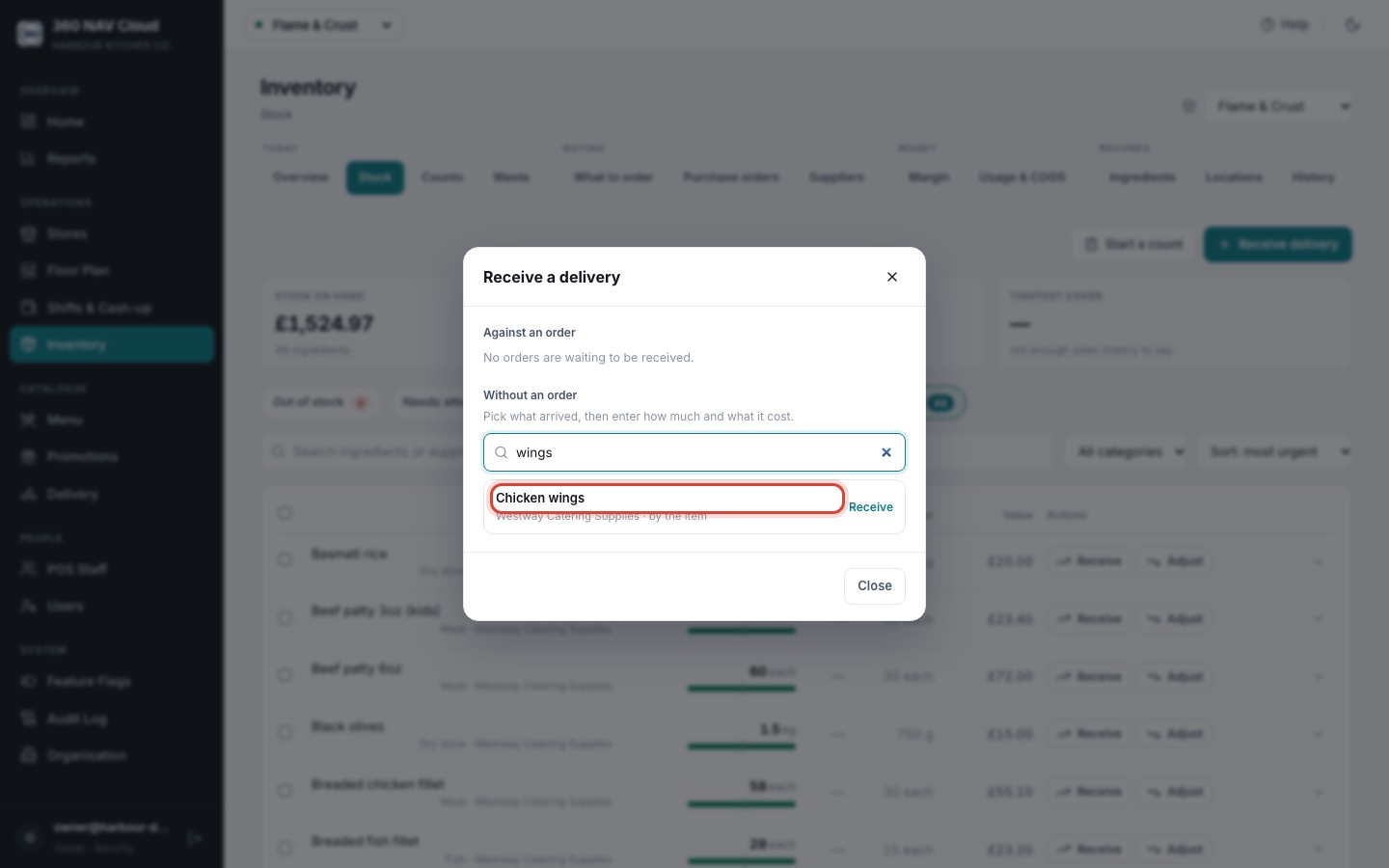
Find what arrived. Search for the ingredient or supplier, then click Receive.
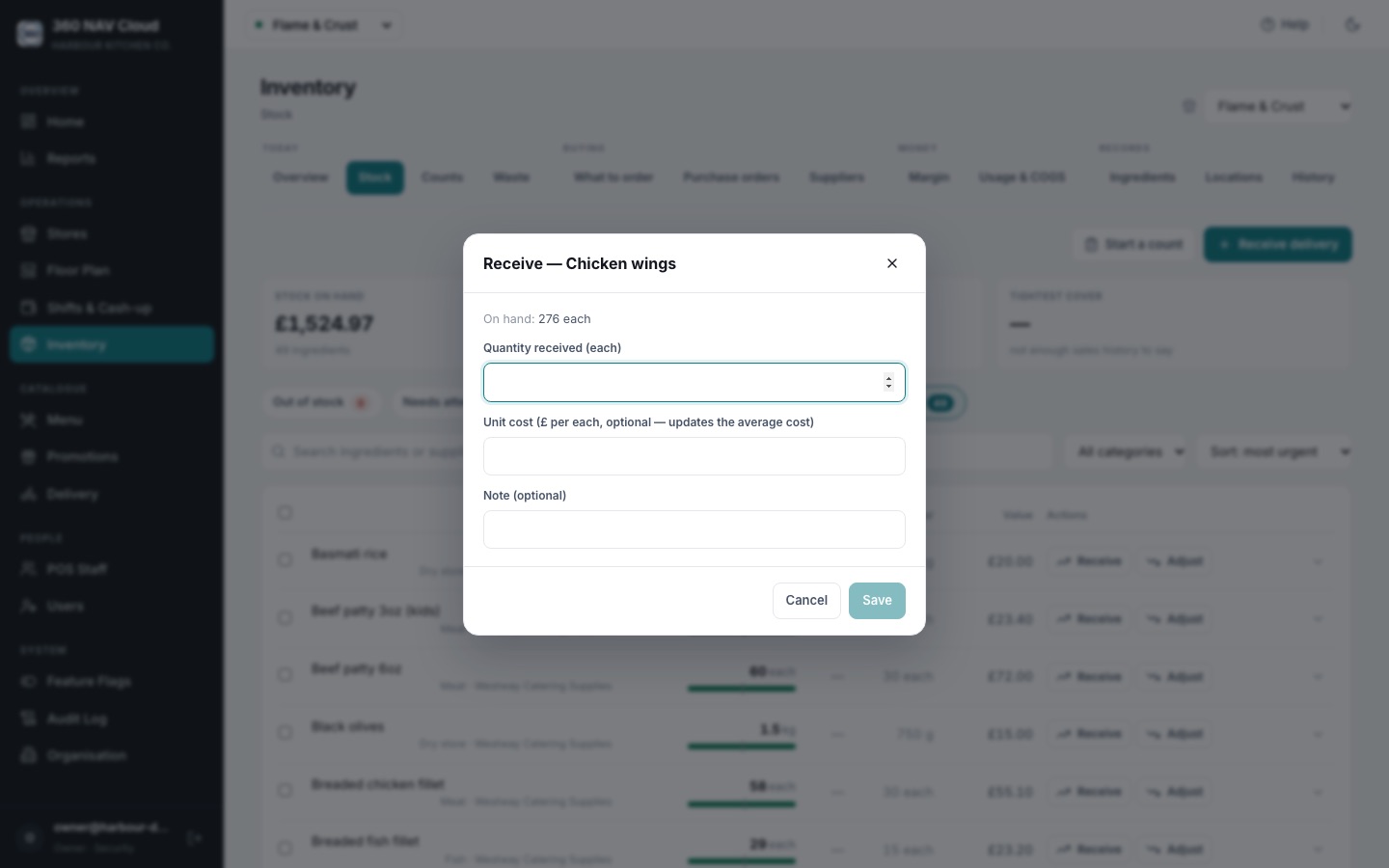
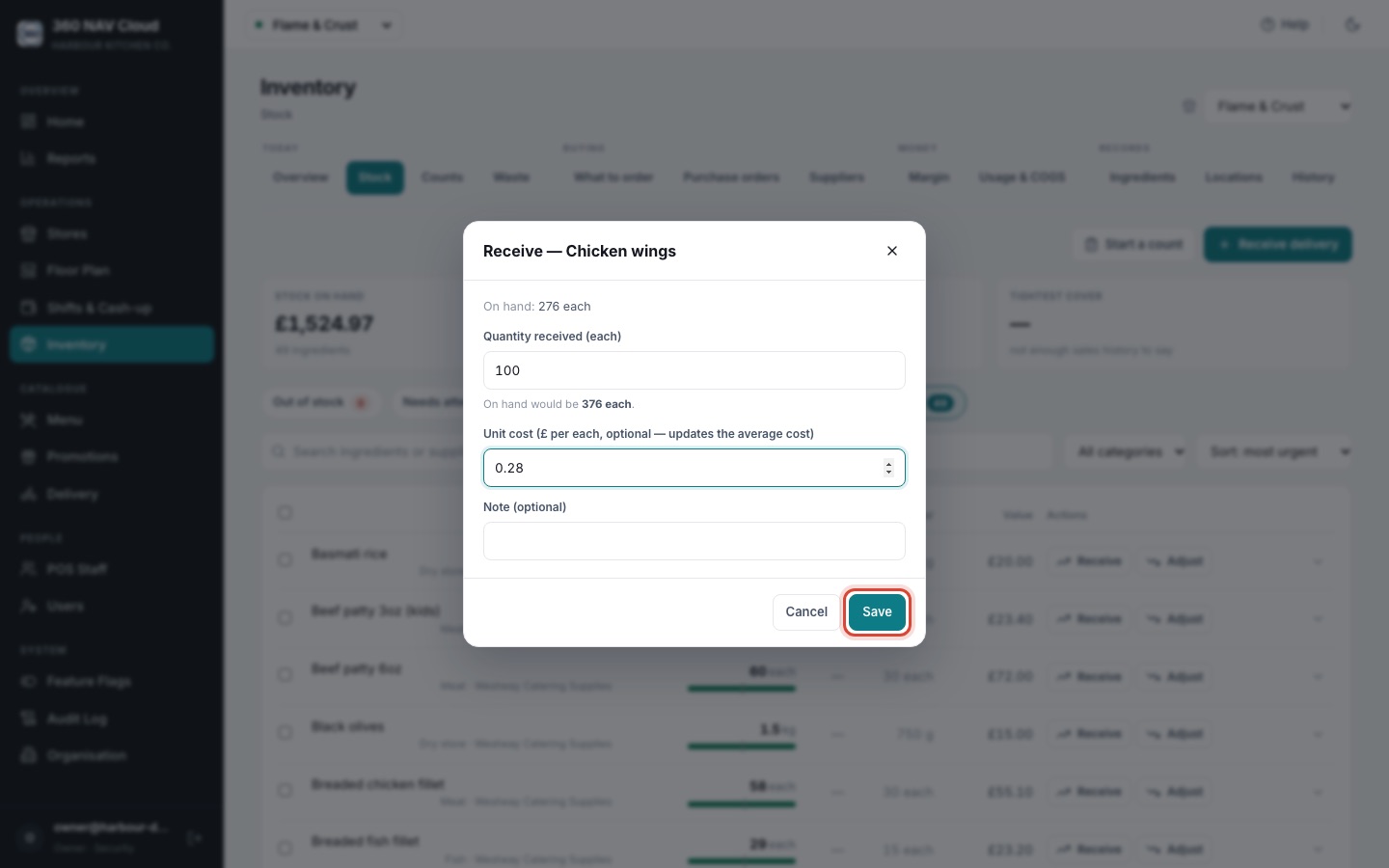
Enter the quantity and cost.
Save. Stock goes up straight away.
Tips
- Recipes take stock off automatically each time a dish is sent to the kitchen, so receiving deliveries is what keeps the numbers right.