
Steps
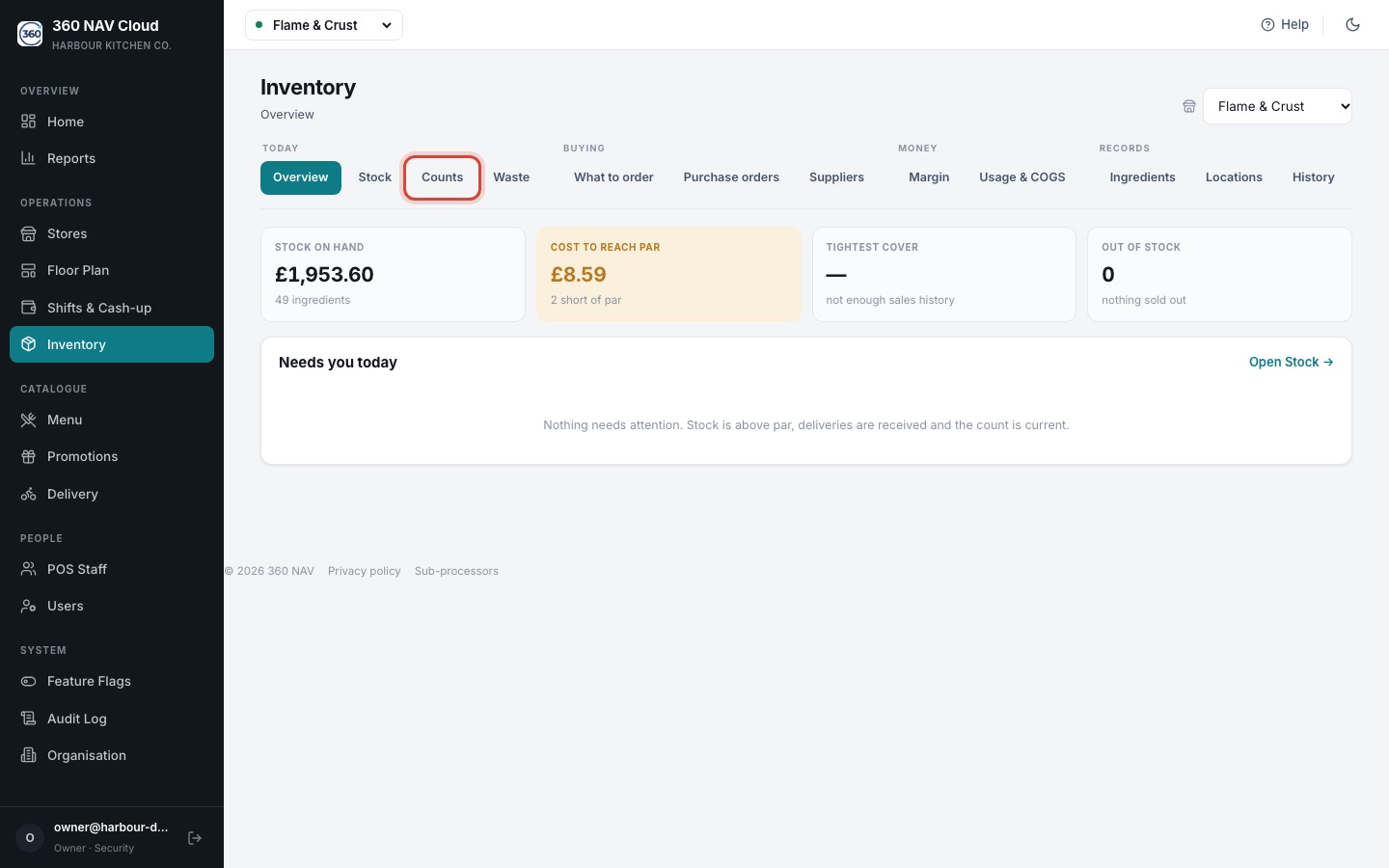
Open Inventory, then Counts. It shows when you last counted and how many items have never been counted.
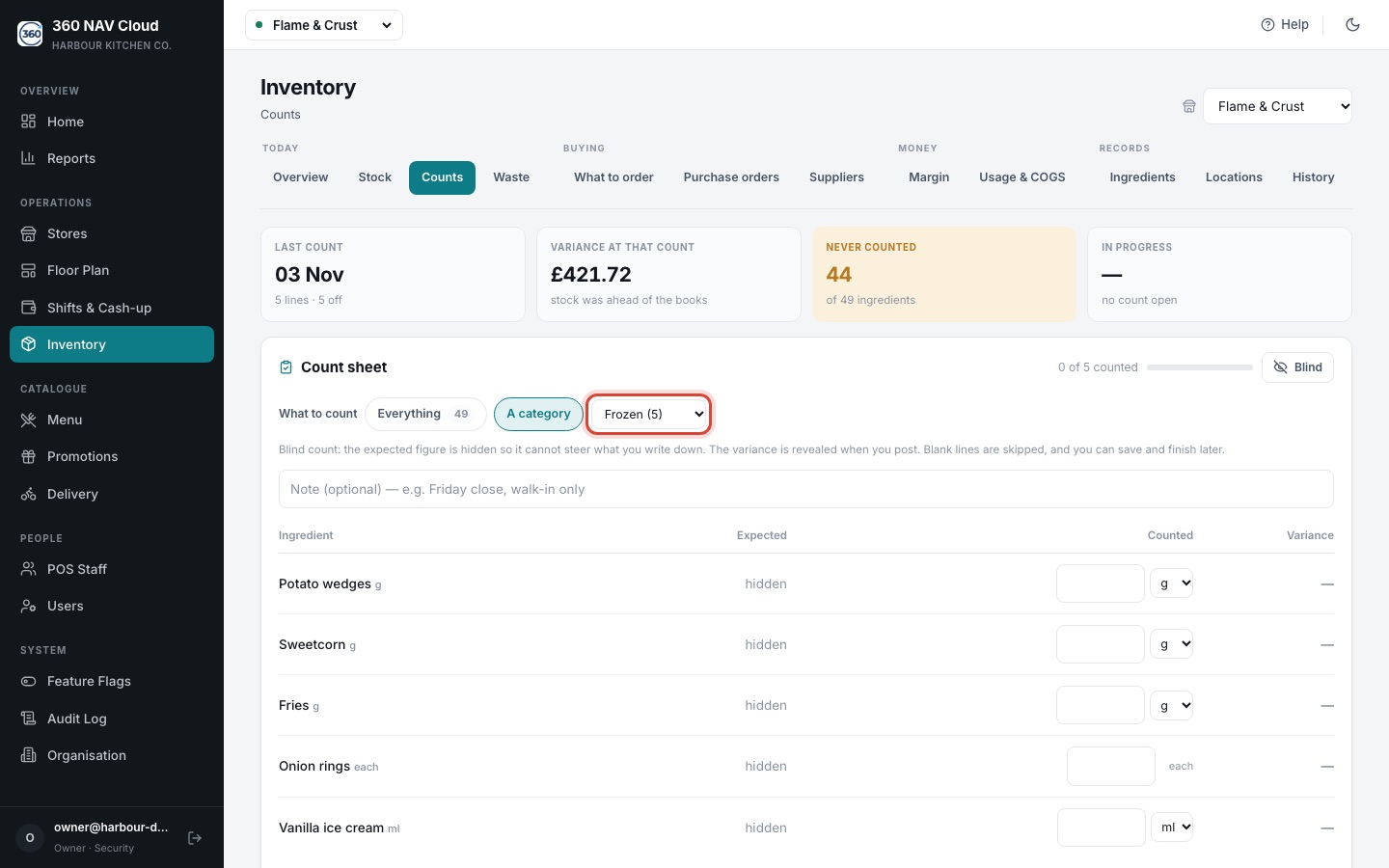
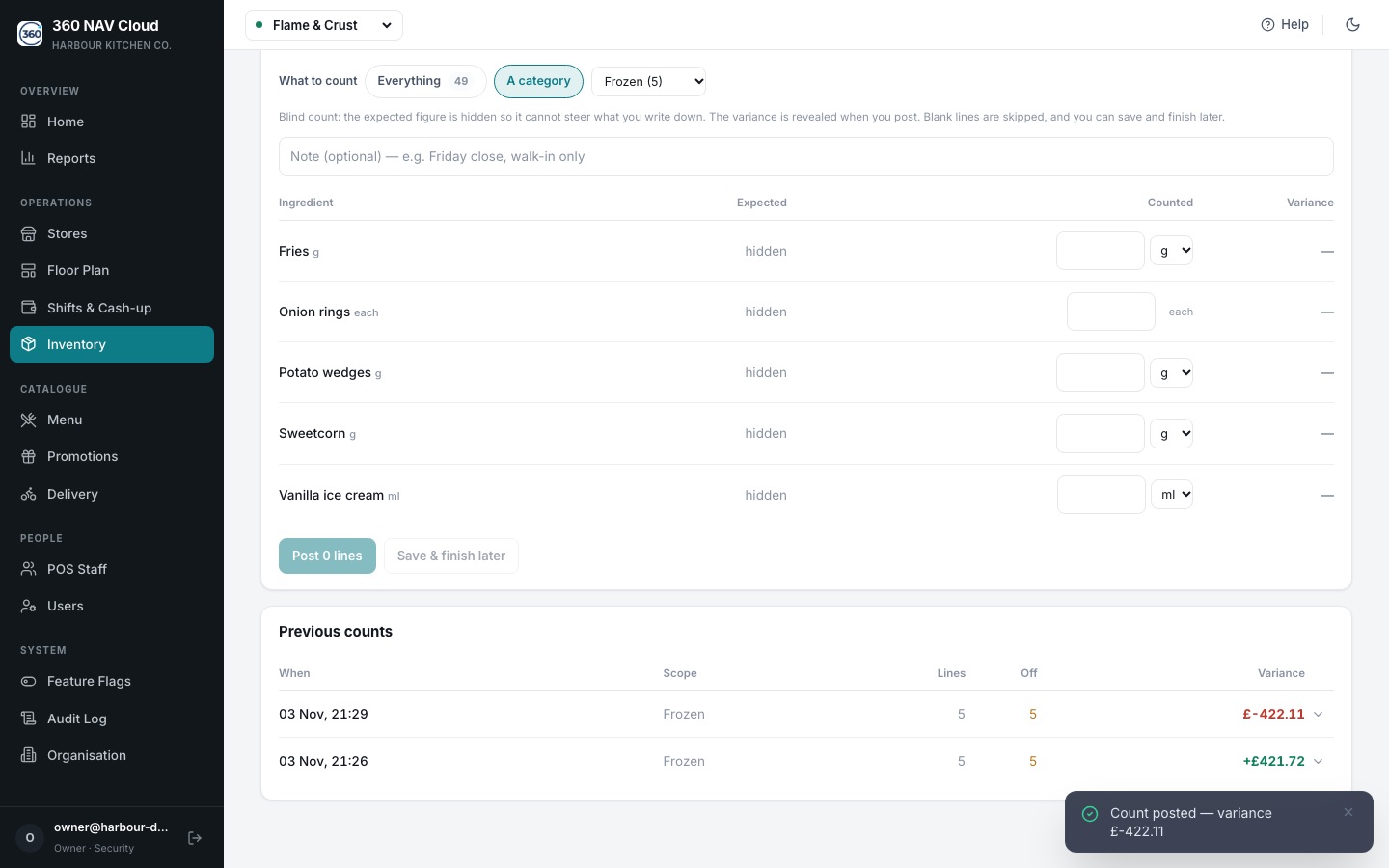
Choose what to count. Everything, or one category such as Frozen.
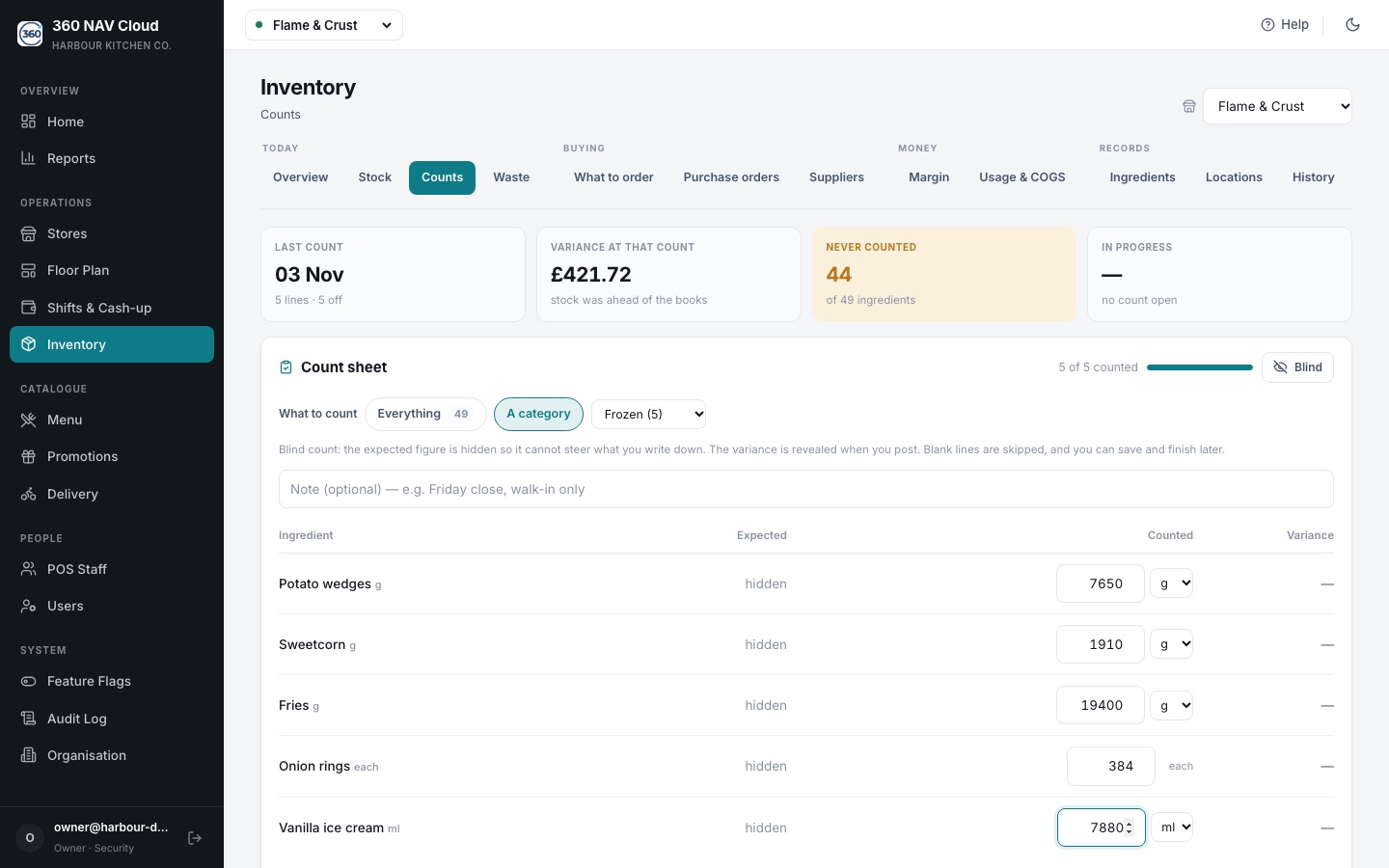
Type what's on the shelf. It's a blind count, so the expected figure is hidden. Blank lines are skipped.
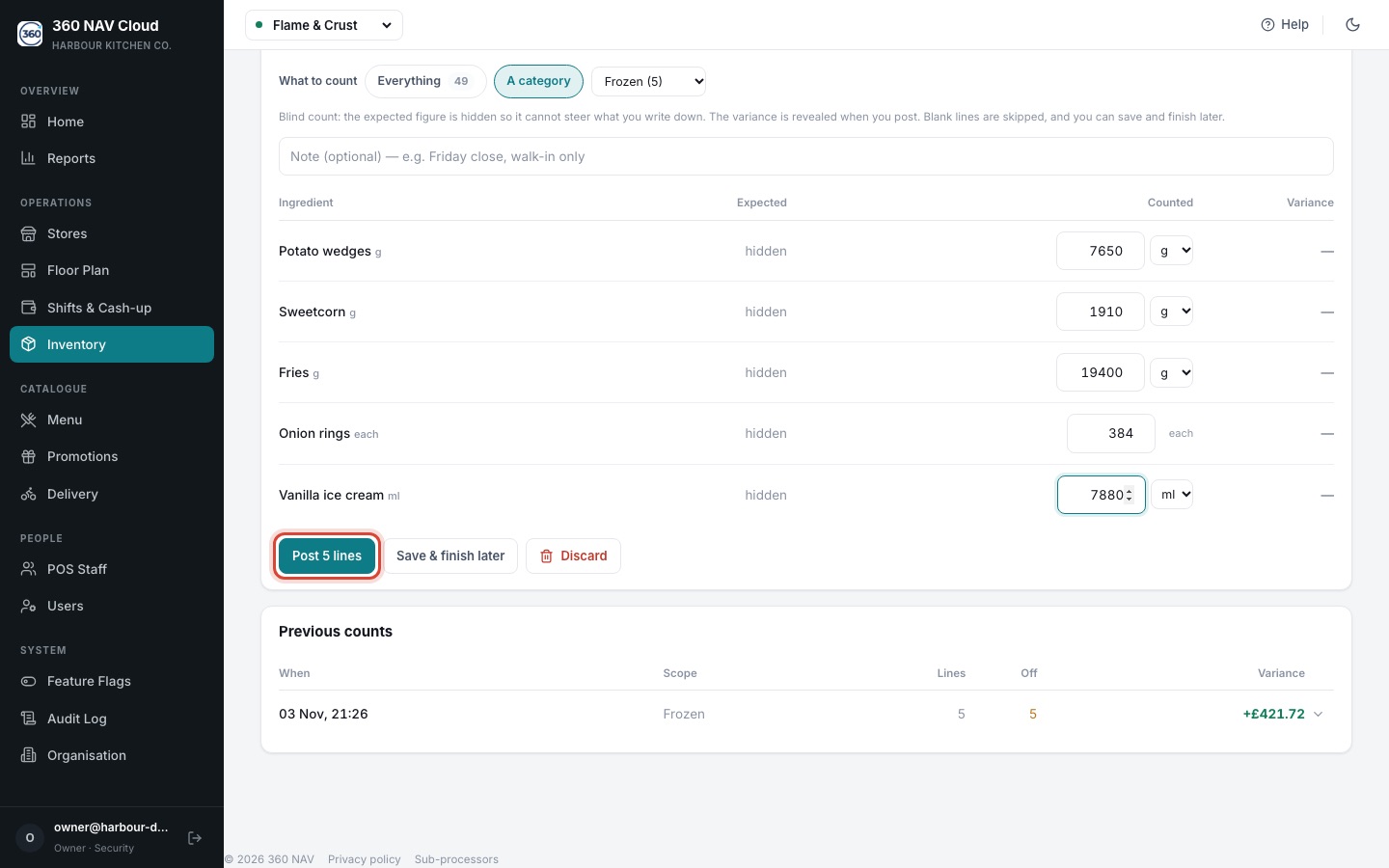
Post the count. Click Post, and confirm. Stock is corrected and the differences show for each item.
Tips
- Staff can also count on a phone with the Serve app.