
Steps
Scan the restricted item. Alcohol, tobacco, knives and other restricted items pause the sale with a Challenge 25 check. The screen shows the date the customer must be born on or before.
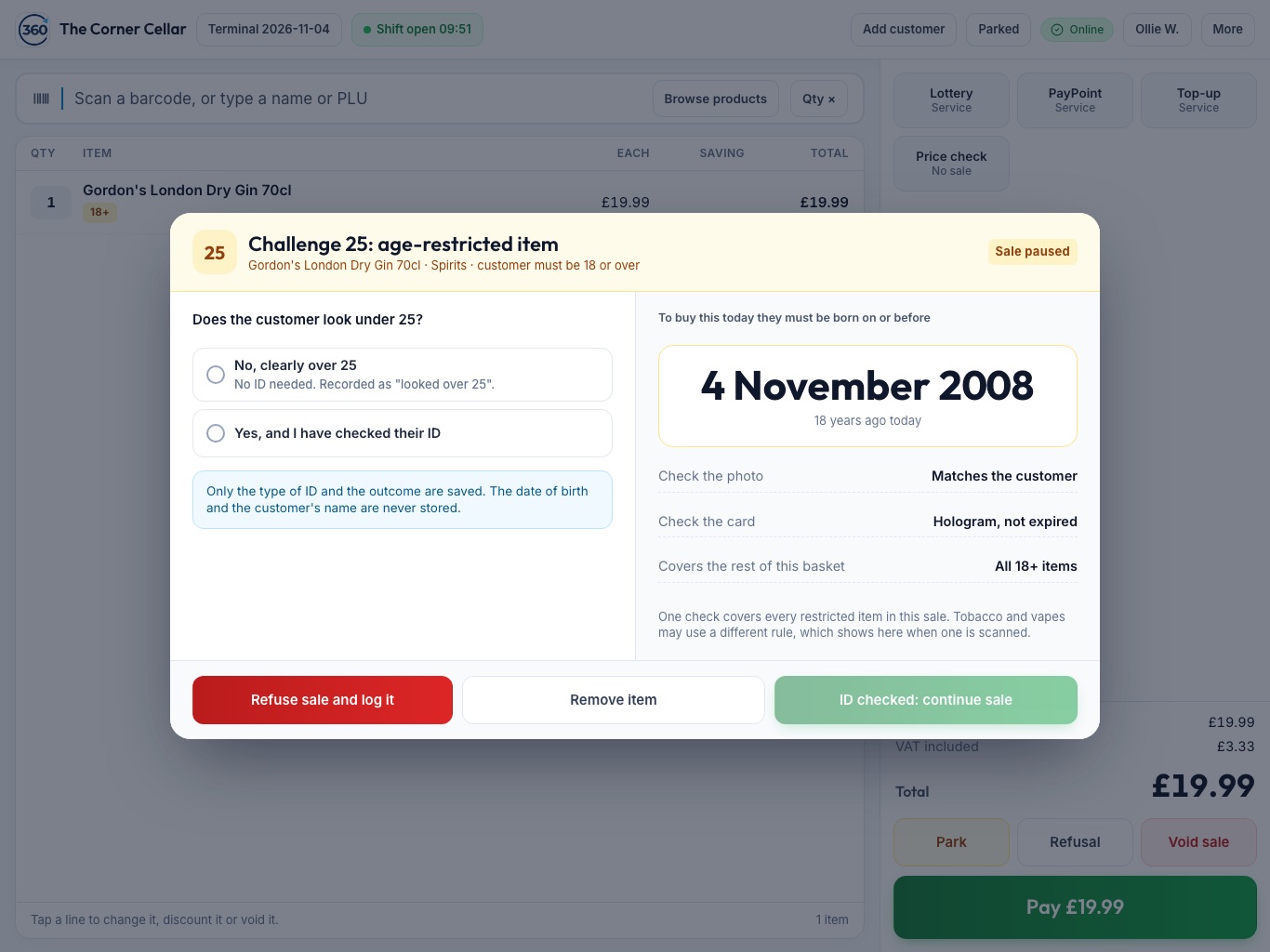
Decide. If the customer clearly looks over 25, tap No, clearly over 25. Otherwise ask for ID, check the photo and the card, and tap Yes, and I have checked their ID.
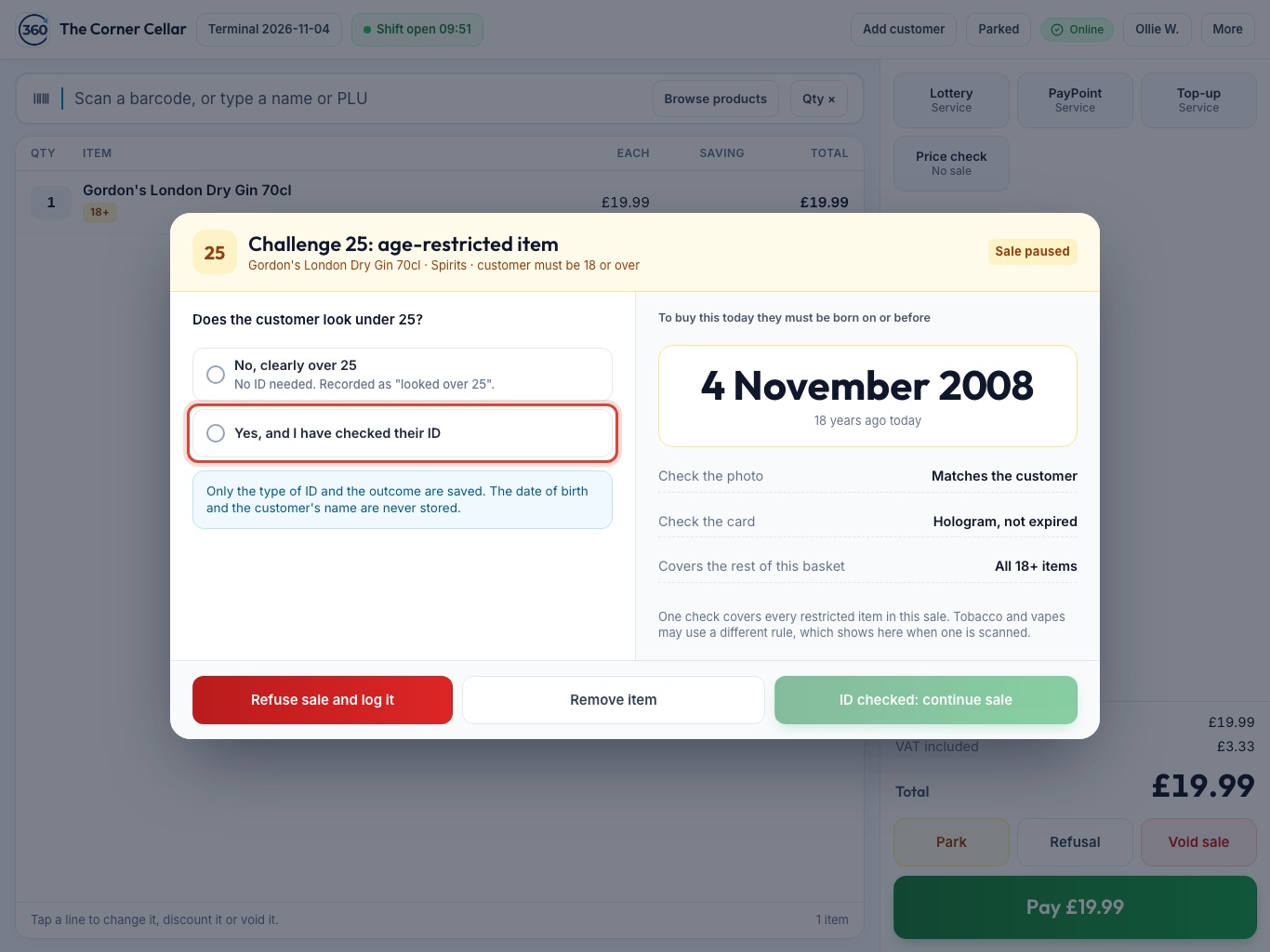
Pick the ID and continue. Choose the ID you saw (photo driving licence, passport, PASS card or military ID), then ID checked: continue sale. Only the type of ID and the outcome are saved, never the name or date of birth. One check covers every restricted item in the sale.
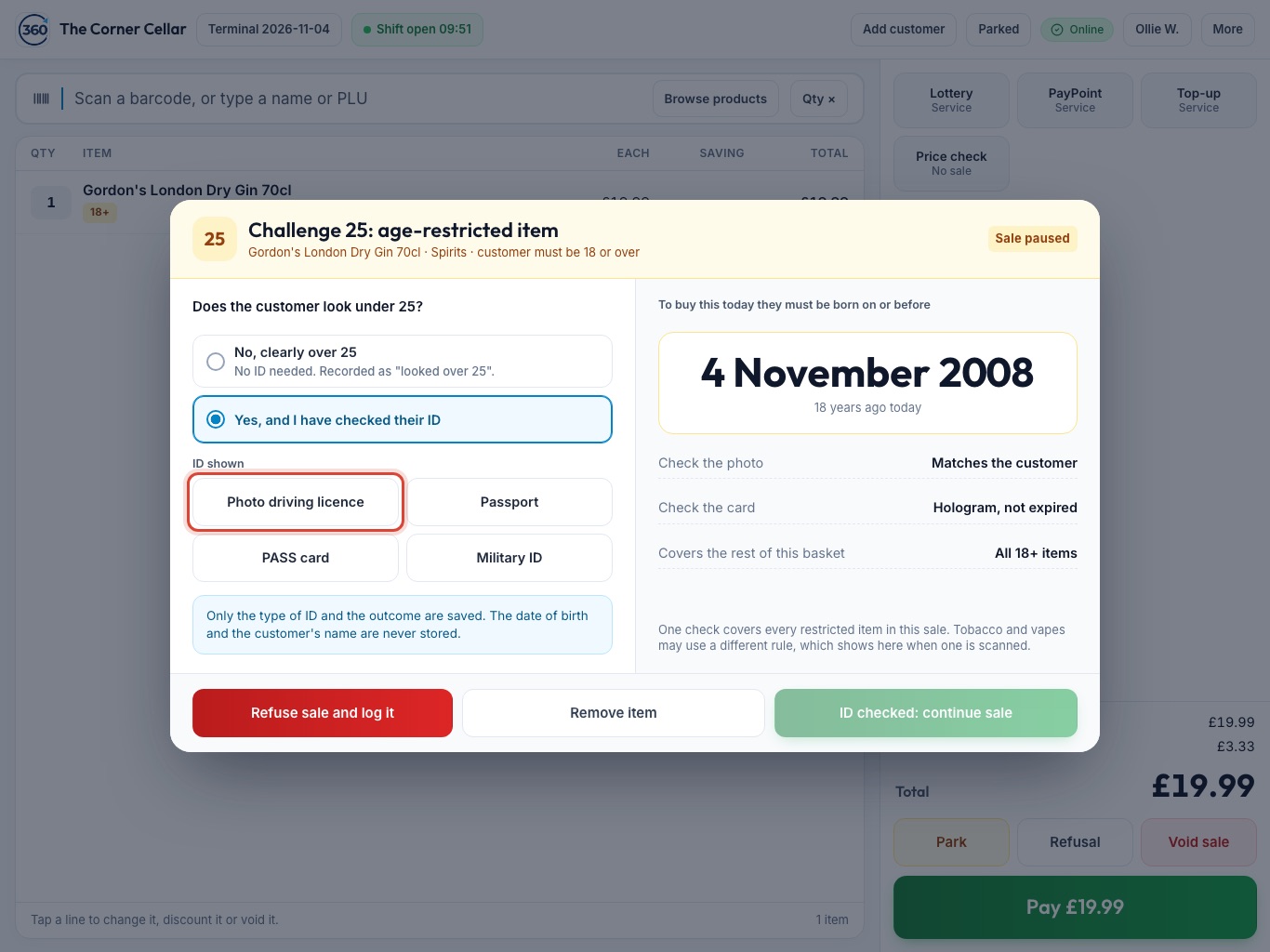
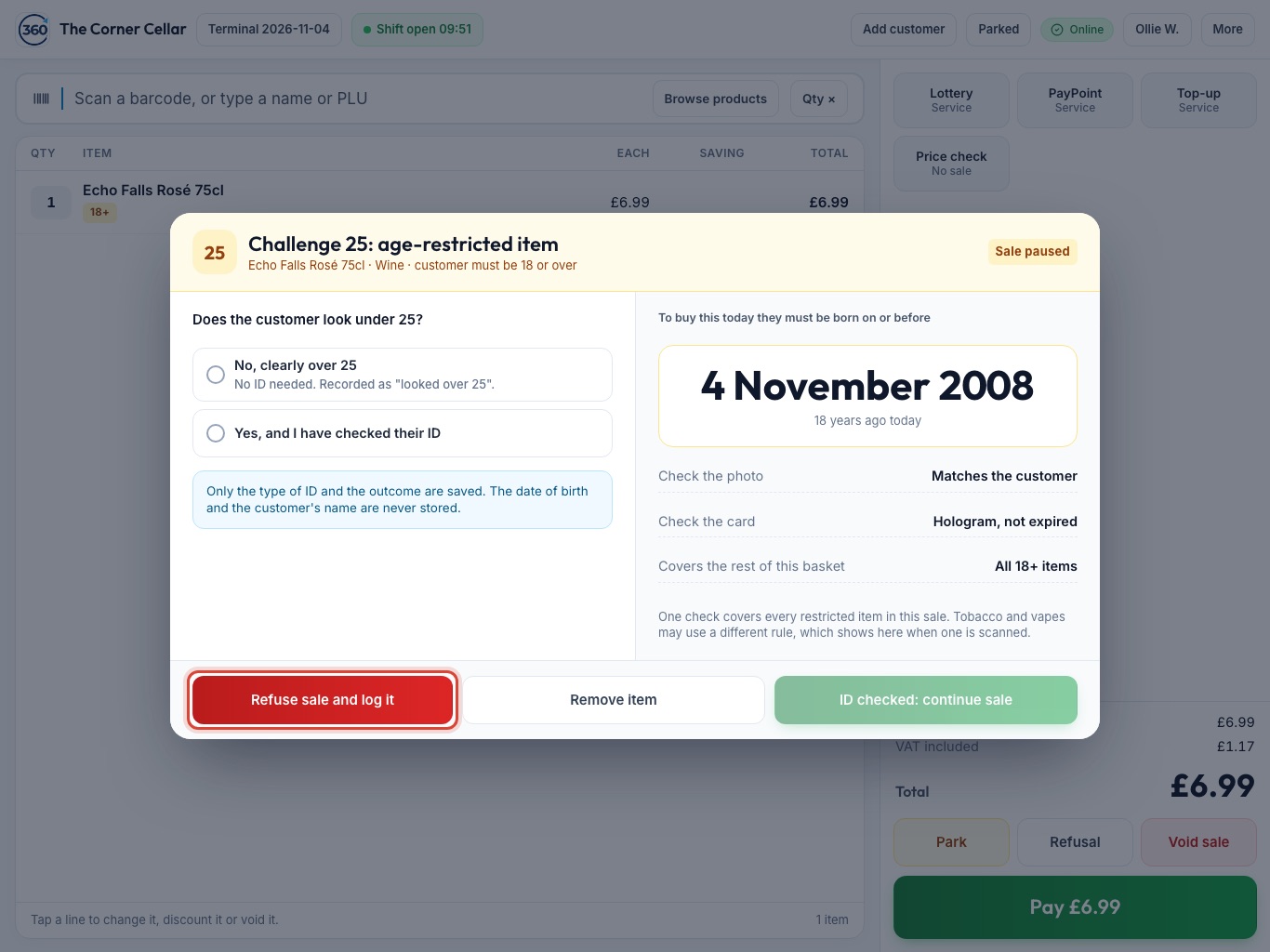
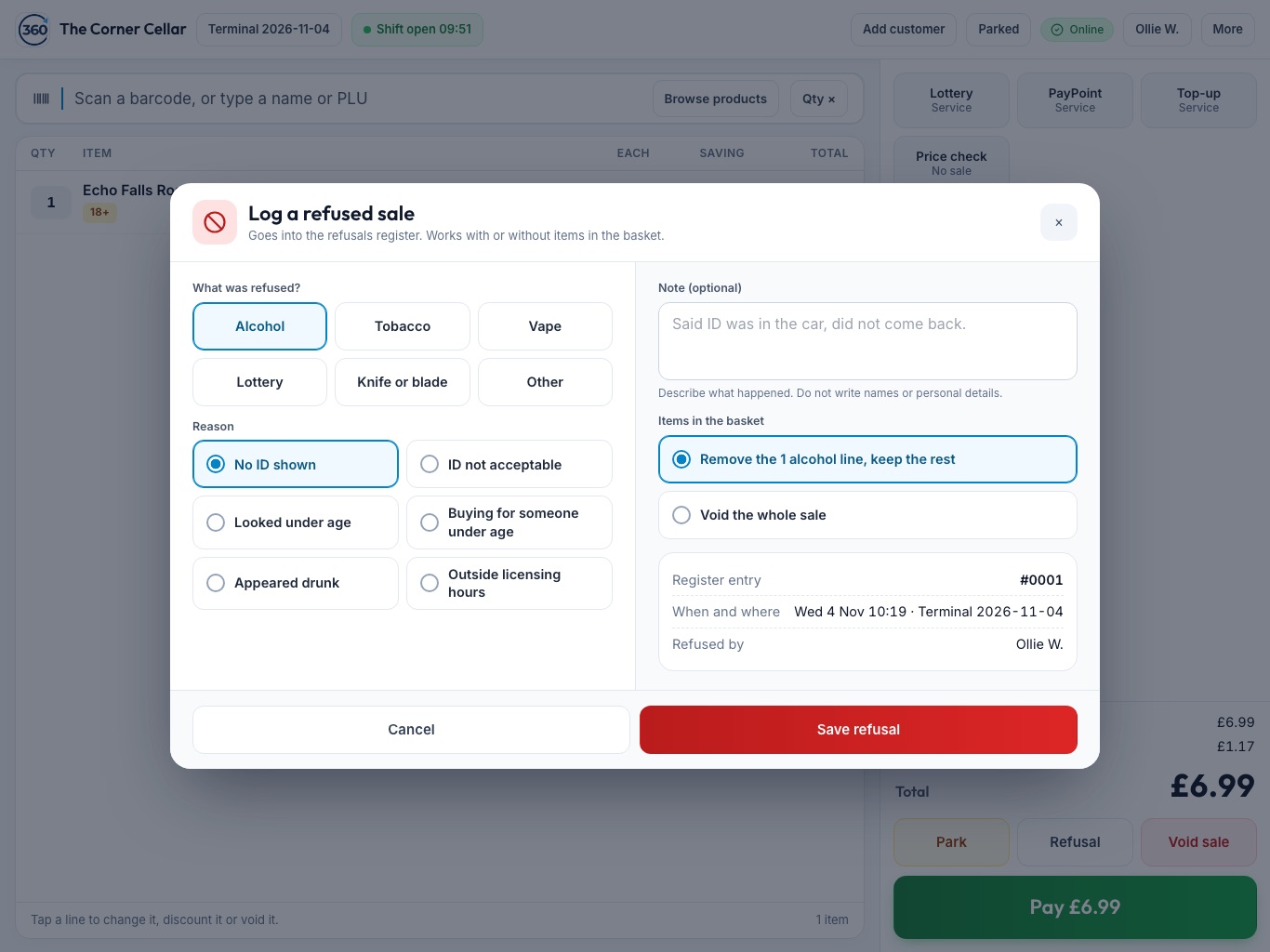
Refuse when you need to. Tap Refuse sale and log it (or Refusal at any time). Choose what was refused and why, add a note without personal details, and decide whether to remove just the restricted items or void the whole sale. Then Save refusal; it goes in the refusals register with a number, time and who refused.
Tips
- Managers can see every check under Age checks and every refusal under Refusals register in the dashboard.
- Staff whose Challenge 25 training isn't on record need a manager's PIN to answer a check. Record each person's training date on their profile under POS Staff.
- Which products need a check is set by department (for example Wine, Spirits, Beer & Cider) or per product.