
Steps
Sign in with your PIN. Every sale, age check and refusal is recorded against you.
Scan the first item. The scanner works from any screen, so there's no need to tap the search box first.
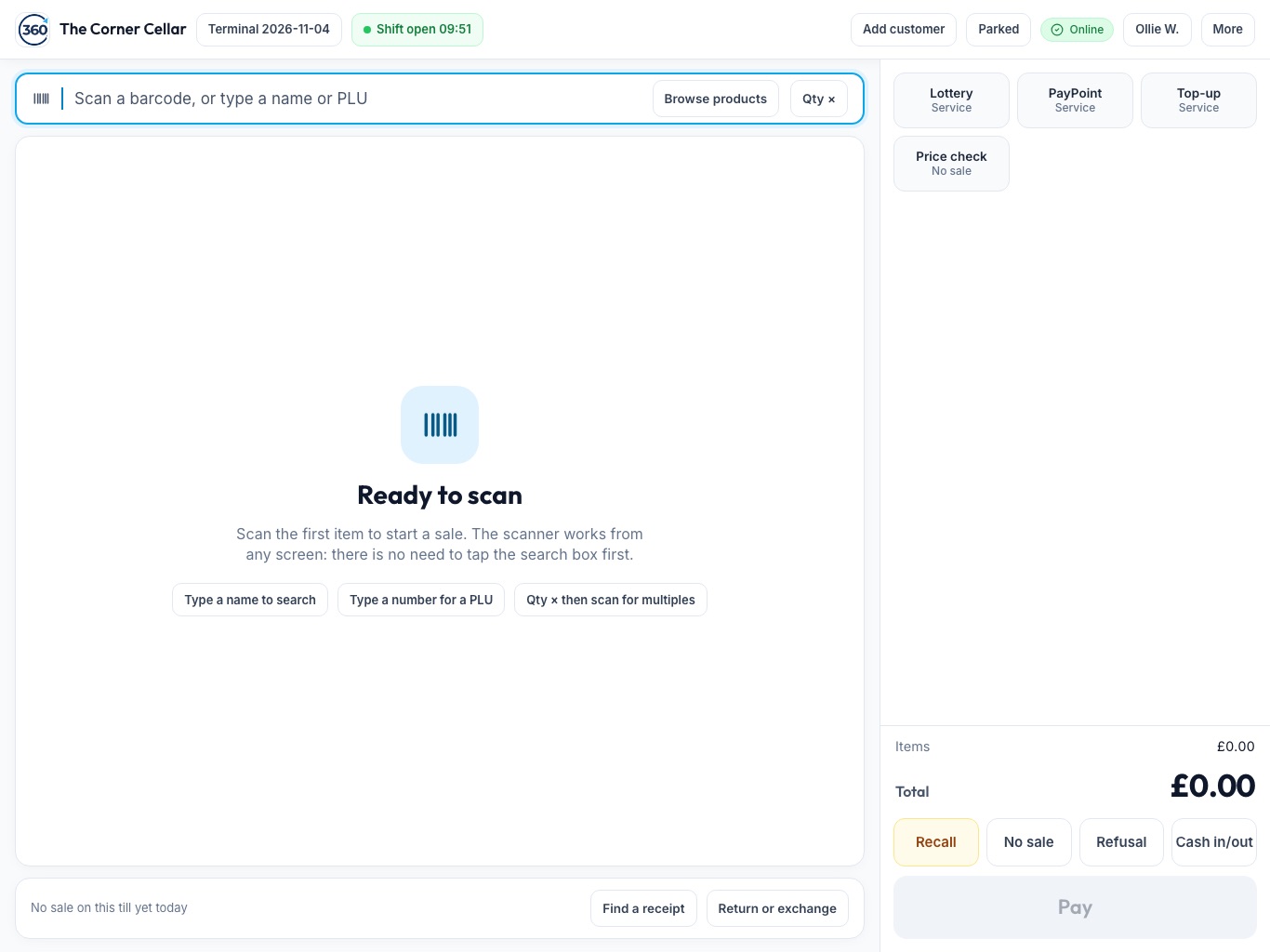
No barcode? Search. Type the name and pick the item. You can also type a PLU number, or tap Browse products.
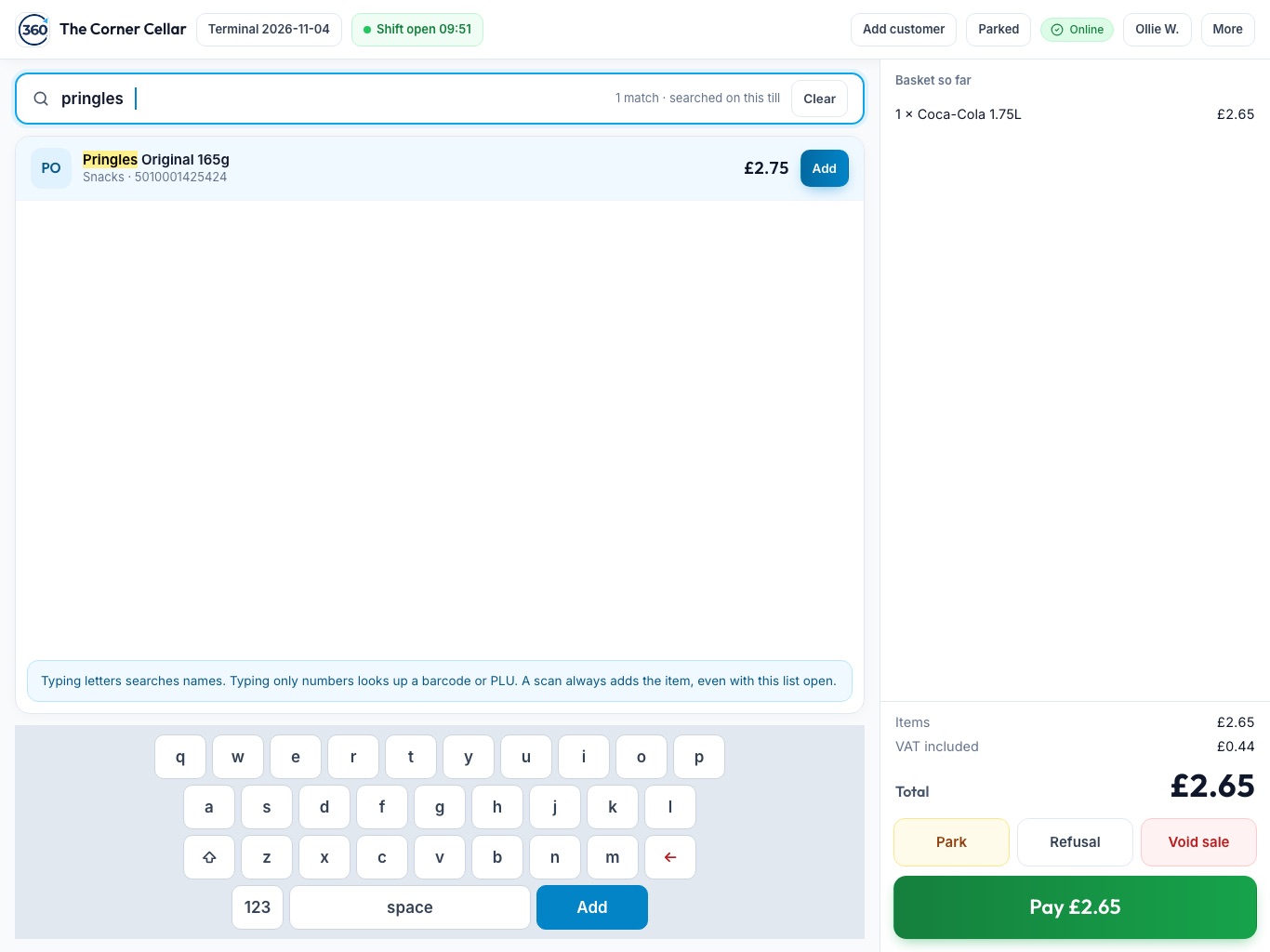
Keep scanning. Scan the same item again for another one. For a lot of the same, use Qty × then scan once.
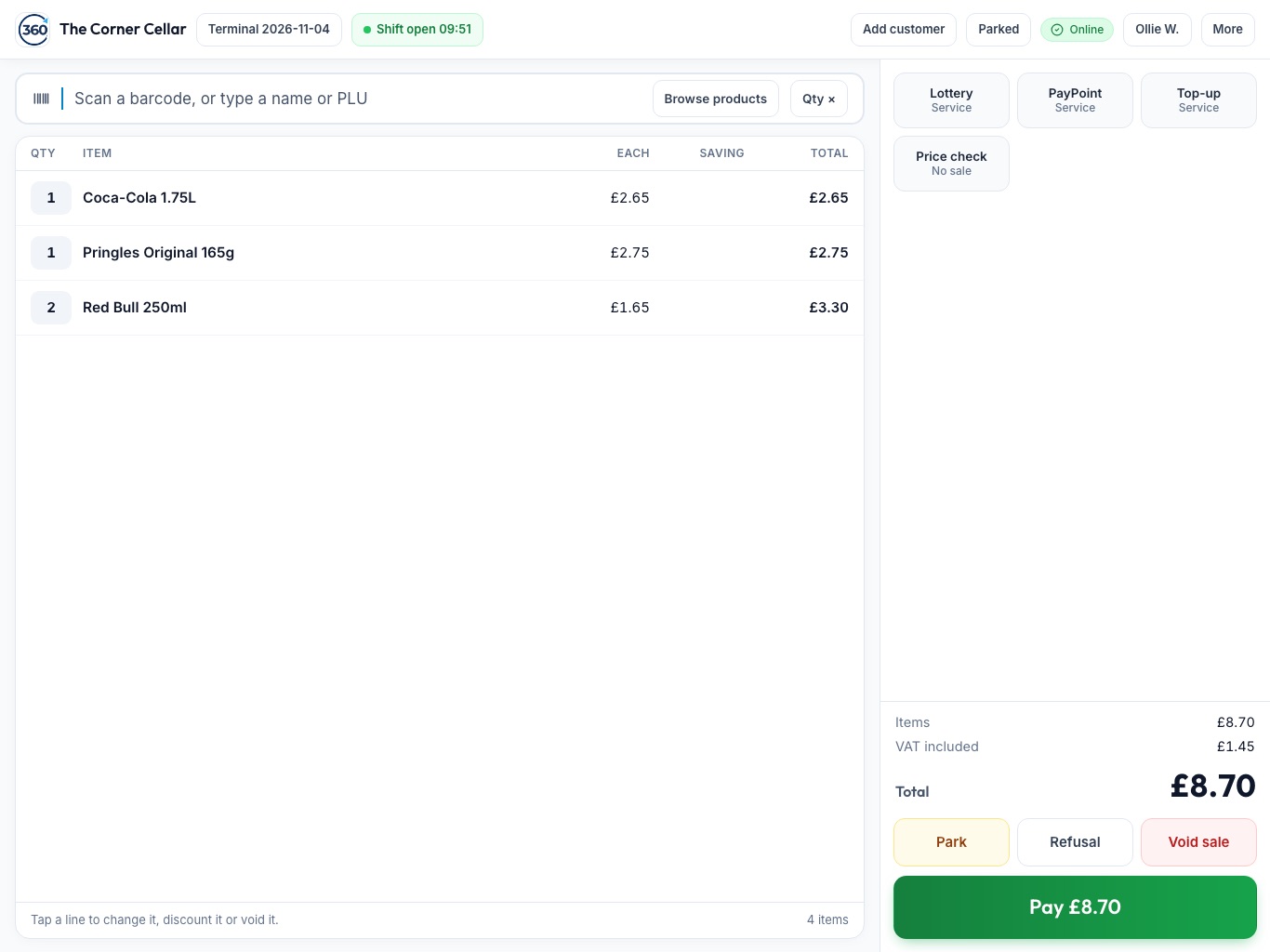
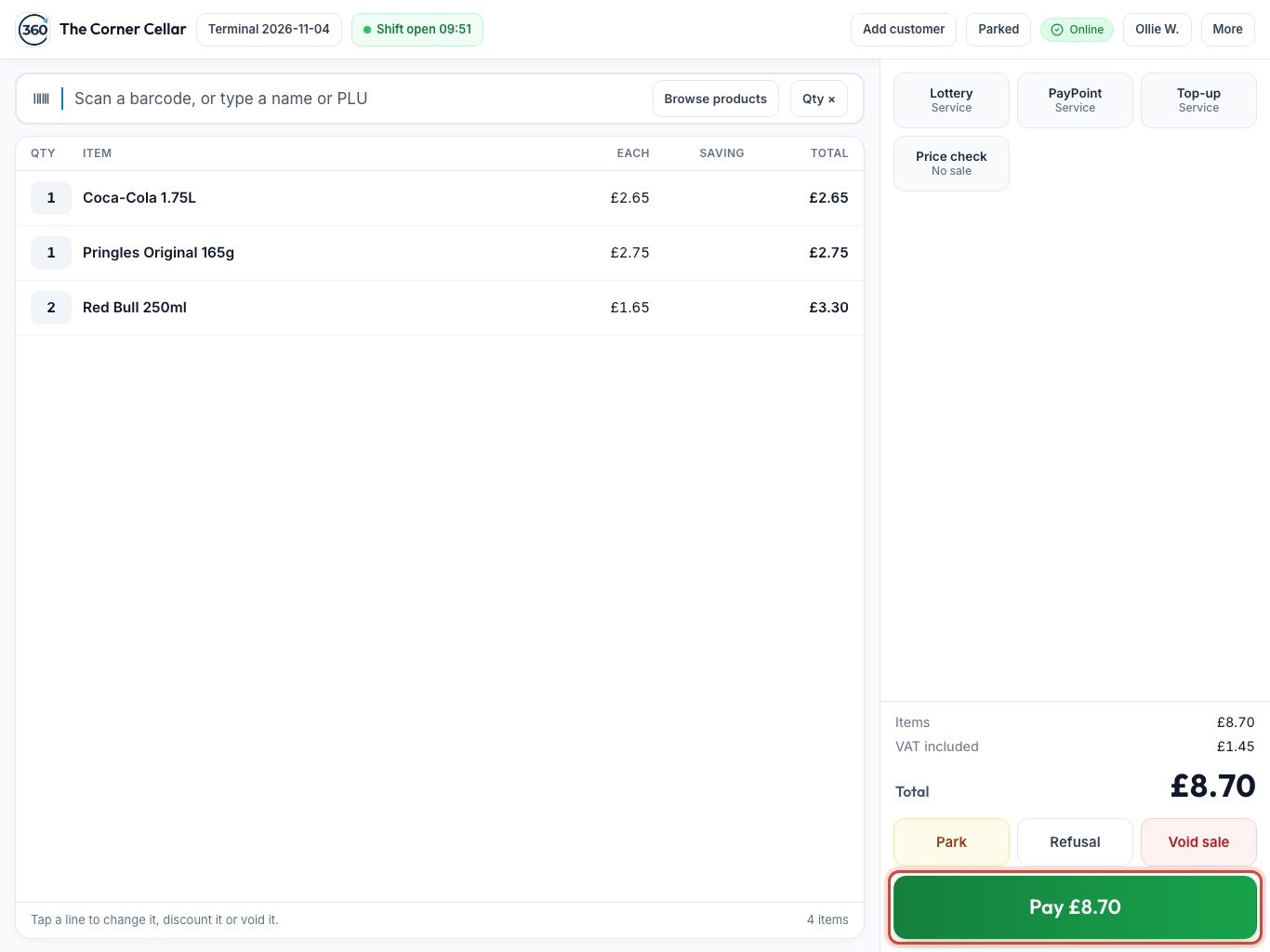
Tap Pay.
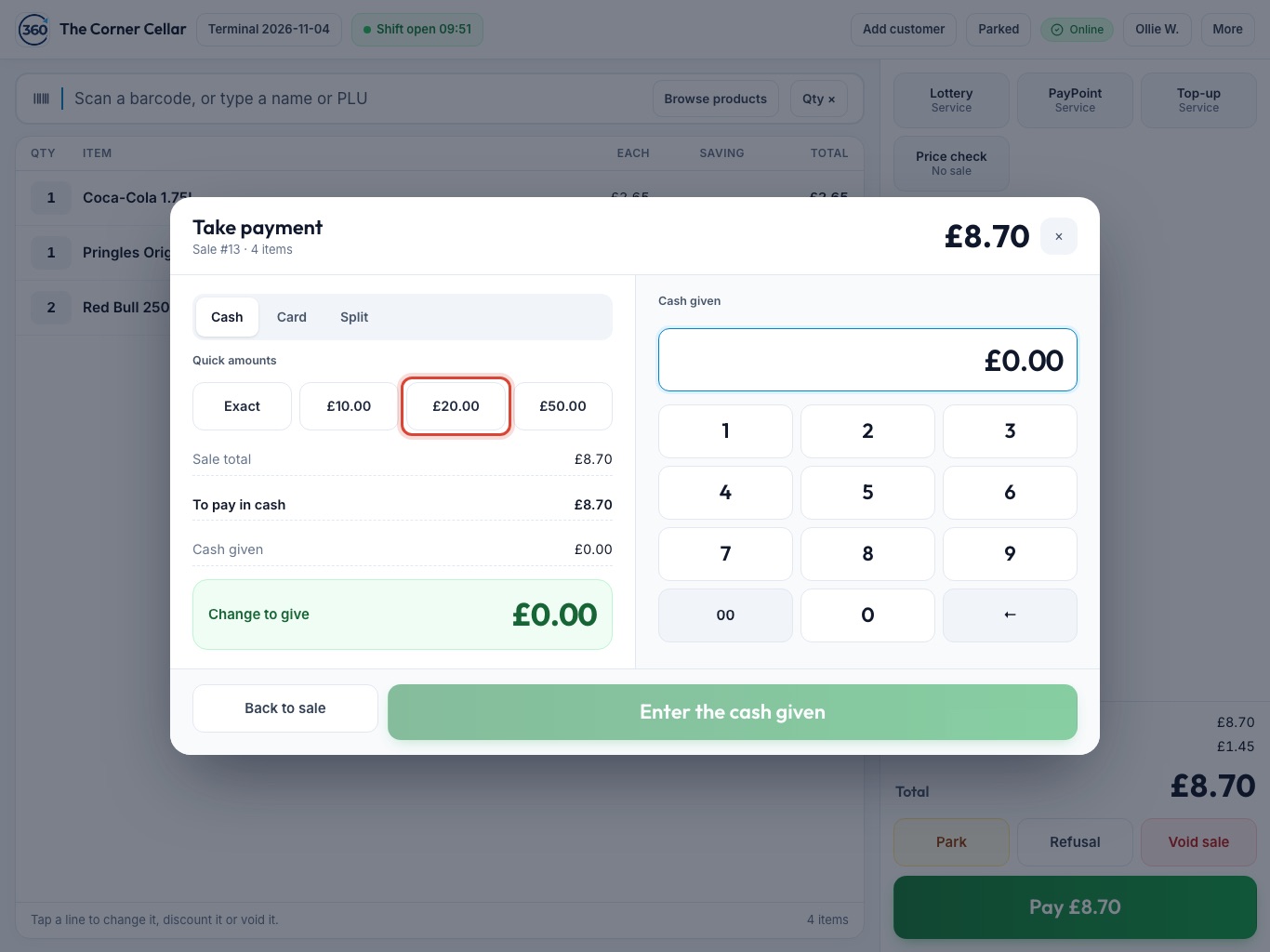
Take the money. For cash, tap the note given (or Exact), then Take … and open drawer. For card, tap Card. Split takes part in each.
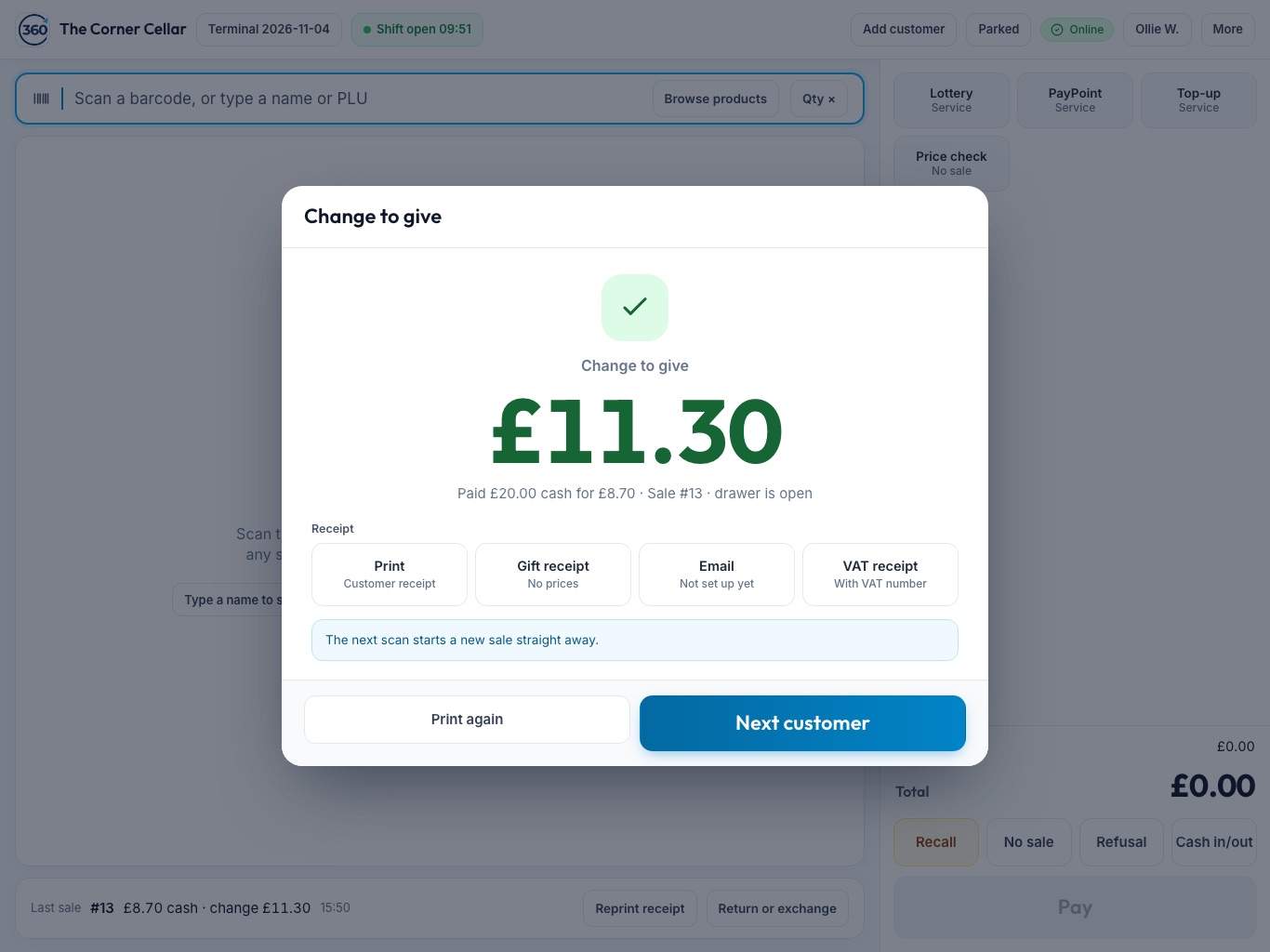
Give the change and receipt. The screen shows the change to give. Print a receipt, a gift receipt or a VAT receipt if asked, then Next customer. The next scan also starts a new sale.
Tips
- Tap a line in the basket to change its quantity, discount it or void it.
- Park puts a sale aside to serve the next customer; Recall brings it back.
- Price check looks up a price without starting a sale.