
Steps
Open Stock. It shows the stock value, what's below its reorder level, what's at zero, and how many days each product will last.
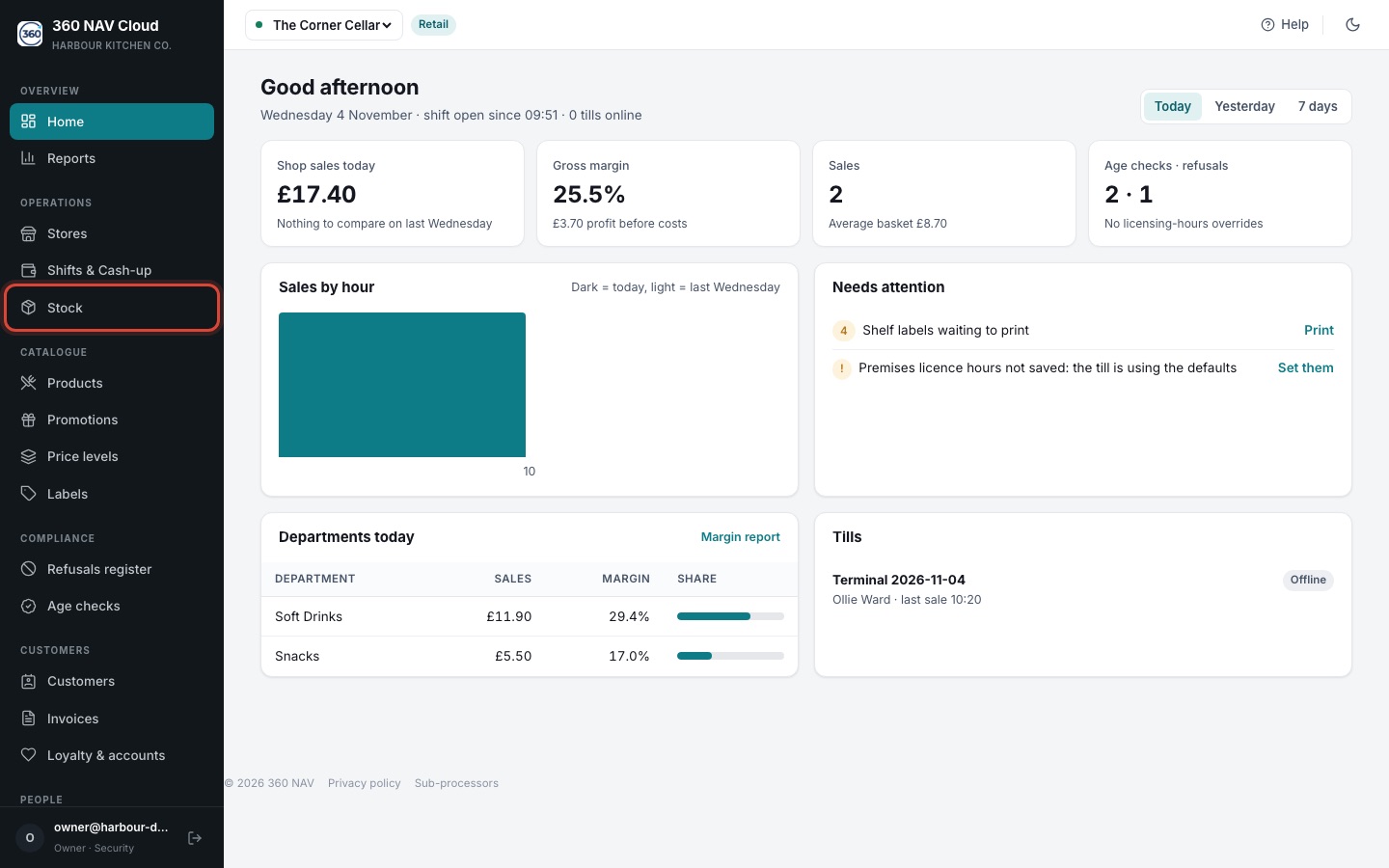
Click Receive delivery. The Goods-in tab lists deliveries Due to arrive from orders you've sent.
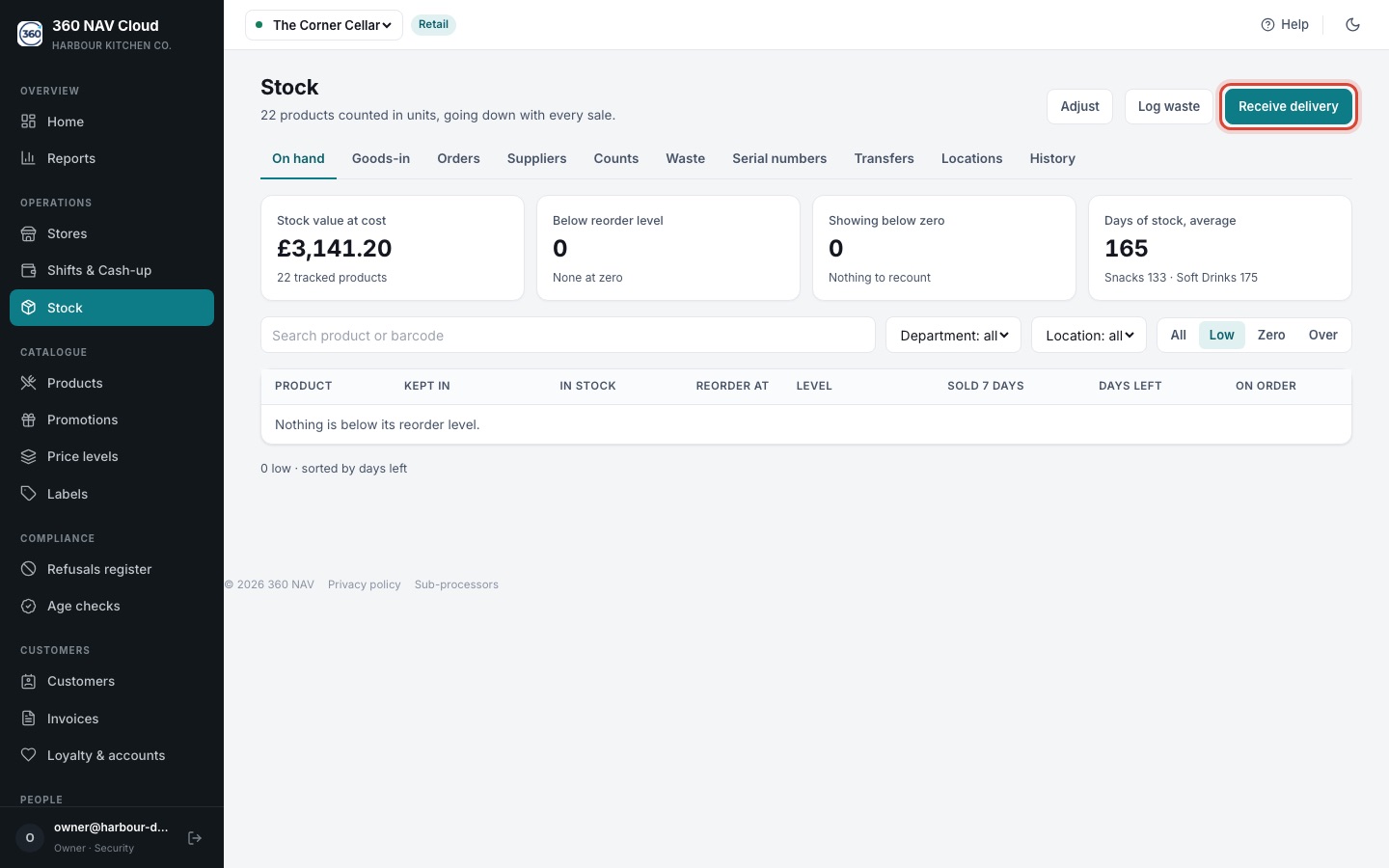
No order? Click Delivery without an order to book in whatever turned up.
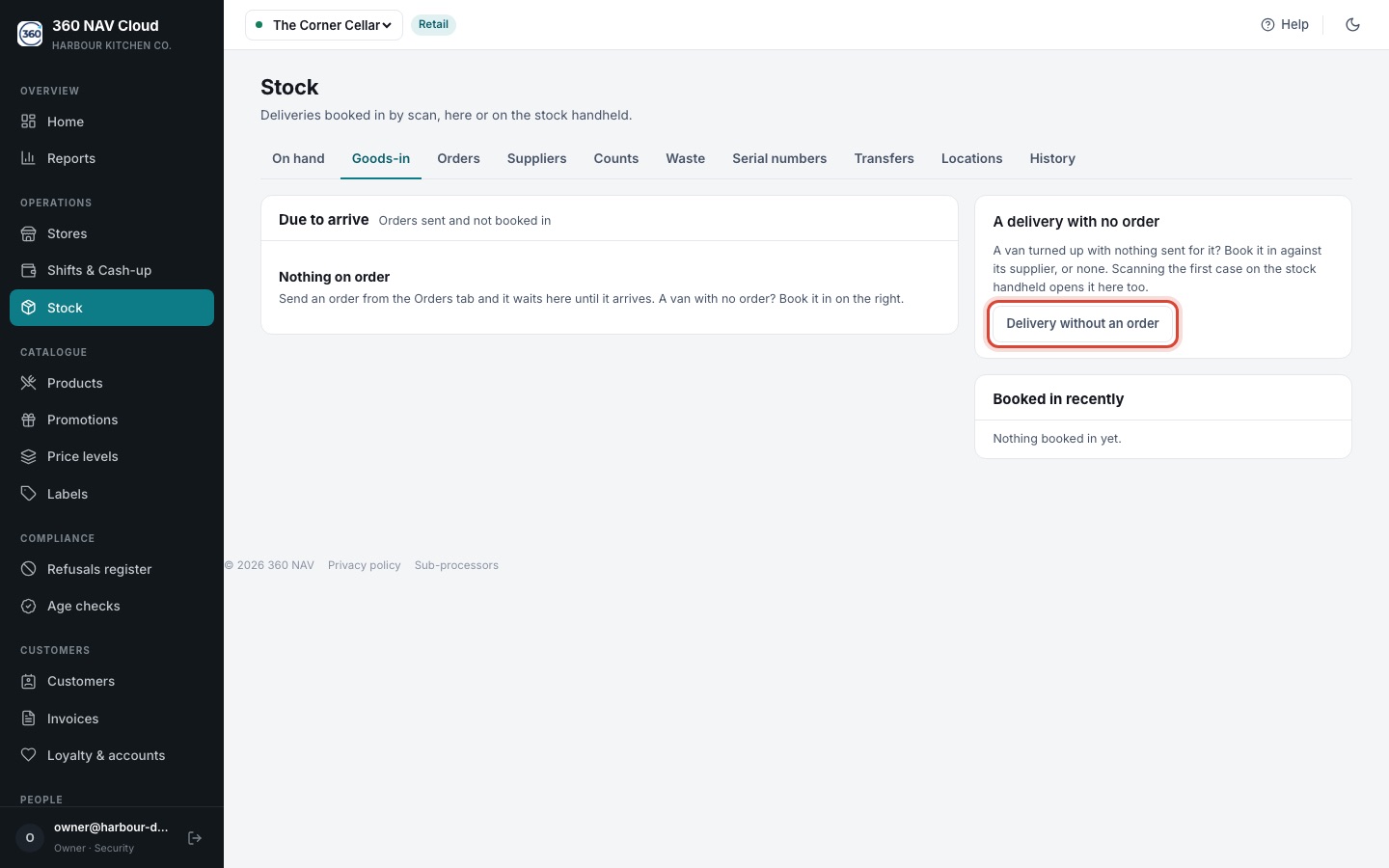
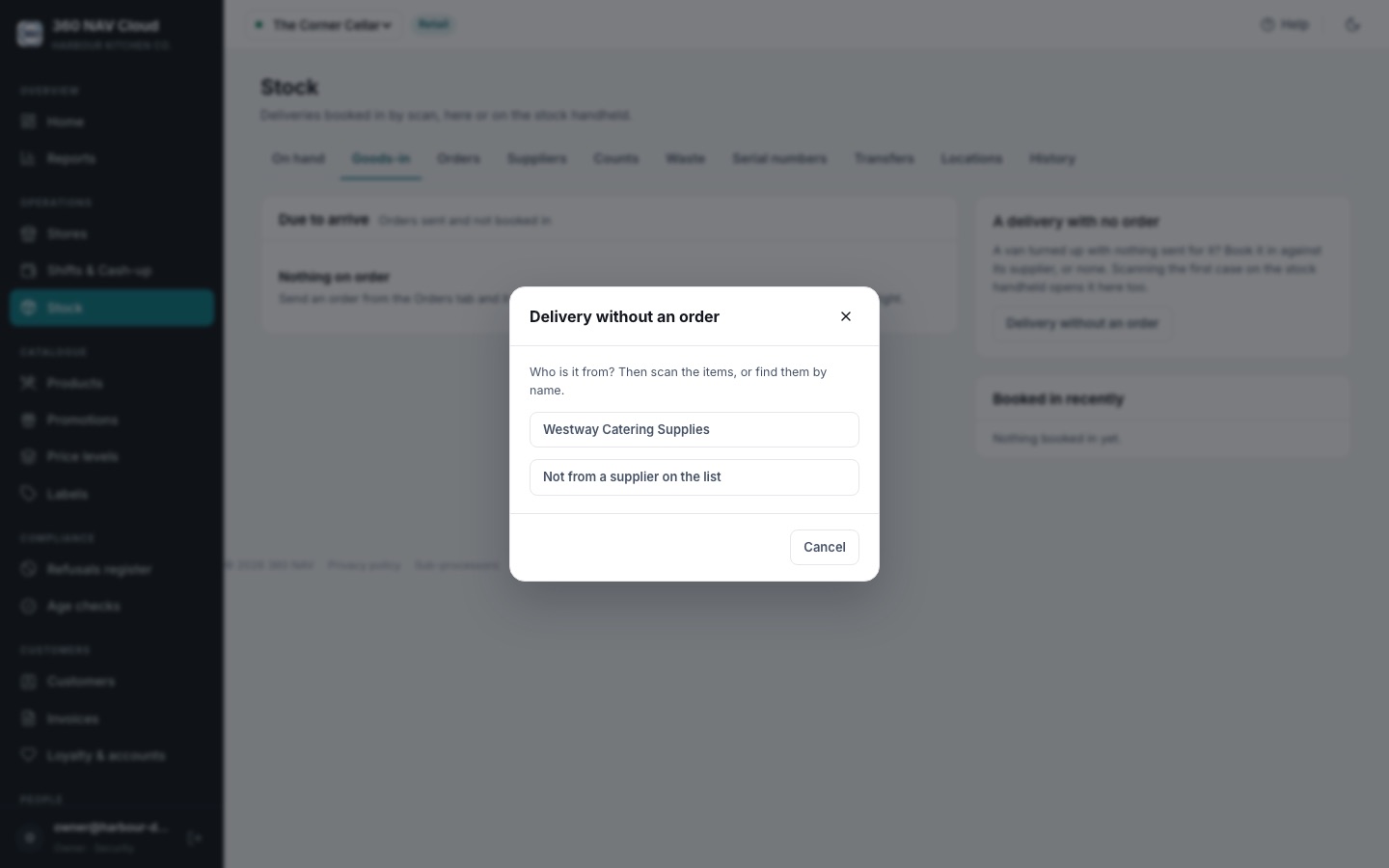
Book in each product. Pick who it's from, then scan the items or find them by name, and enter how many came in and what they cost. Stock and costs update as soon as you book it in.
Tips
- Orders suggests what to reorder from each supplier, based on reorder levels and sales.
- Staff can also receive deliveries and count stock on a phone.