
Steps
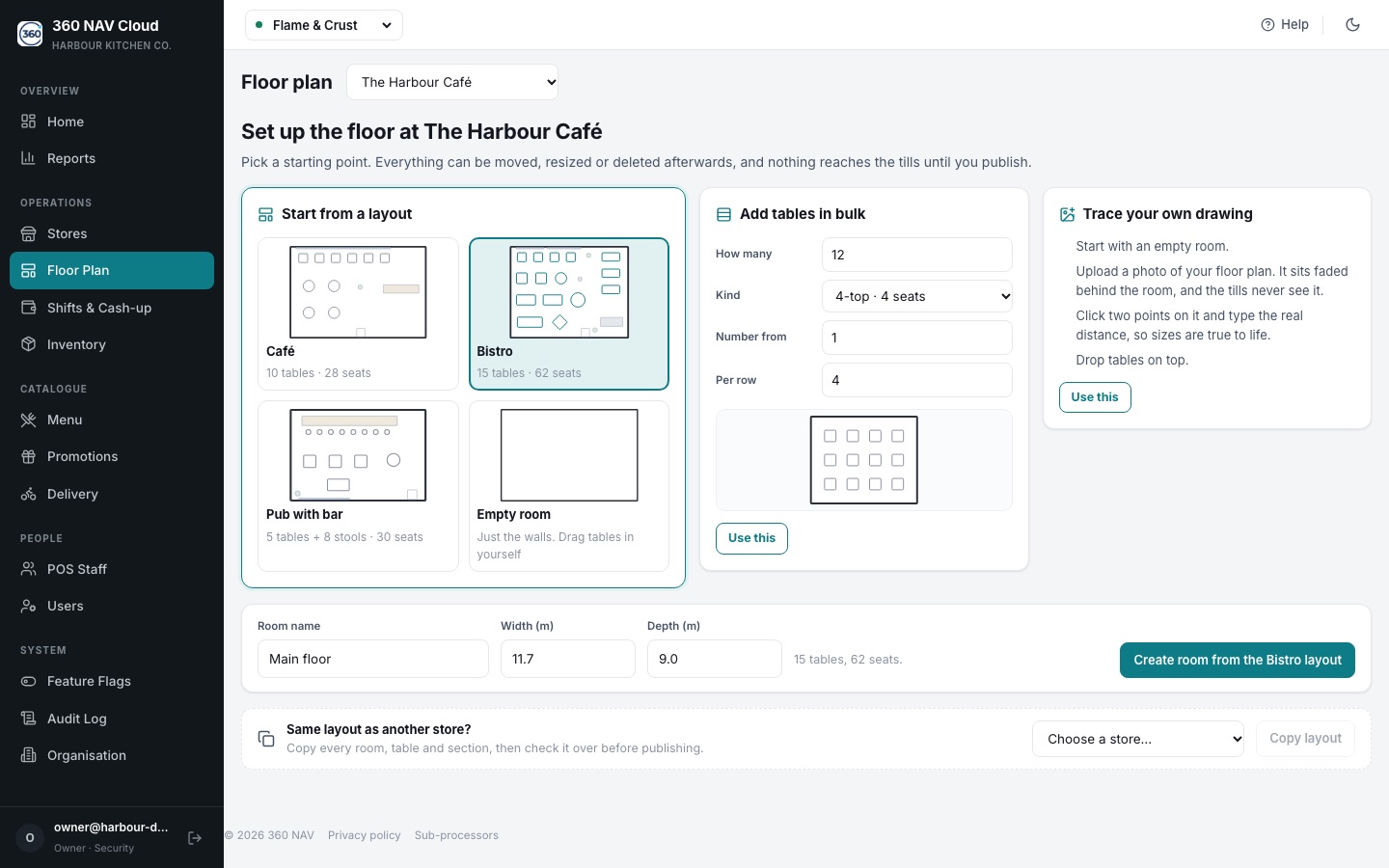
Open Floor Plan. Pick a starting point: a ready-made layout (café, bistro, pub with bar), tables in bulk, or an empty room. You can also trace a photo of your own plan. Then click Create room.
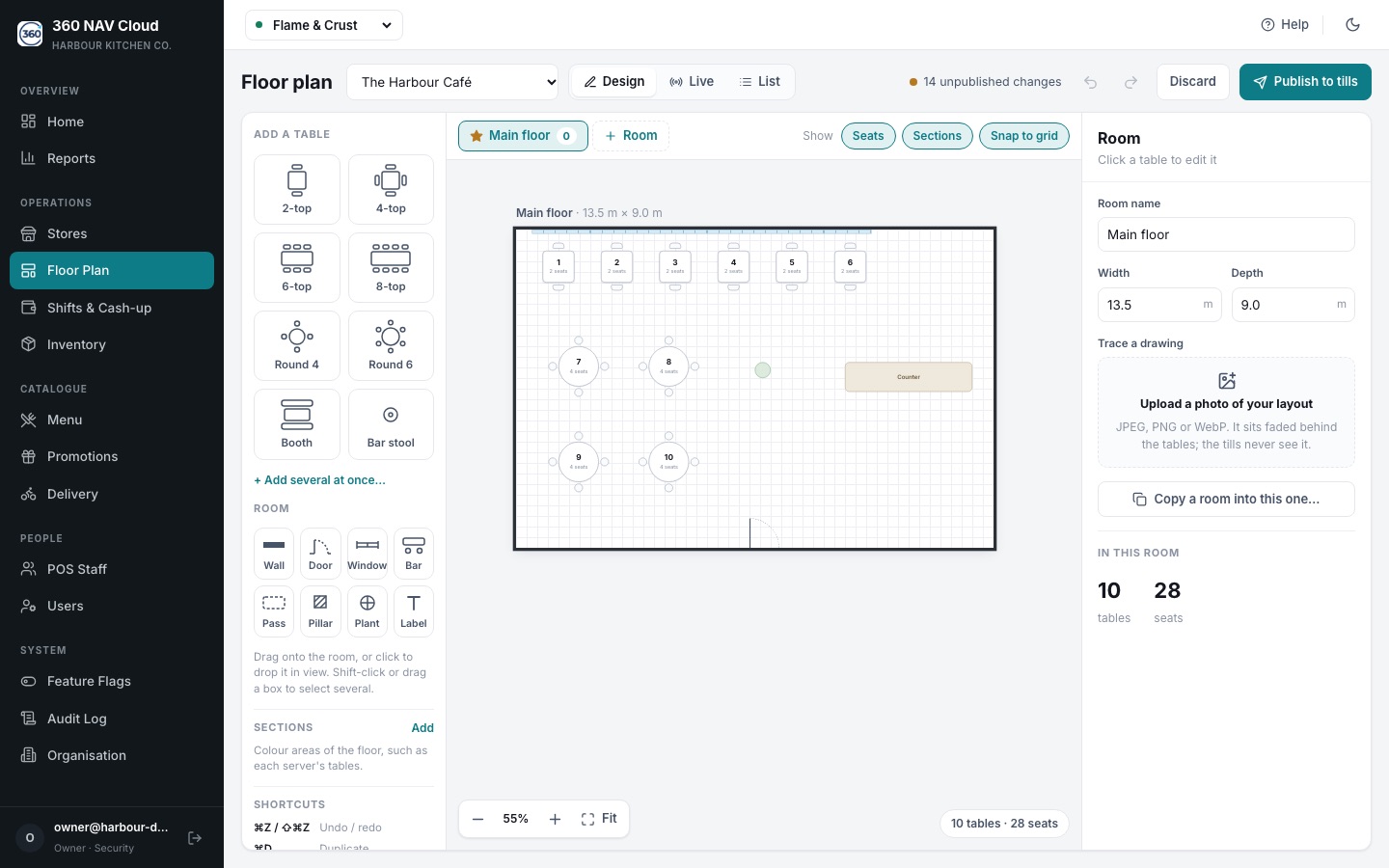
Adjust it. Drag tables to where they really are. Click a table to change its name and seats.
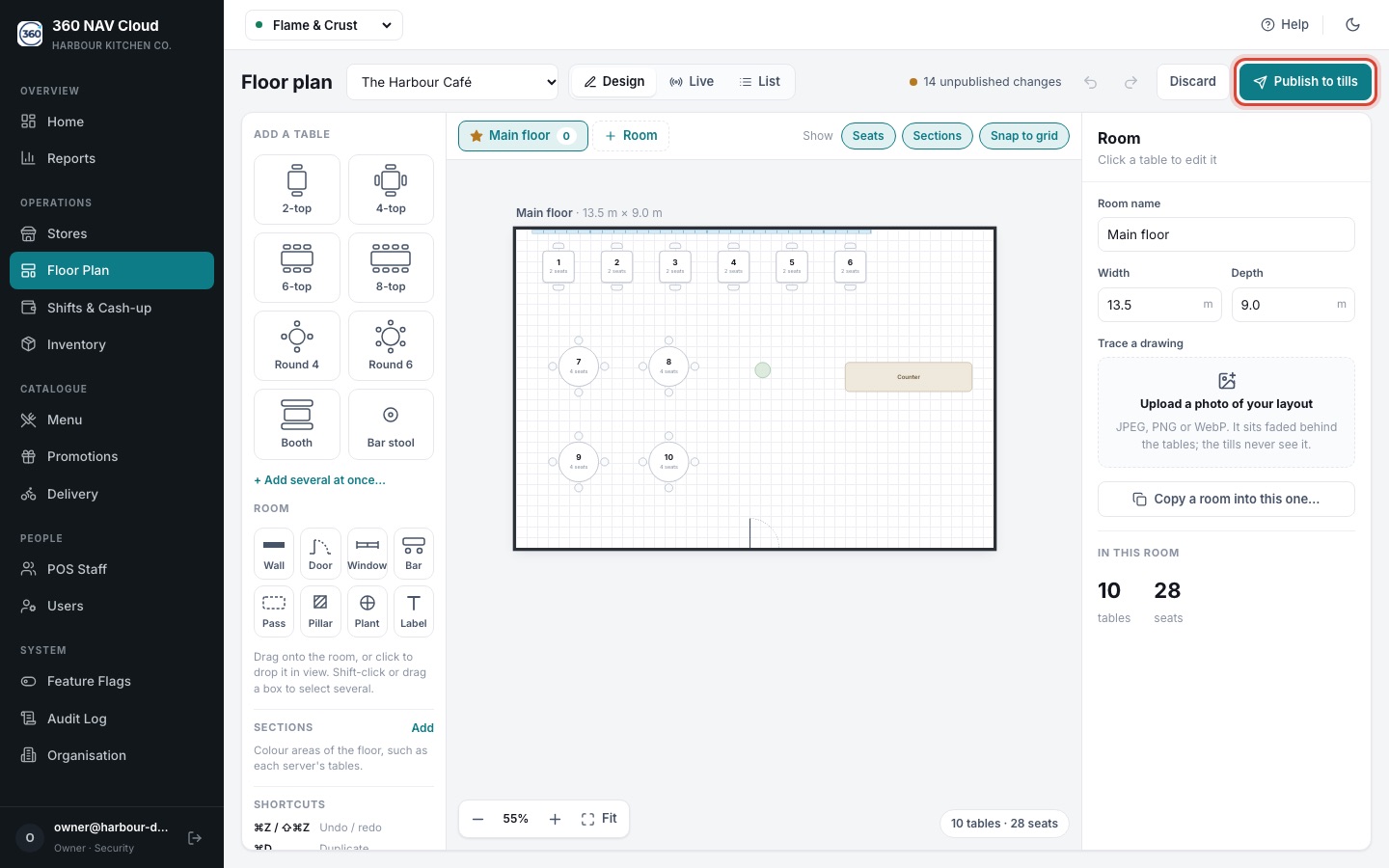
Publish. A new room from a layout is published straight away; it shows Published with the date. After later changes, click Publish to tills to send them; until then they're a draft only you can see.
Tips
- Turn on Table Management in the till's settings to see tables on the till.