
Before you start
Margins need recipes: each dish lists its ingredients and quantities (the Recipe tab when you edit an item).
Steps
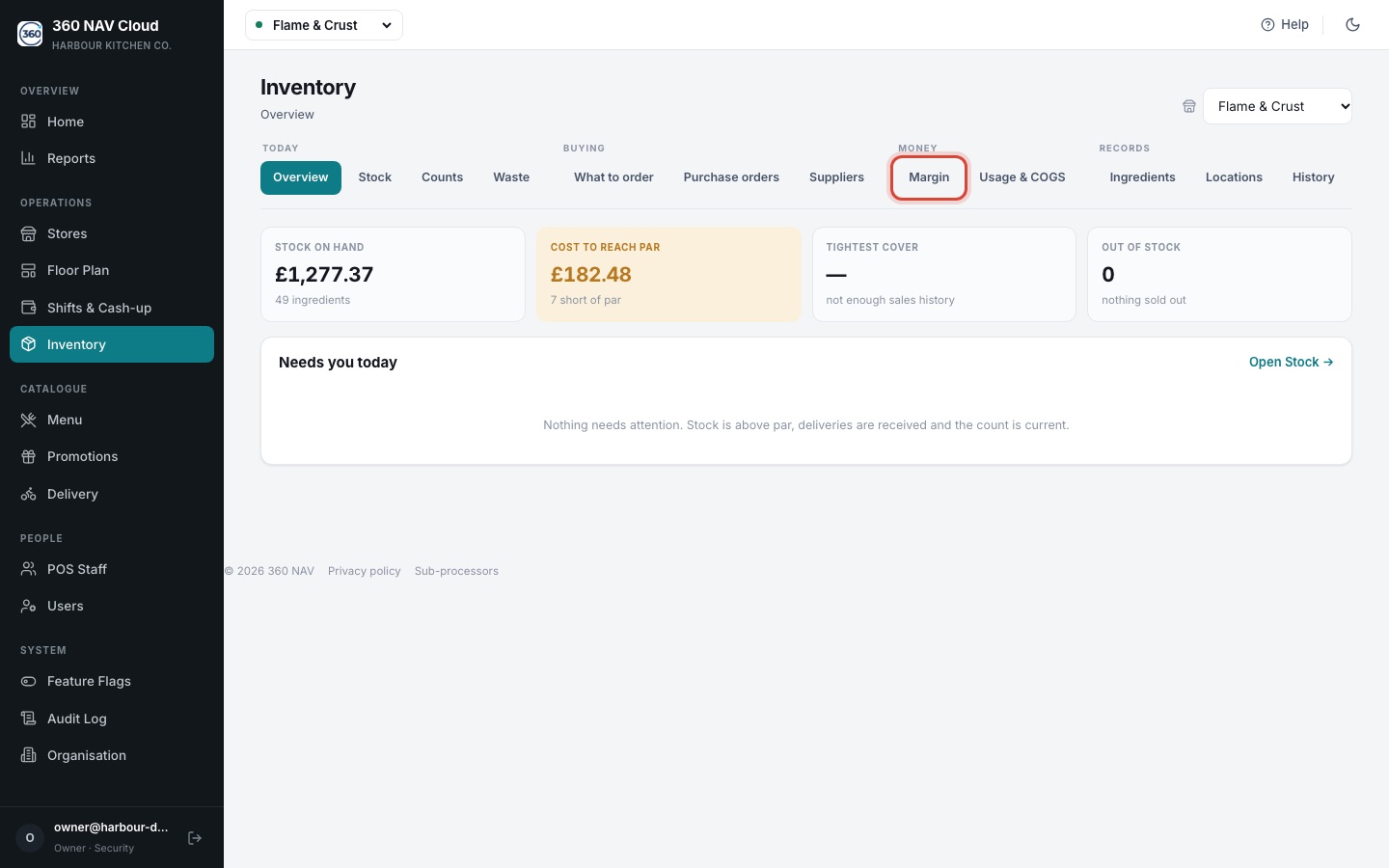
Open Inventory, then Margin. Menu GP is your gross profit after ingredients, weighted by what sold. It also shows profit in pounds, and how much of the menu is costed.
Compare categories. Each shows its GP% and the pounds of profit it earns, so you can see which ones are worth pushing.
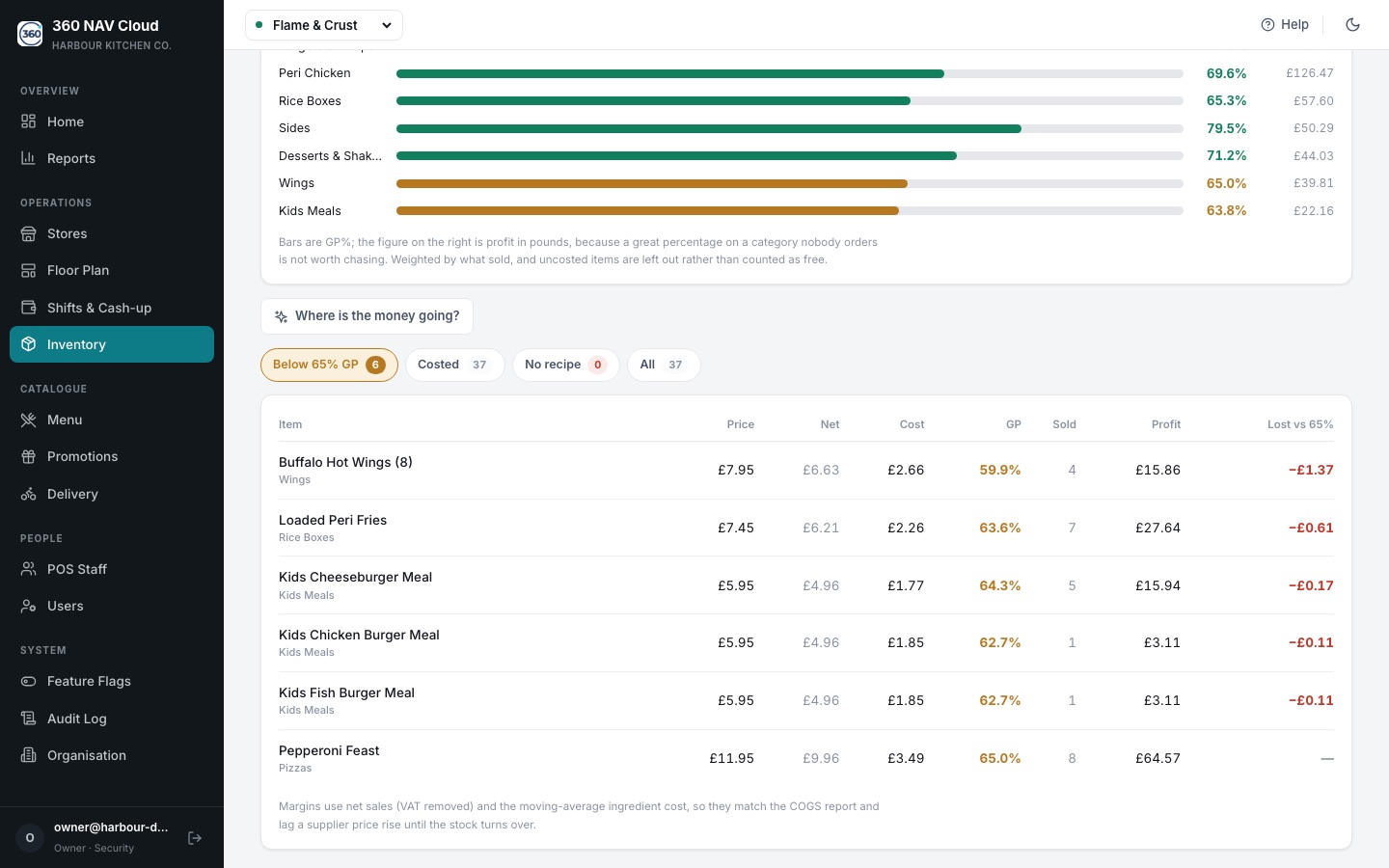
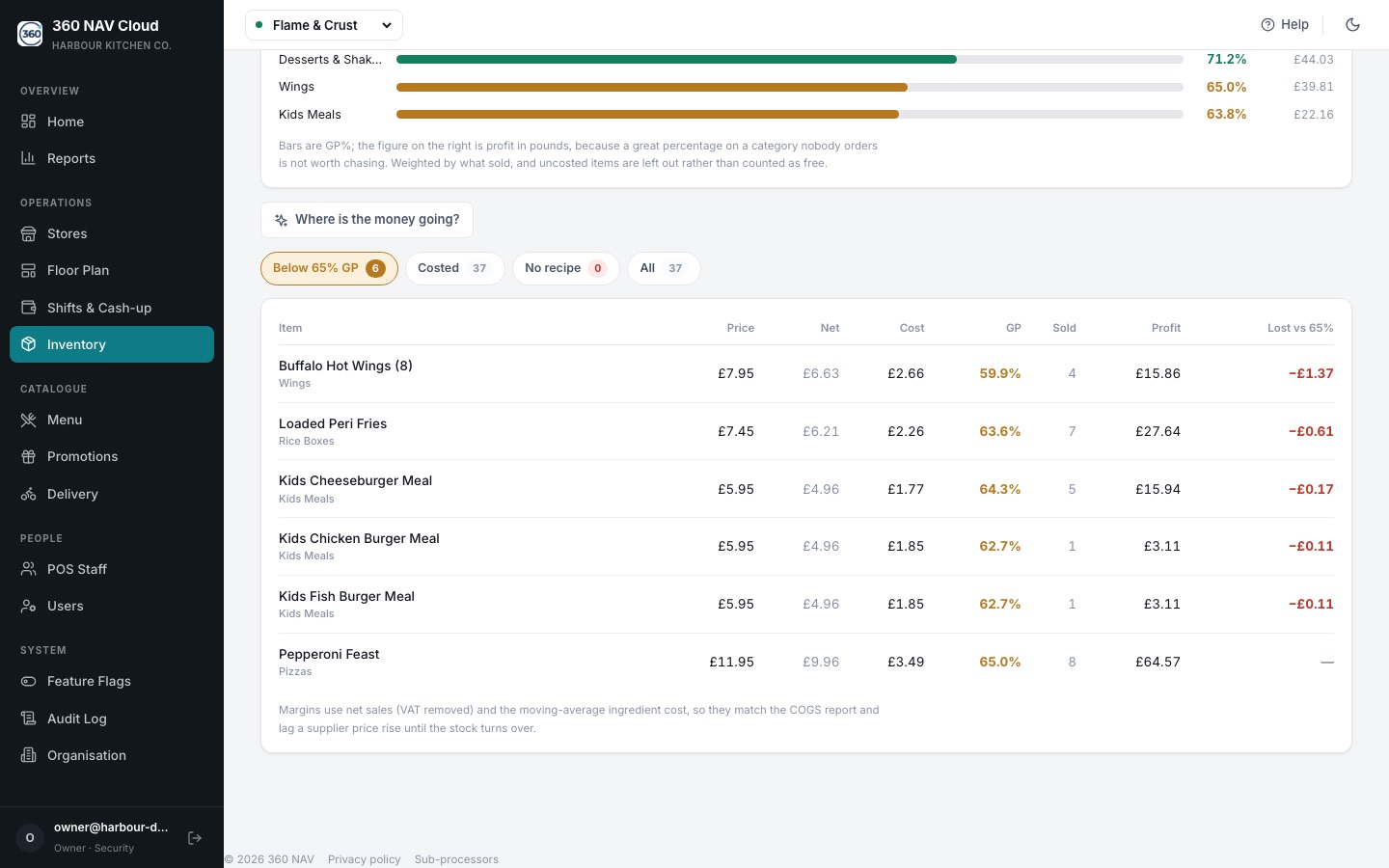
Check each dish. Items are listed with cost, price and margin, so you can spot what to re-price or re-cost.
Tips
- Costs use a moving average, so margins catch up with a supplier's price rise as old stock is used.
- Receiving deliveries with their cost keeps margins accurate.