
Steps
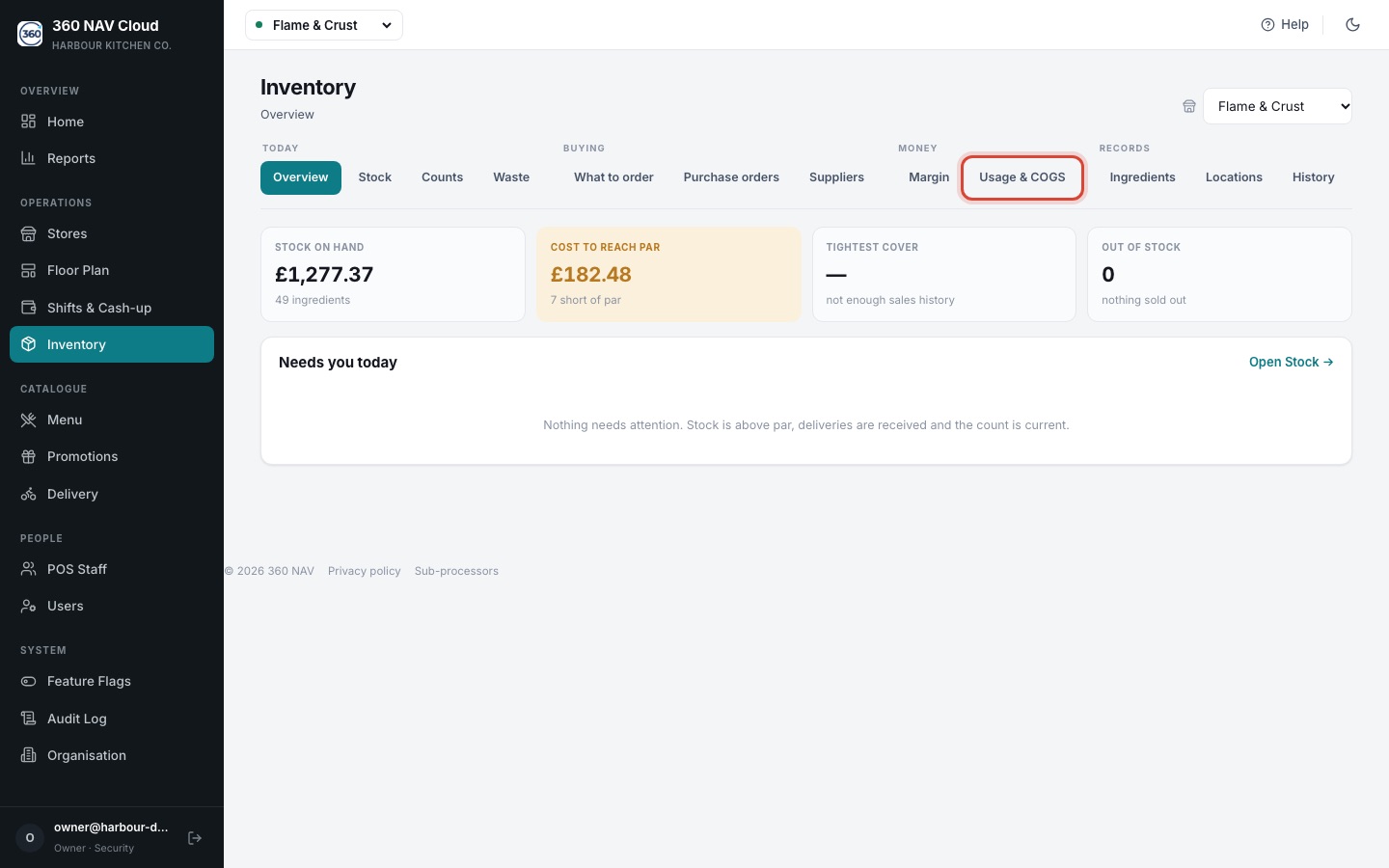
Open Inventory, then Usage & COGS. At the top: cost of goods sold (COGS) as a share of net sales, waste, unexplained loss, and total stock consumed.
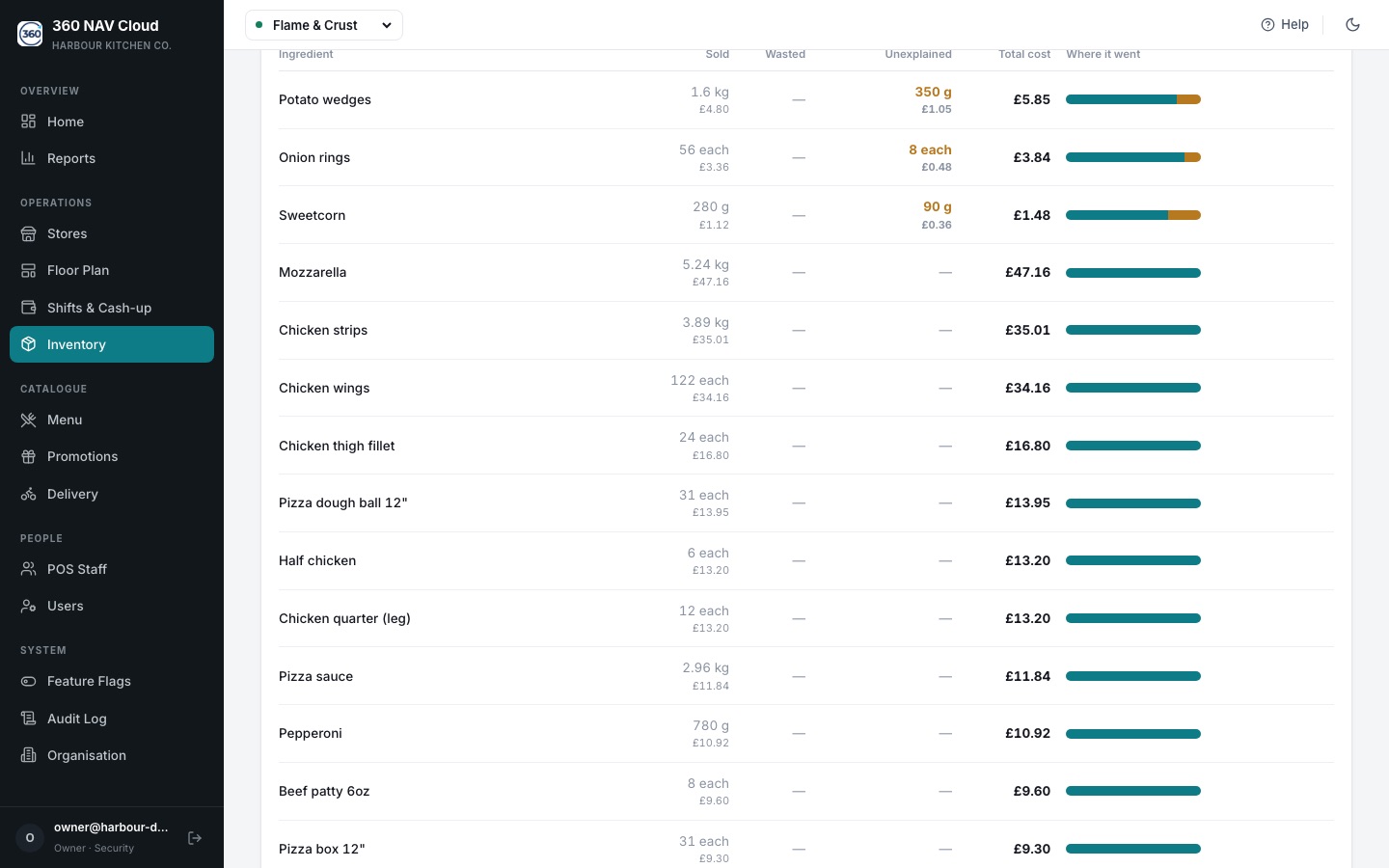
Look at each ingredient. The table lists what was sold, wasted and lost, worst unexplained loss first.
Tips
- Unexplained loss is the gap between what recipes say was used and what the shelves hold. It's only reliable after a stock count.
- A high unexplained loss usually means portions are bigger than the recipe, waste isn't logged, or recipes are wrong.