
Steps
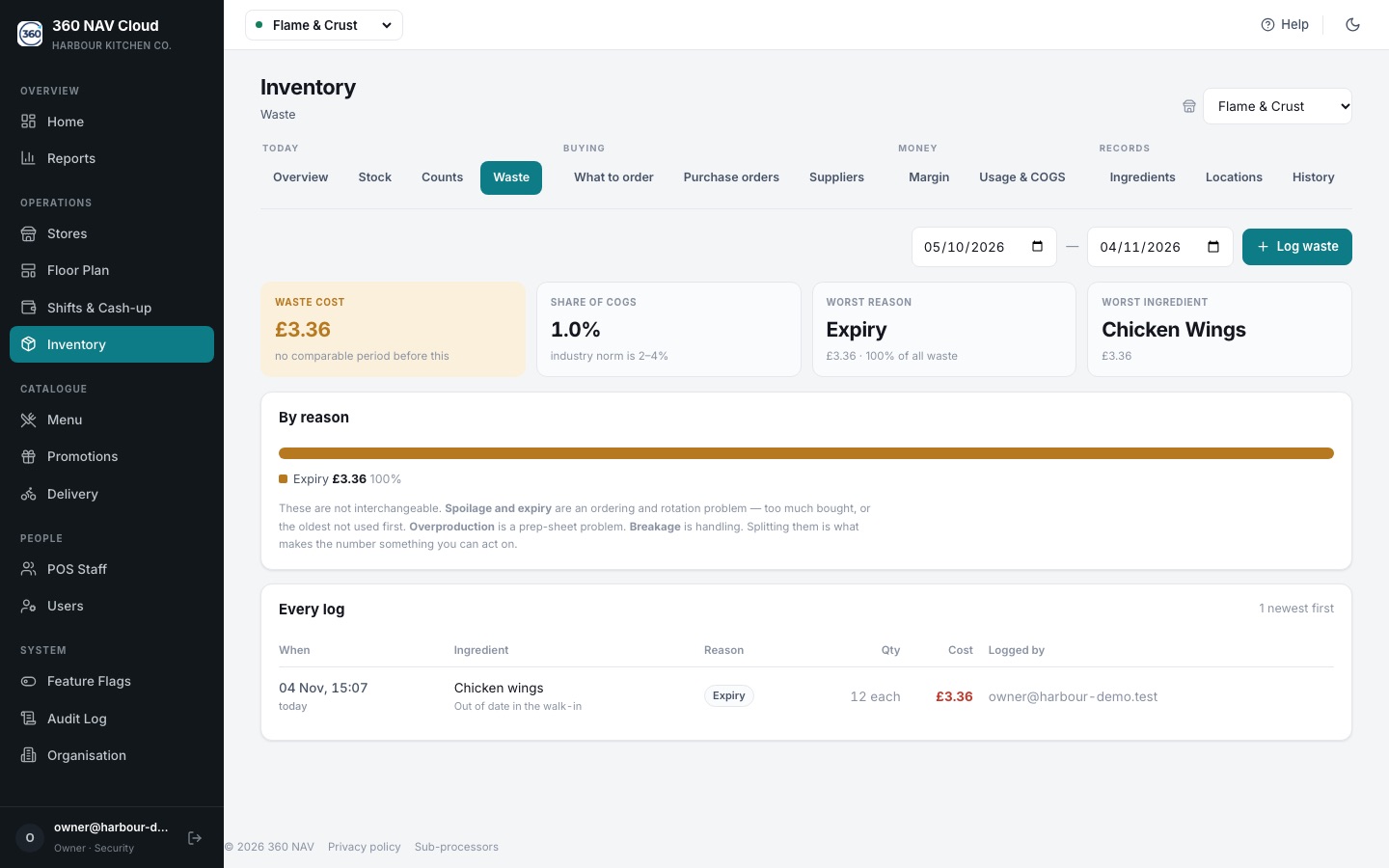
Open Inventory, then Waste. The page shows what waste has cost you, its share of your stock costs, and the worst reason and ingredient.
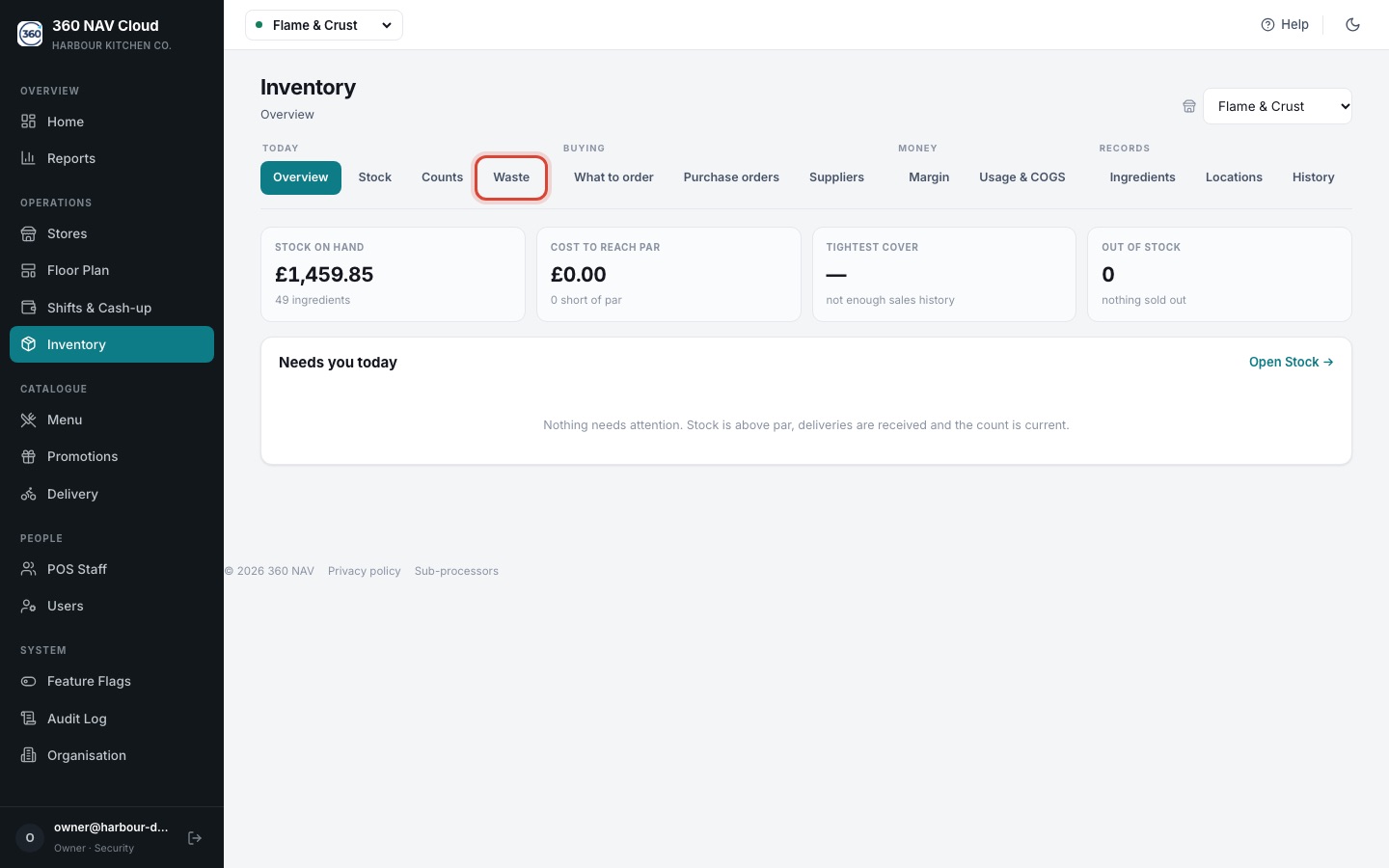
Click Log waste.
Choose what was thrown away and how much. Pick an ingredient, or a whole Menu item to waste everything in its recipe.
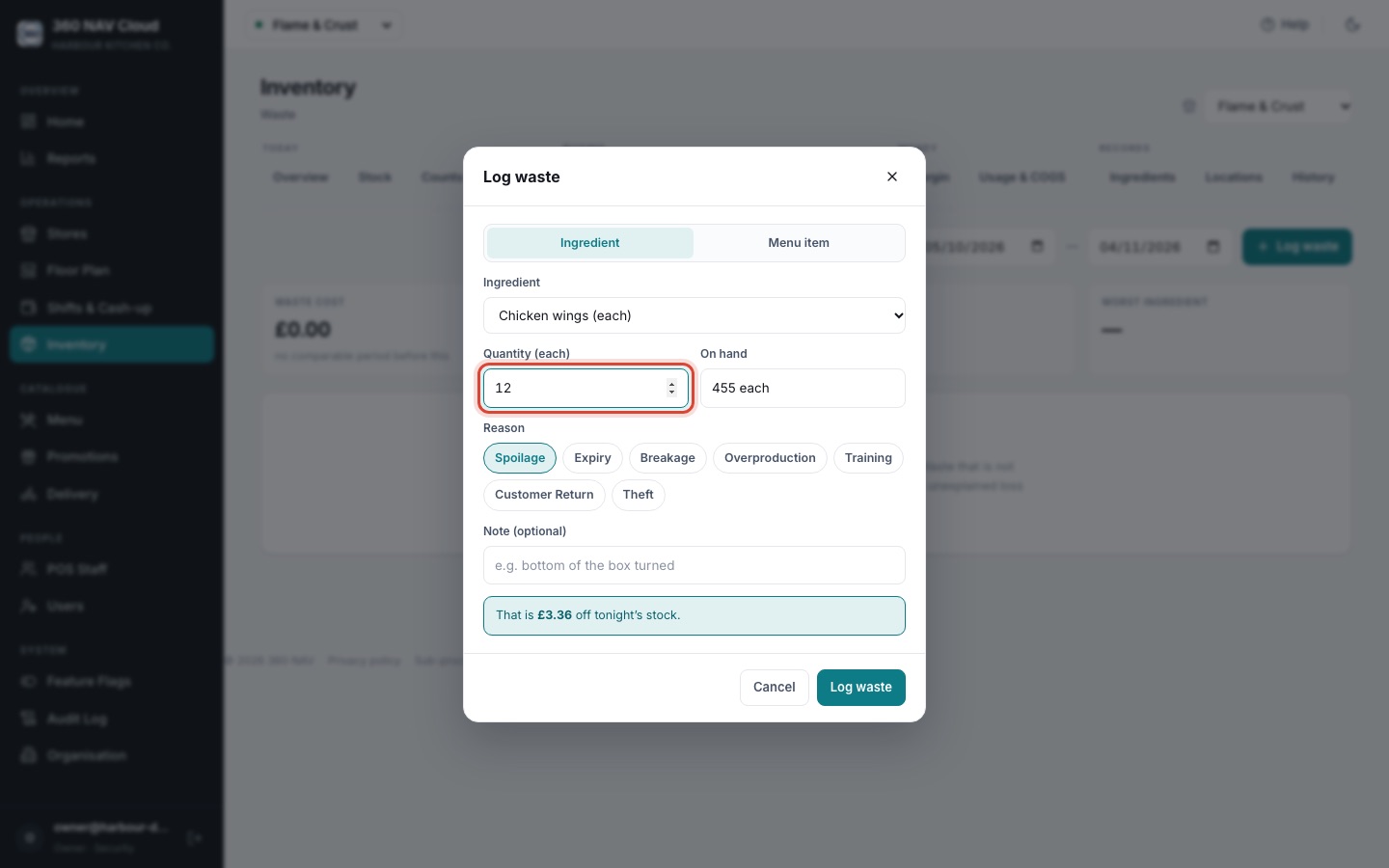
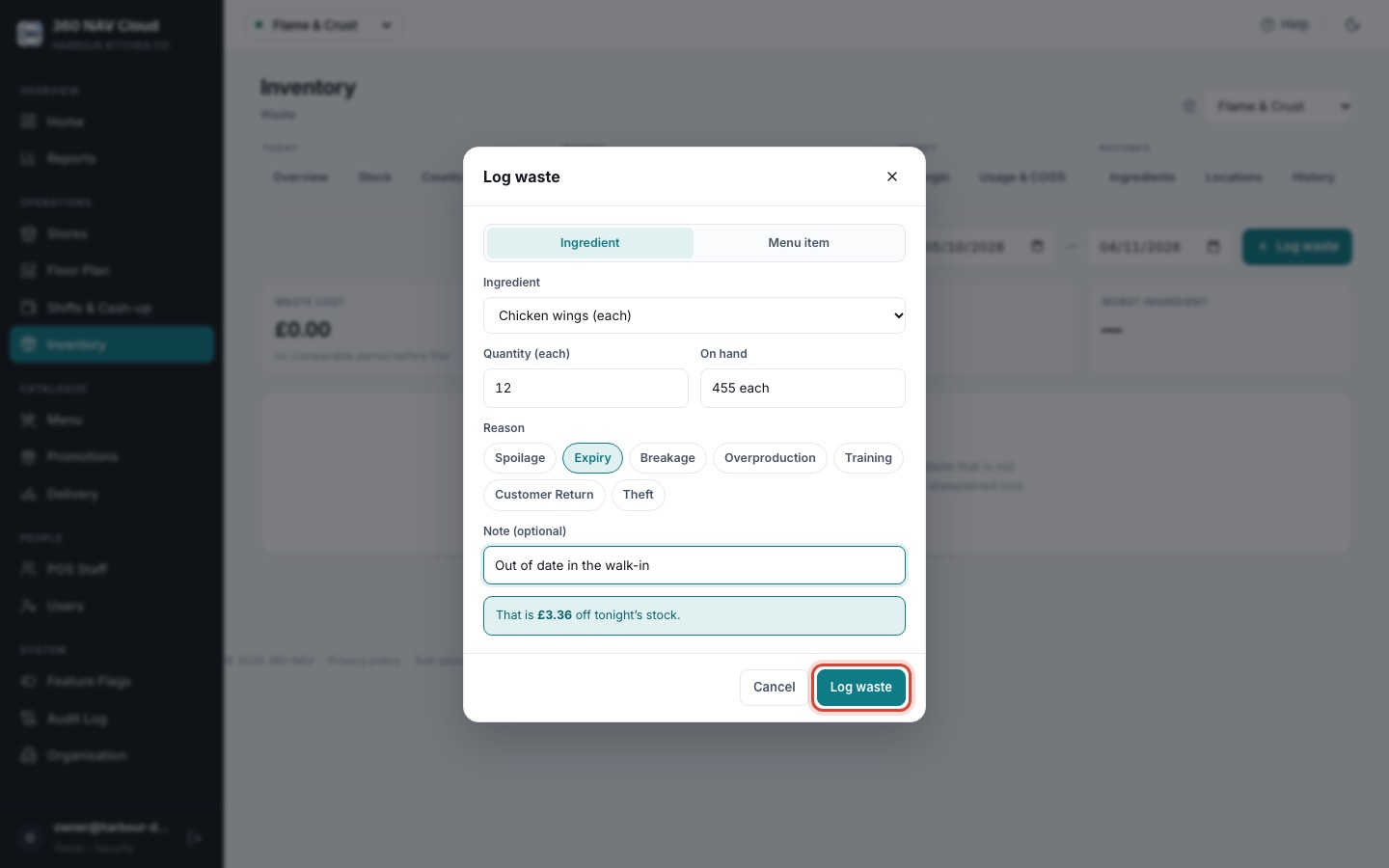
Pick a reason and save. Spoilage, expiry, breakage, overproduction, training, customer return or theft. Add a note if it helps.
Tips
- Staff can also log waste on the till: More → Log waste.
- 2–4% of stock cost is a typical level of waste. Waste nobody logs turns up later as unexplained loss.