
Steps
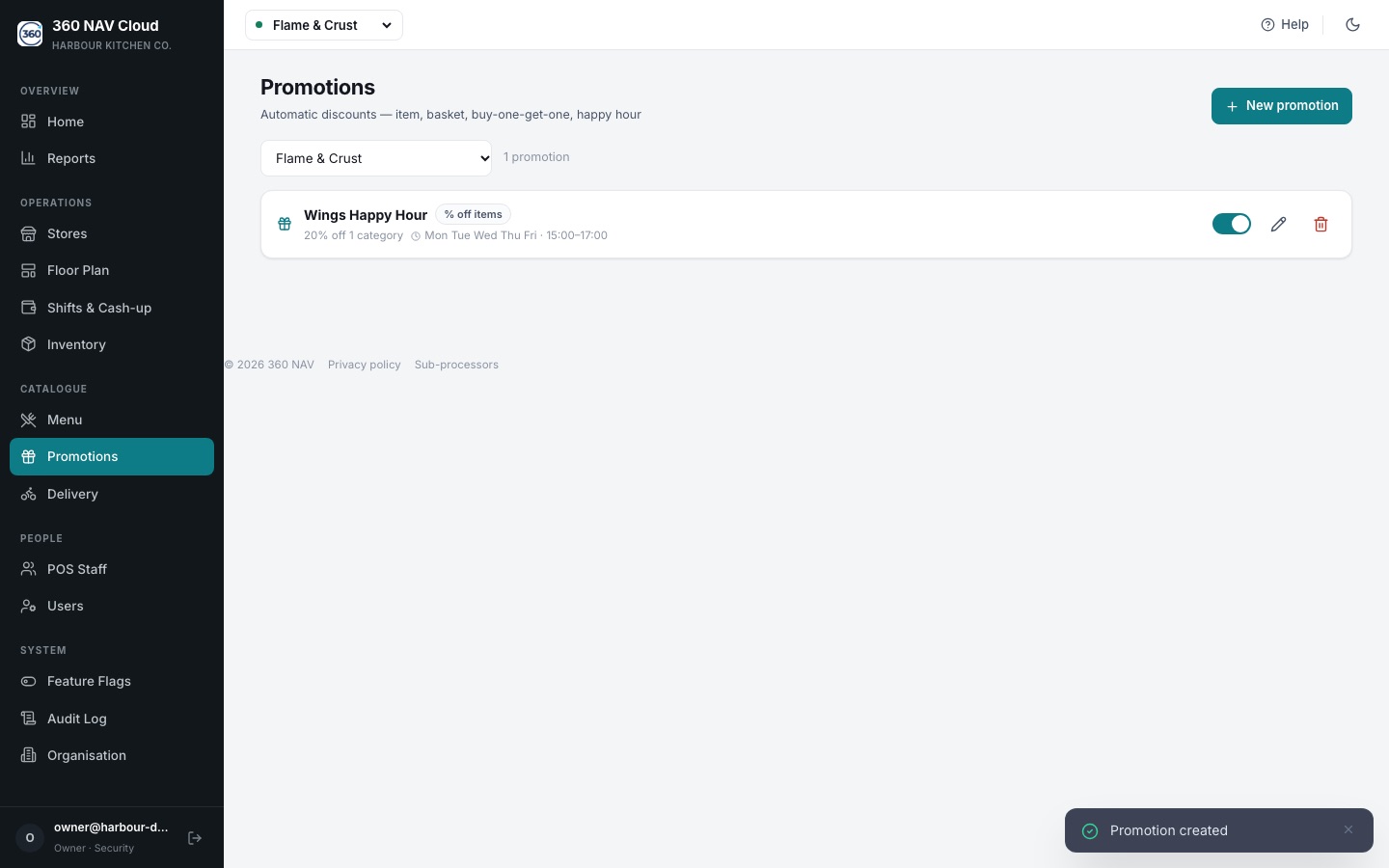
Open Promotions and click New promotion.
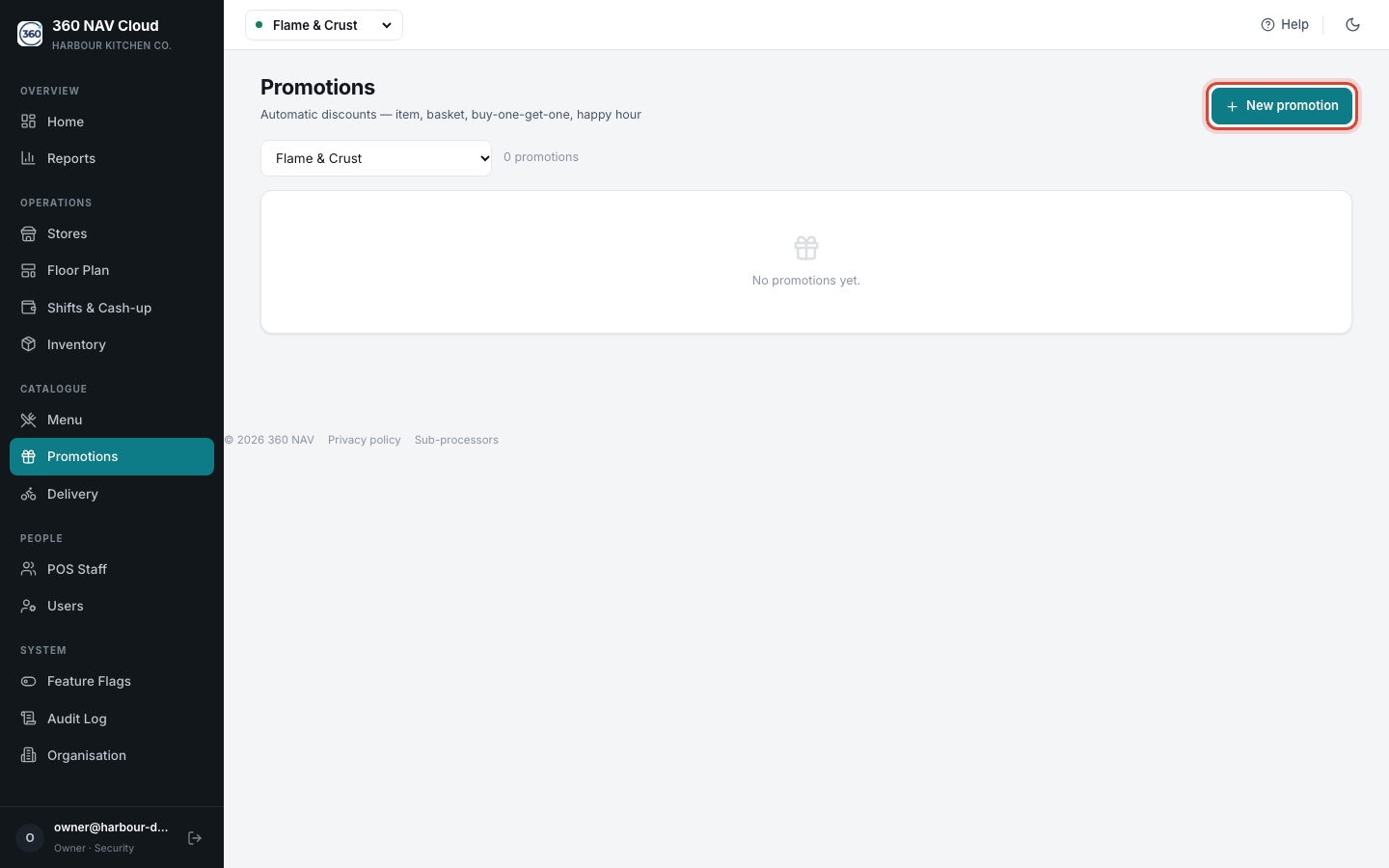
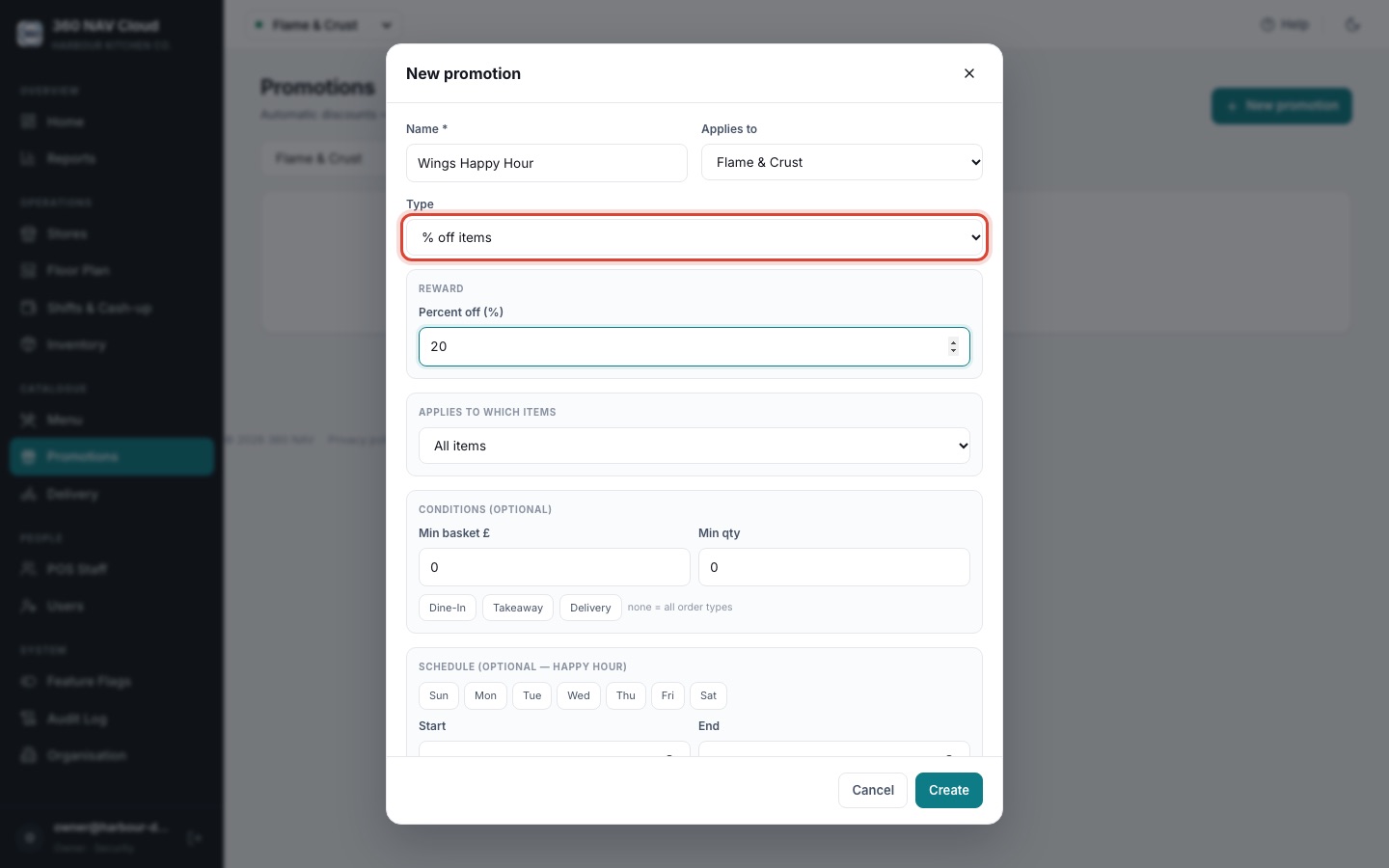
Name it and choose the type. Options are % off items, £ off items, % off basket, £ off basket, or Buy X get Y free. Then set the amount.
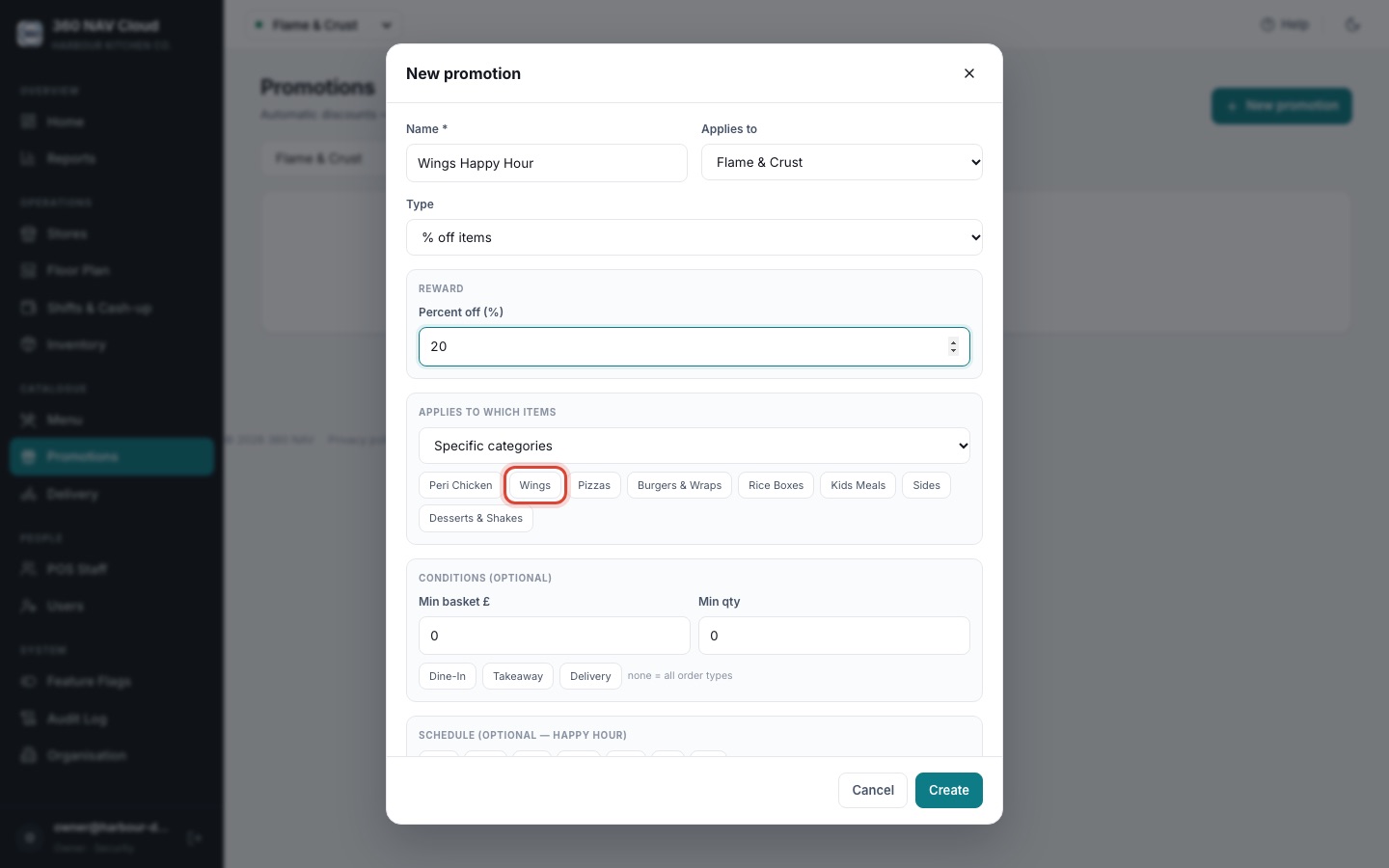
Choose which items it applies to. All items, specific categories, or specific items.
Add conditions and a schedule (optional). You can set a minimum spend or quantity, limit it to dine-in, takeaway or delivery, and choose days and times for a happy hour. Leave the times blank to run all the time.
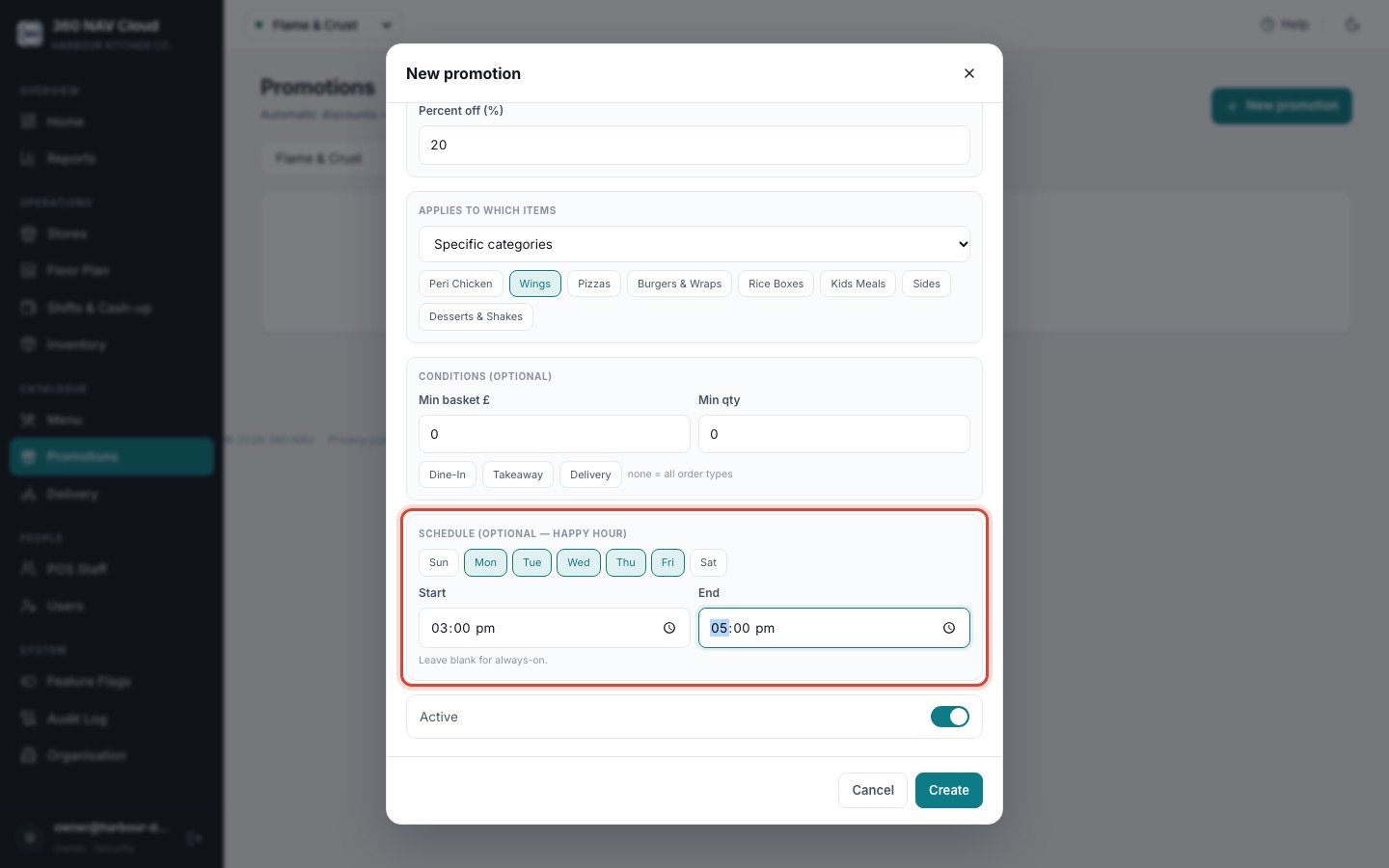
Create. Click Create. The till applies it automatically, and it shows on receipts and reports.
Tips
- Untick Active to pause a promotion without deleting it.
- Apply it to one store or to all stores in your organisation.