
Before you start
Give each ingredient a supplier and a par level (the amount you want on the shelf). Par levels are set on the Stock tab.
Steps
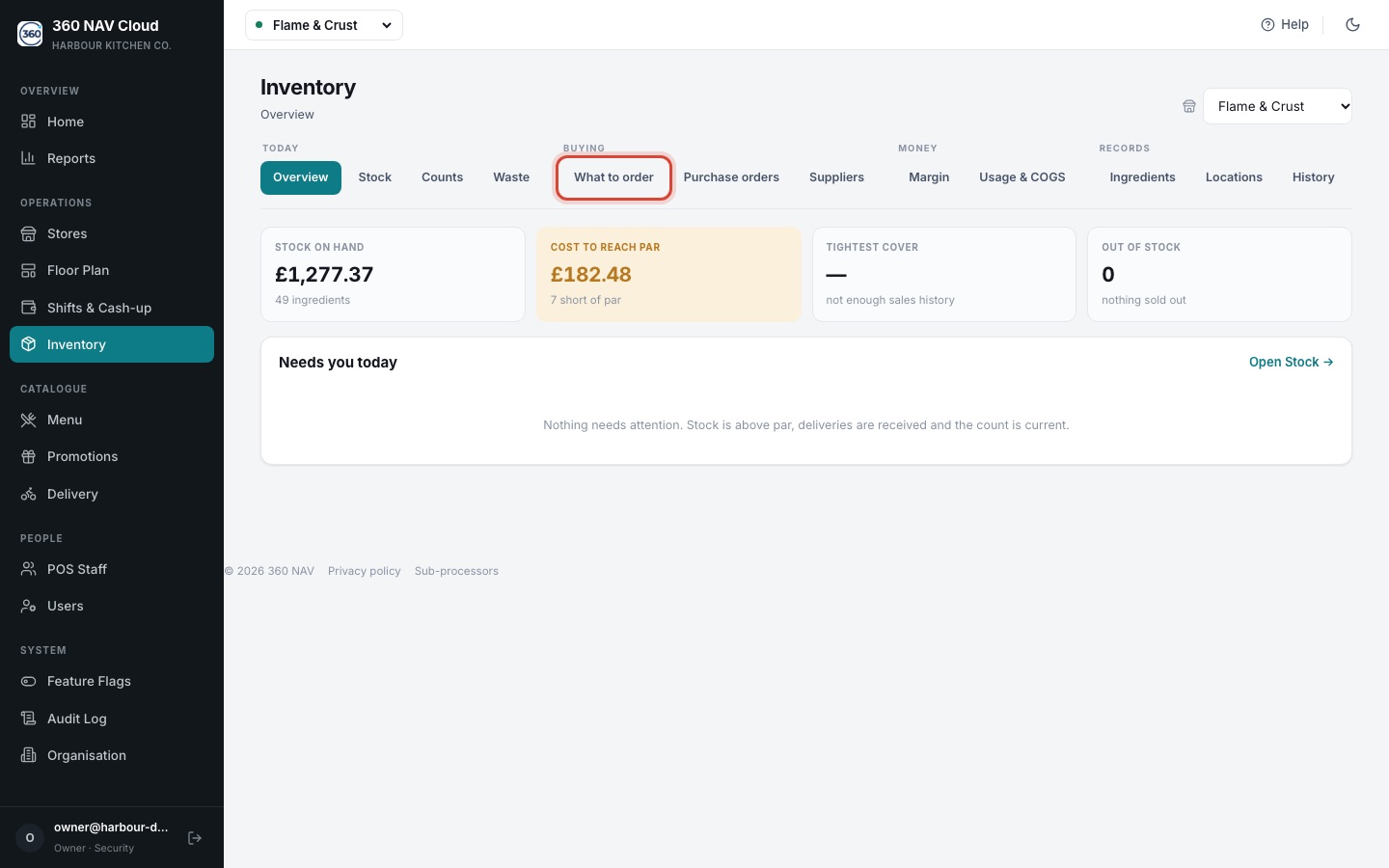
Open Inventory, then What to order.
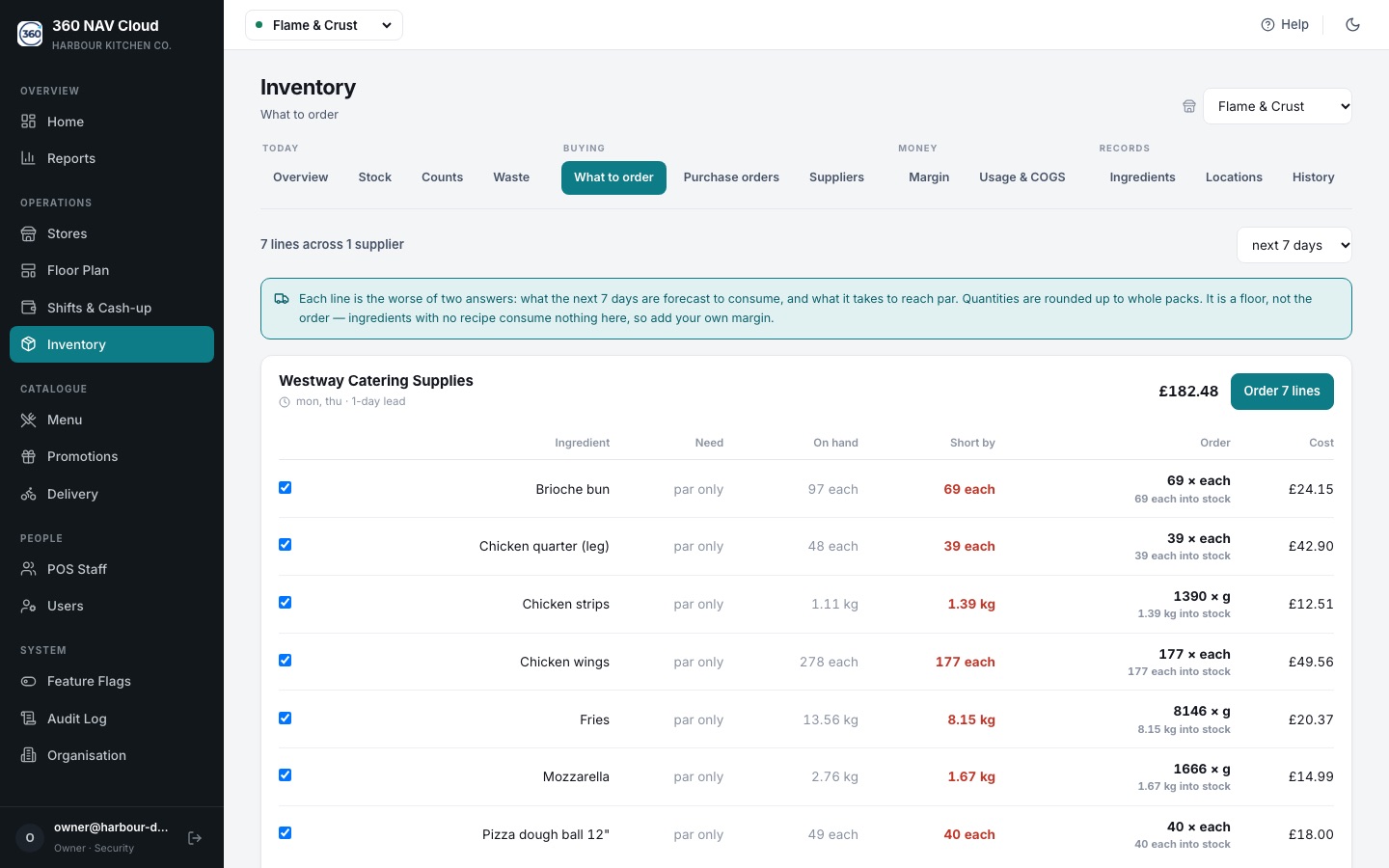
Check the suggestions. Everything below its par level, or likely to run out in the next few days based on your sales, is listed with a quantity to order.
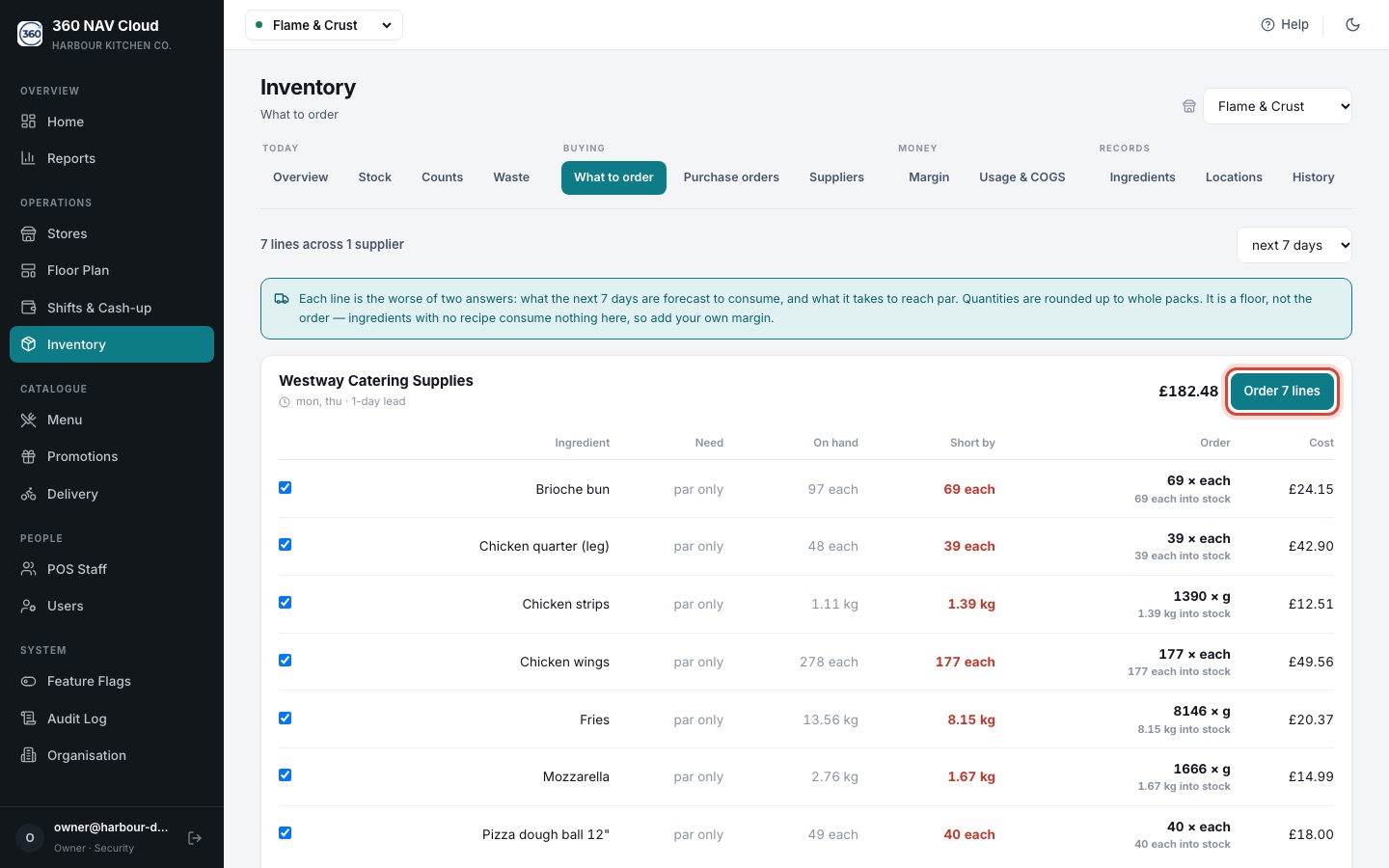
Place the order. Untick anything you don't want, then click Order … lines for the supplier. The purchase order is placed straight away.
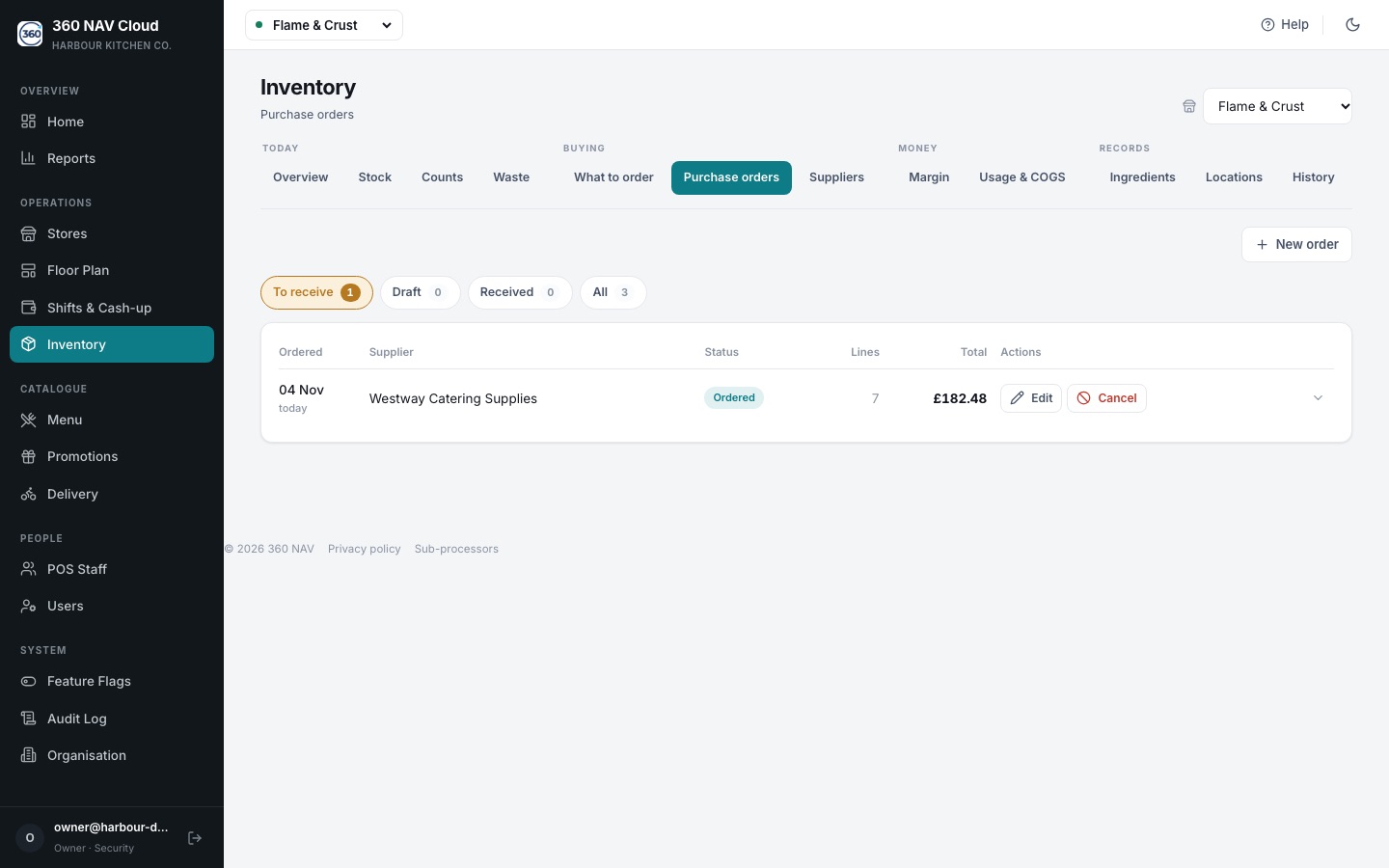
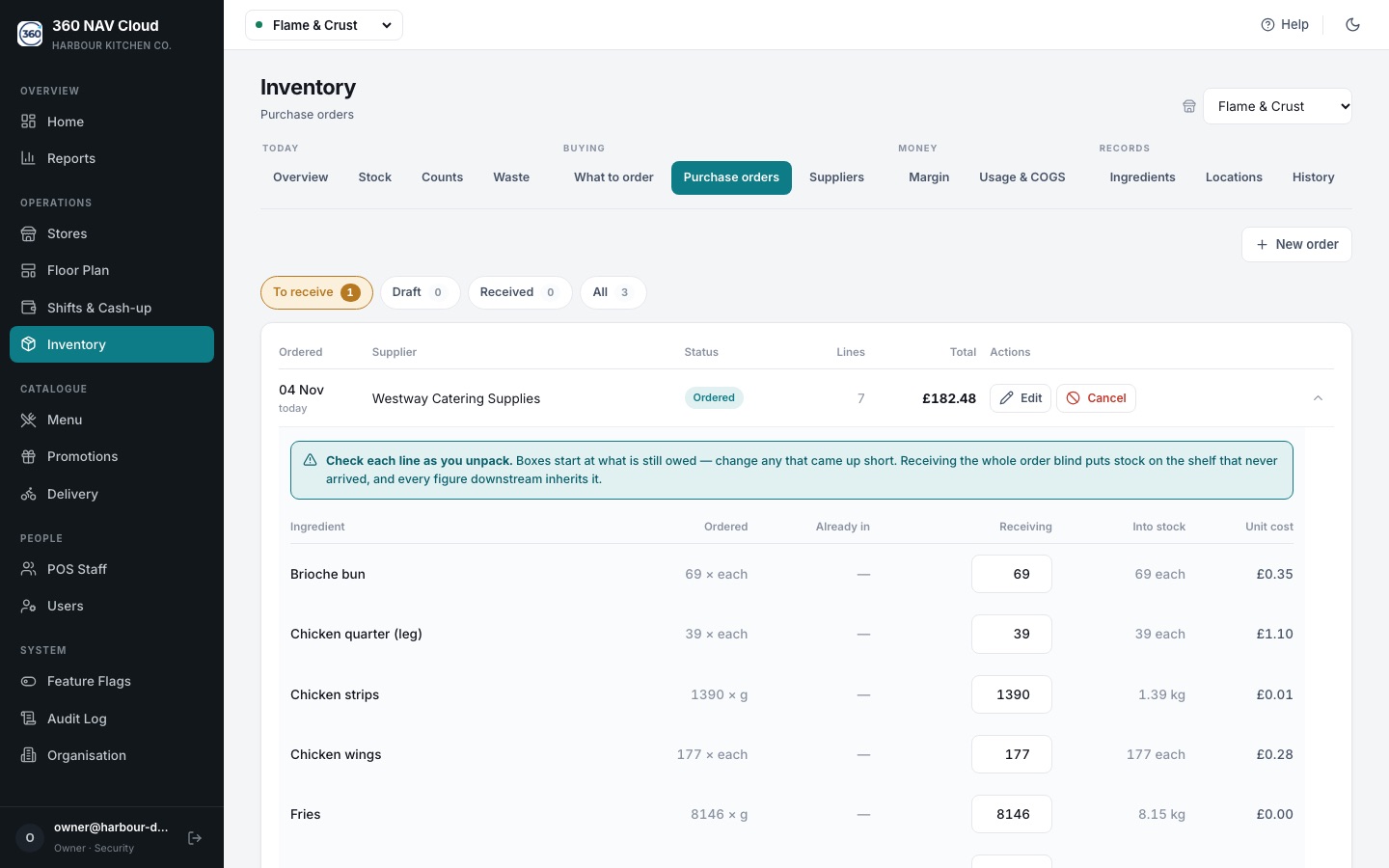
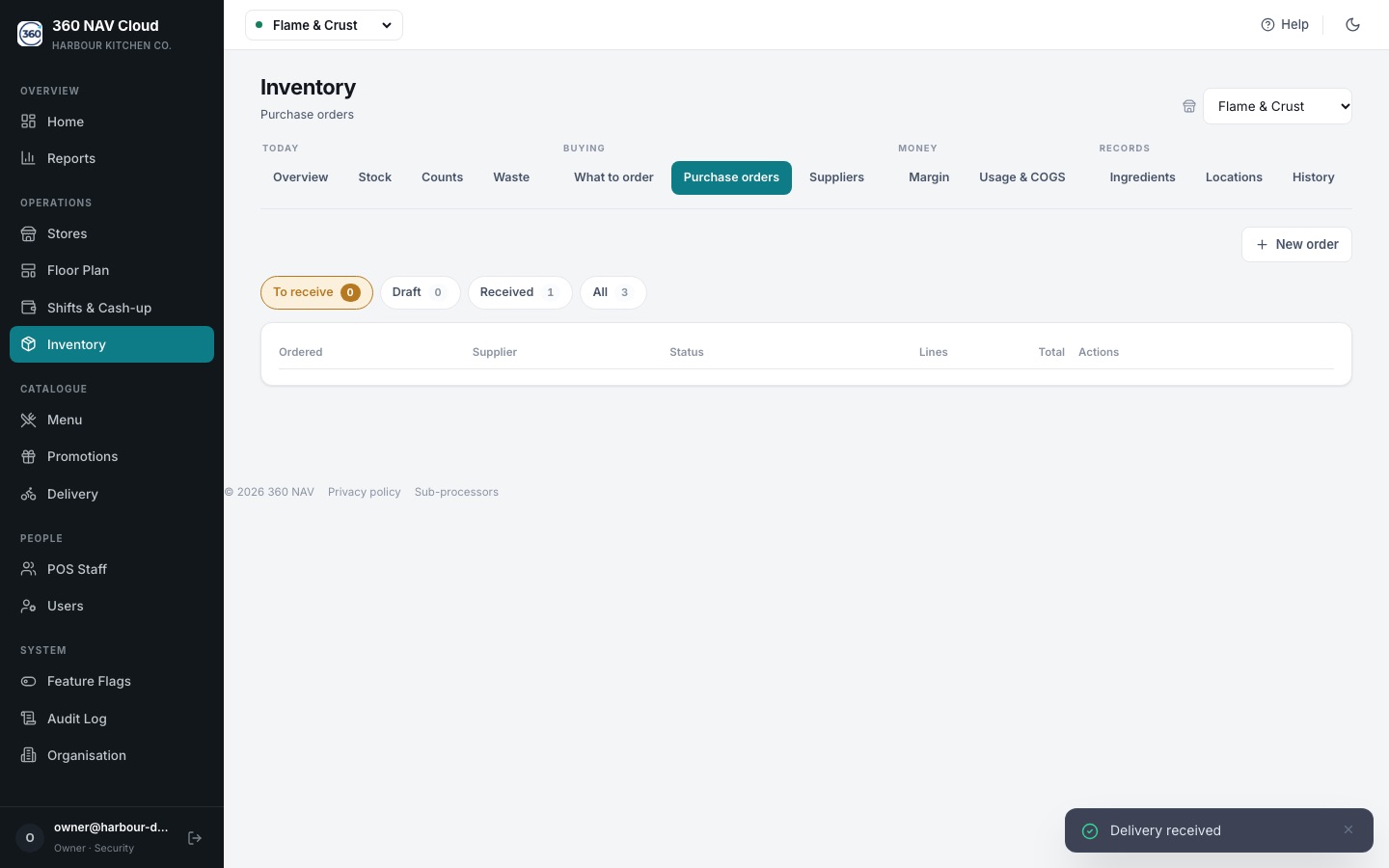
Track it. Purchase orders lists what's on order, what's still a draft, and what's been received.
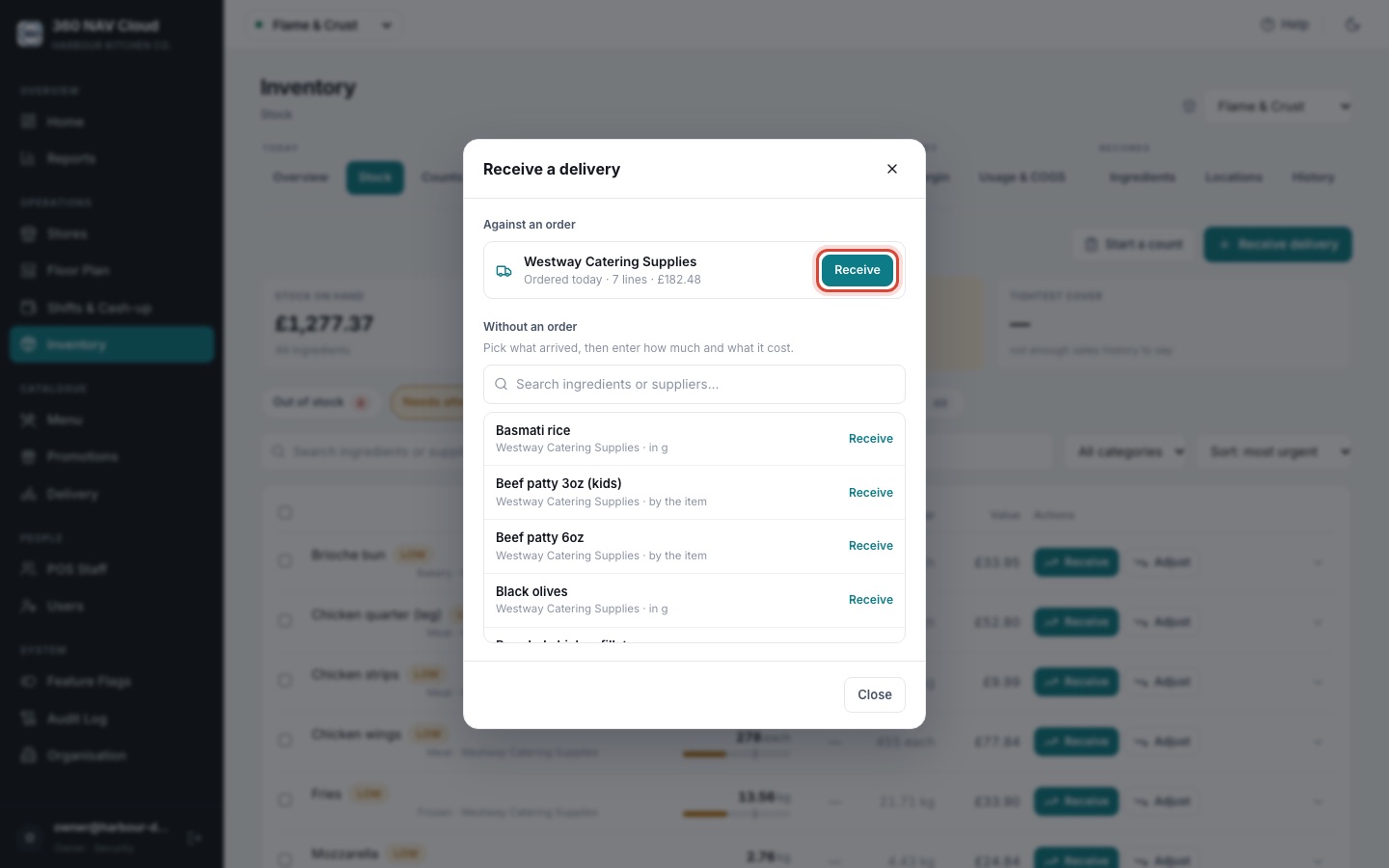
Receive it. When the delivery arrives, open Stock → Receive delivery and pick the order under Against an order. Check the quantities and receive it. Stock goes up and each ingredient's cost updates.
Tips
- Write one by hand on the Purchase orders tab for one-off orders.
- A hand-written order can be saved as a draft first. A draft moves no stock and isn't sent anywhere until you place it.