
Steps
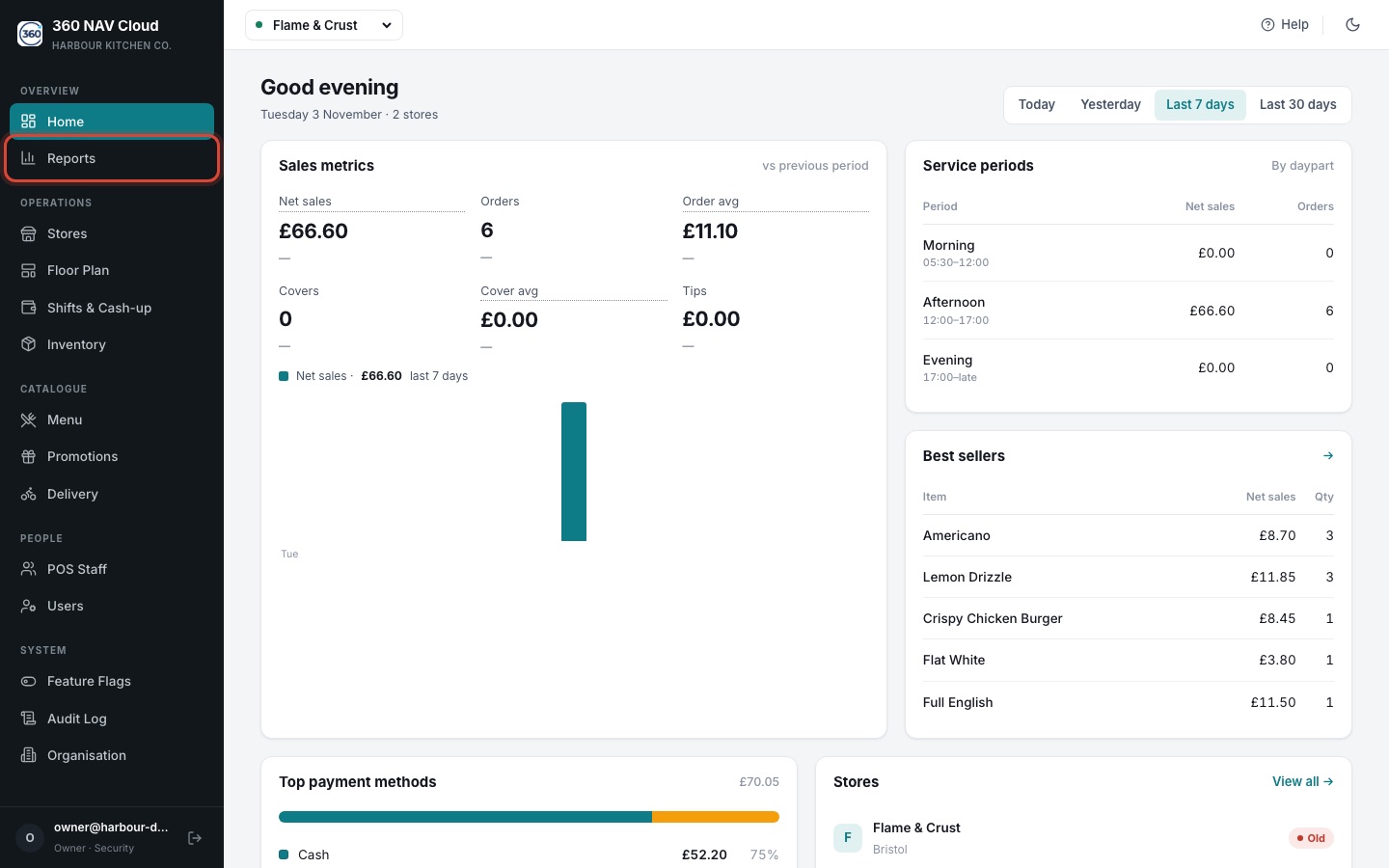
Open Reports. You land on the Overview: net sales, orders, average order, covers and tips, with a chart over time.
Pick the period. Today, yesterday, the last 7 or 30 days, month or quarter to date, and what to compare with.
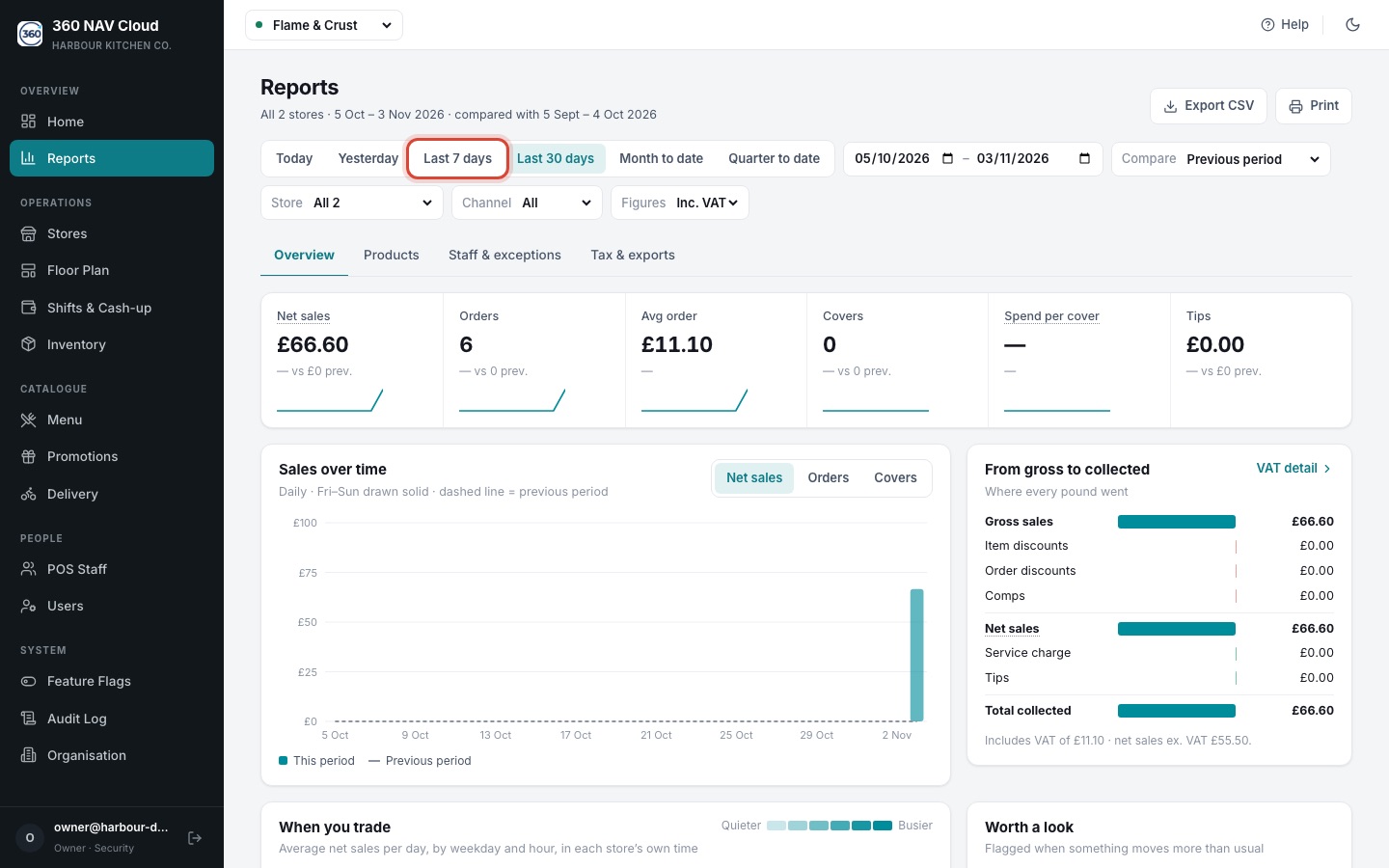
Filter. Choose stores, channel (in-store, Uber Eats, Deliveroo) and whether figures include VAT.
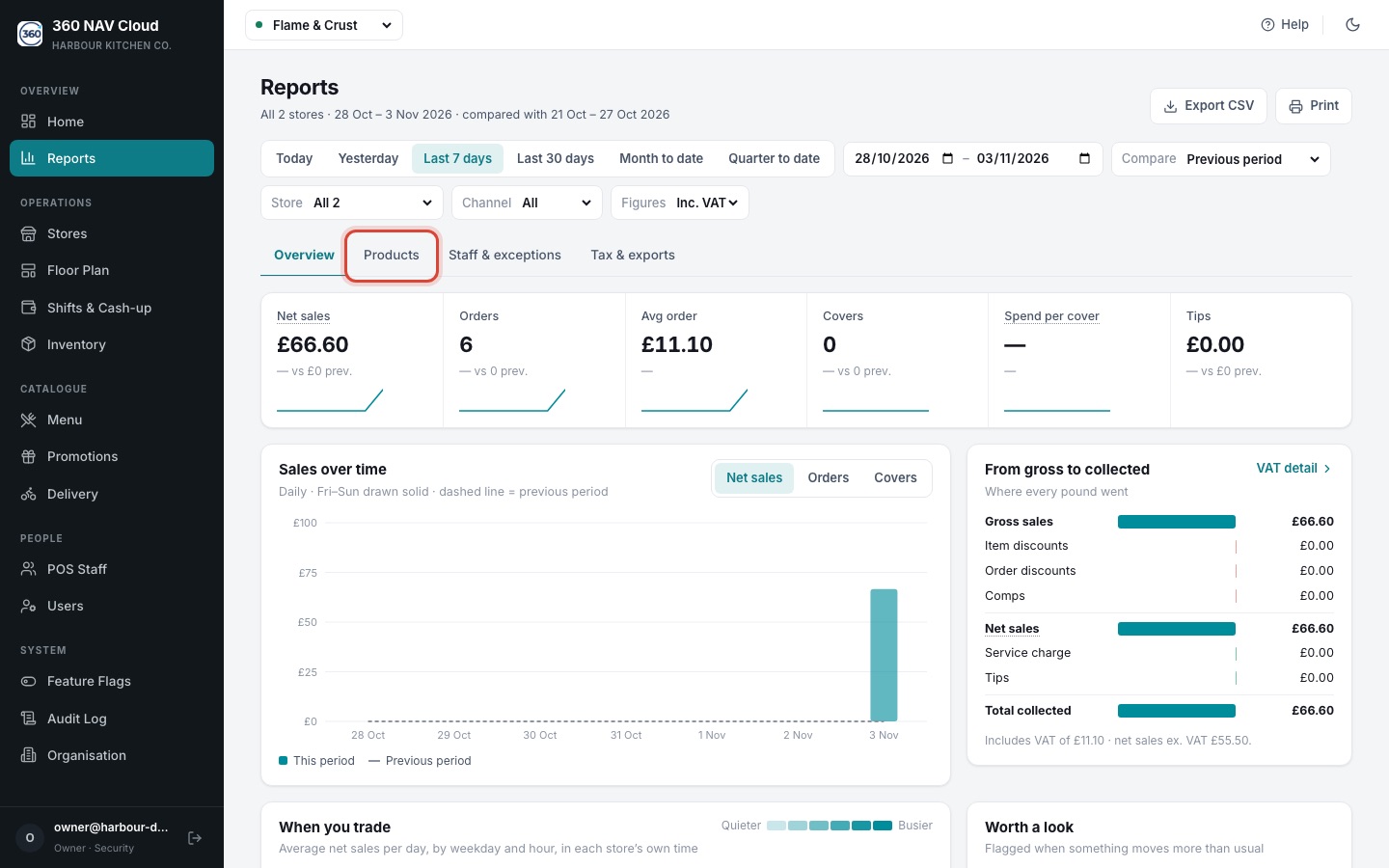
See what sells. The Products tab ranks your items.
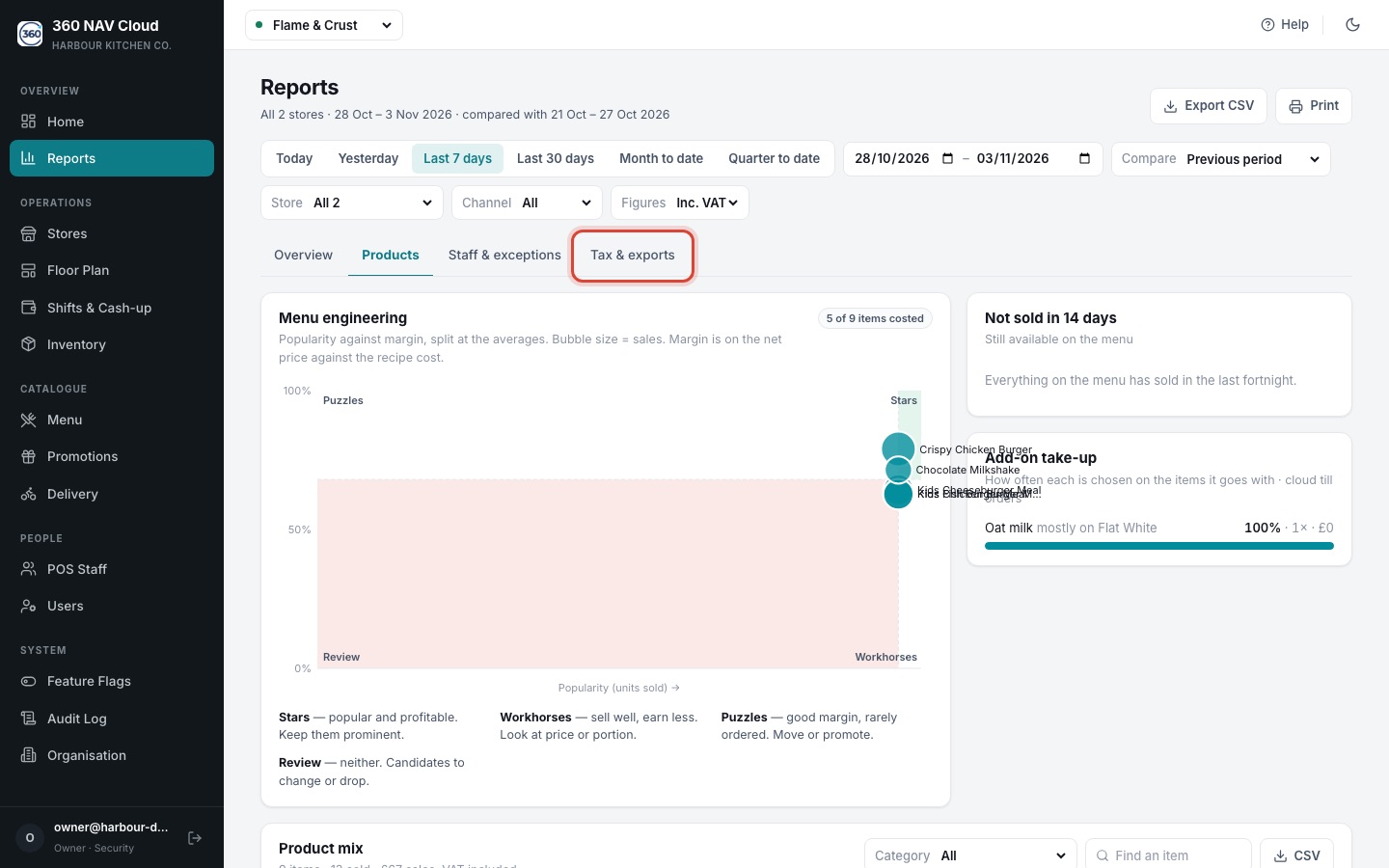
VAT and exports. Tax & exports has the VAT figures for your accountant. Use Export CSV or Print for any report.
Tips
- Staff & exceptions shows discounts, voids and refunds by member of staff.