
Steps
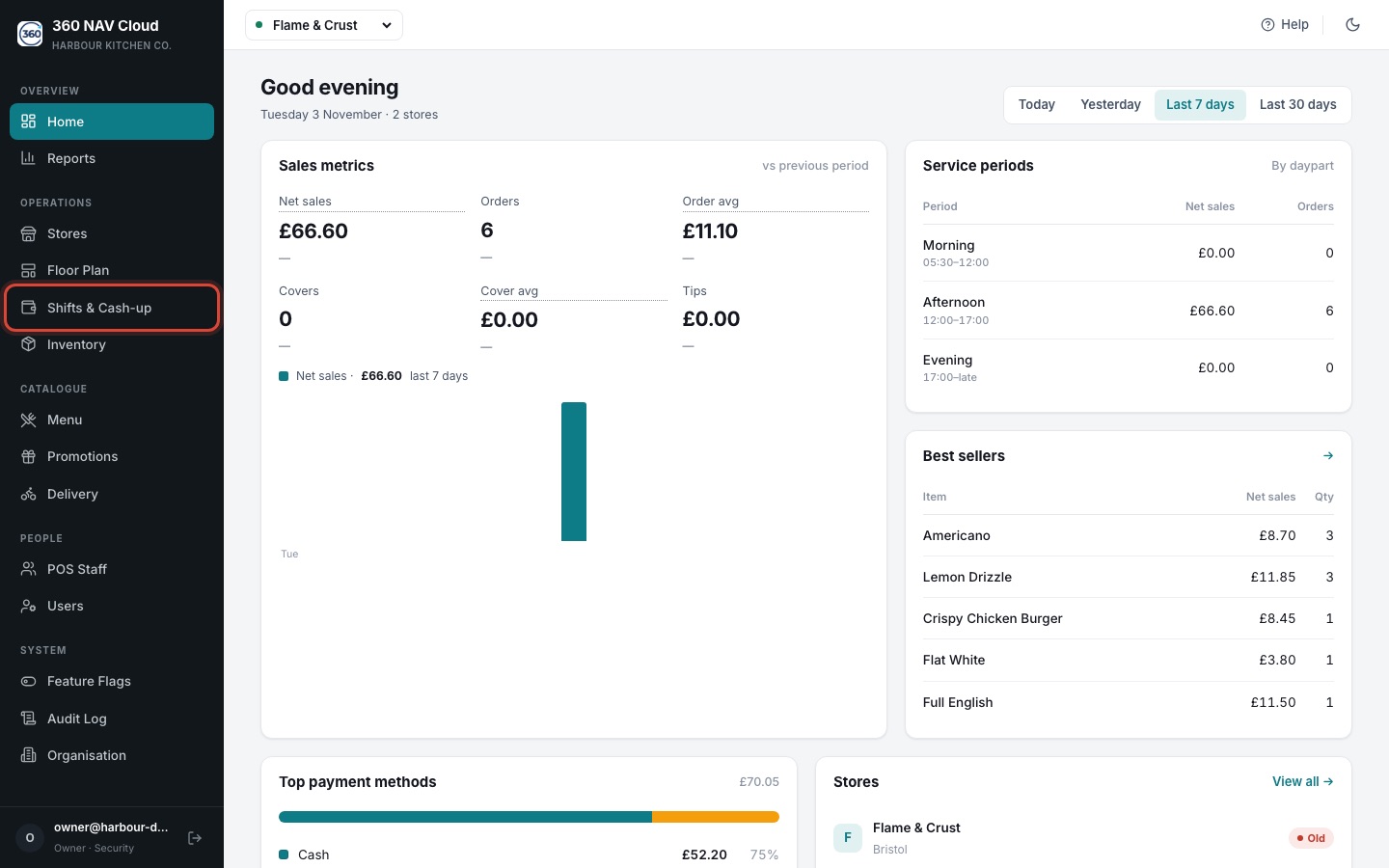
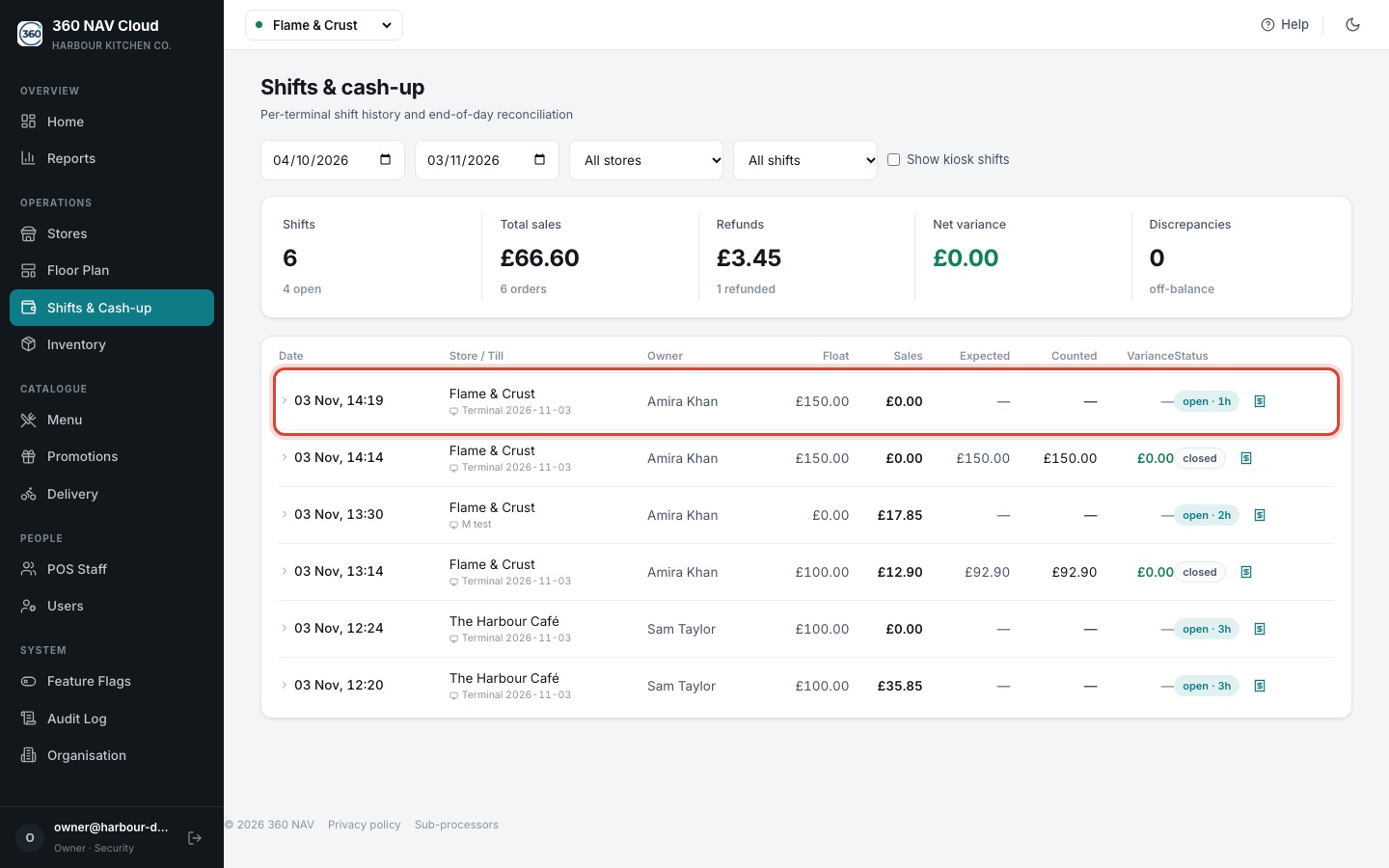
Open Shifts & Cash-up. The top shows total sales, refunds, net variance and how many shifts are off-balance.
Read the list. Each row is one shift on one till: who opened it, float, sales, expected and counted cash, and the difference. Filter to open or closed shifts.
Open a shift. Click a row to see its Z-report and orders.
Tips
- A shift still open late at night usually means someone forgot to cash up.