
Steps
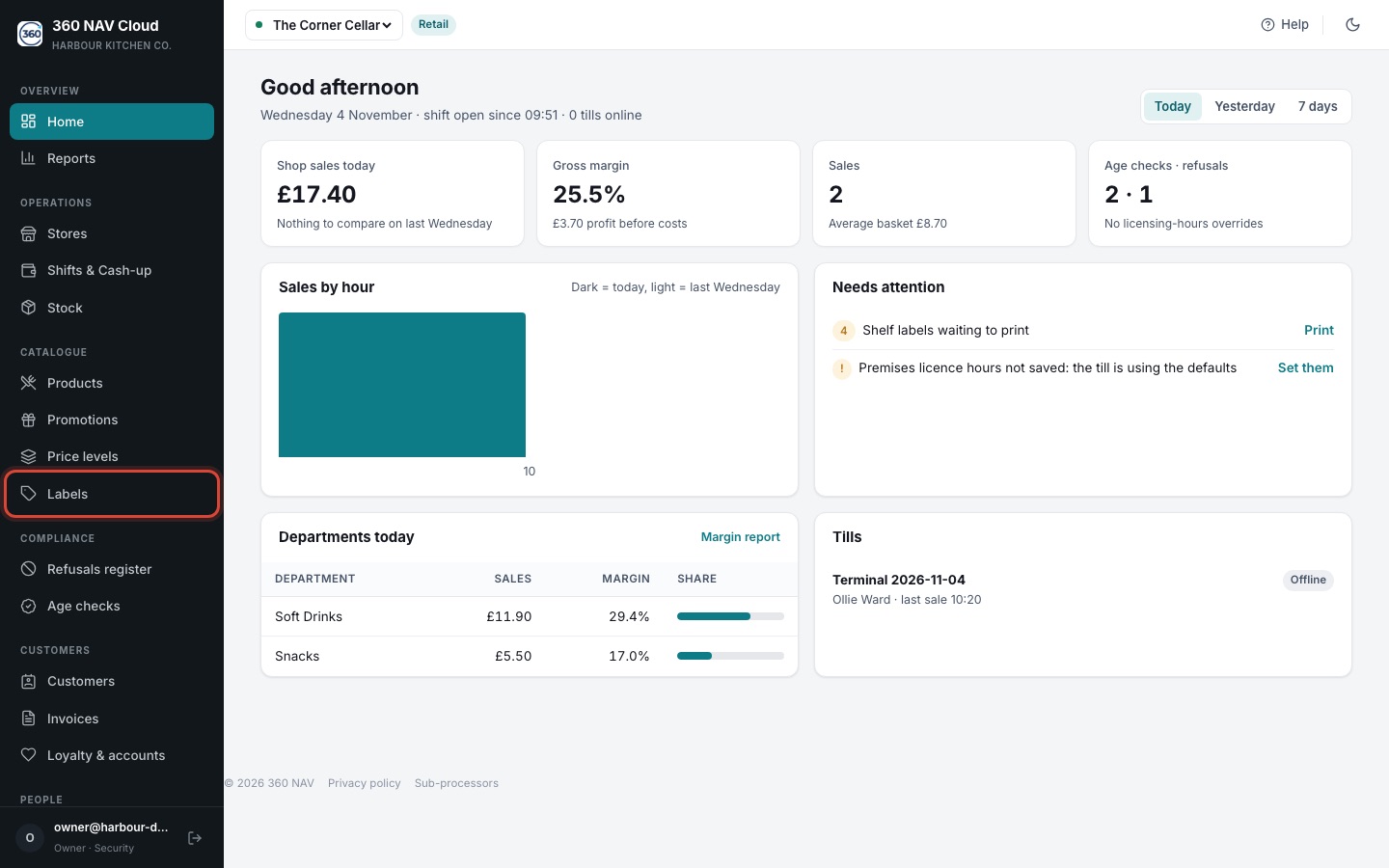
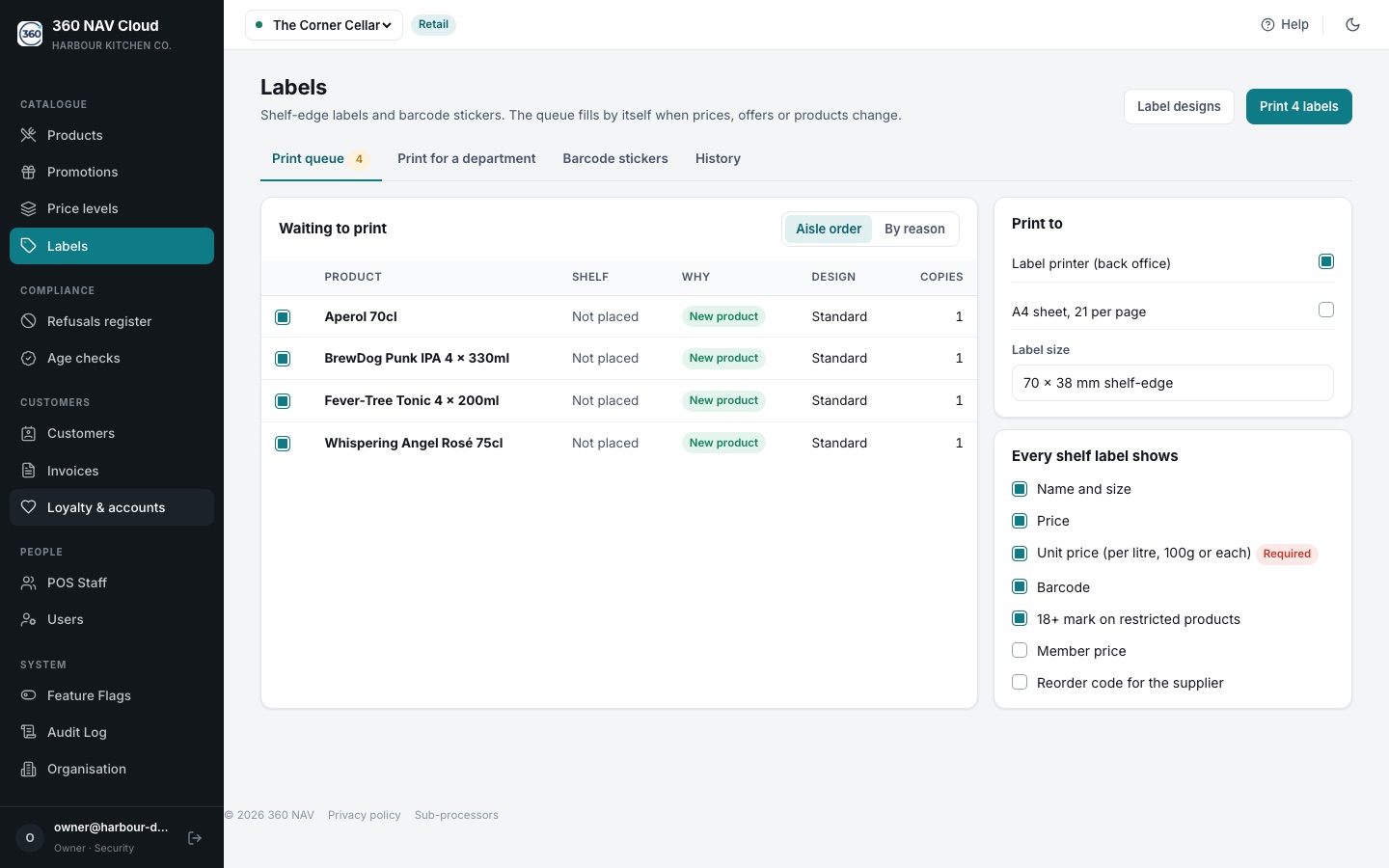
Open Labels. The Print queue fills by itself when a price changes, an offer starts, a product is added or something is reduced to clear.
Set up your labels. Choose the printer (label printer or A4 sheet of 21), the label size, and what each label shows: name and size, price, unit price, barcode, 18+ mark, member price, reorder code.
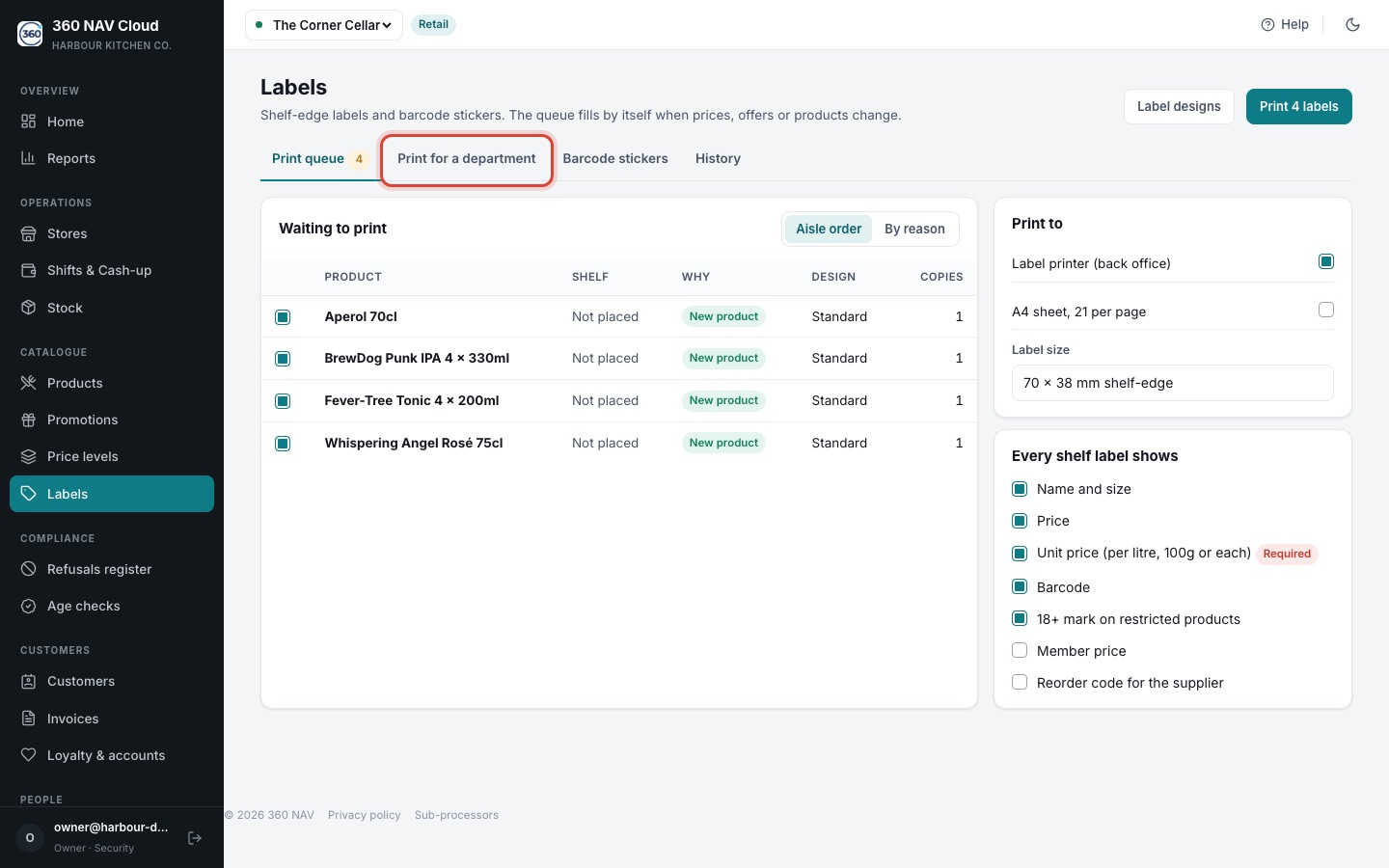
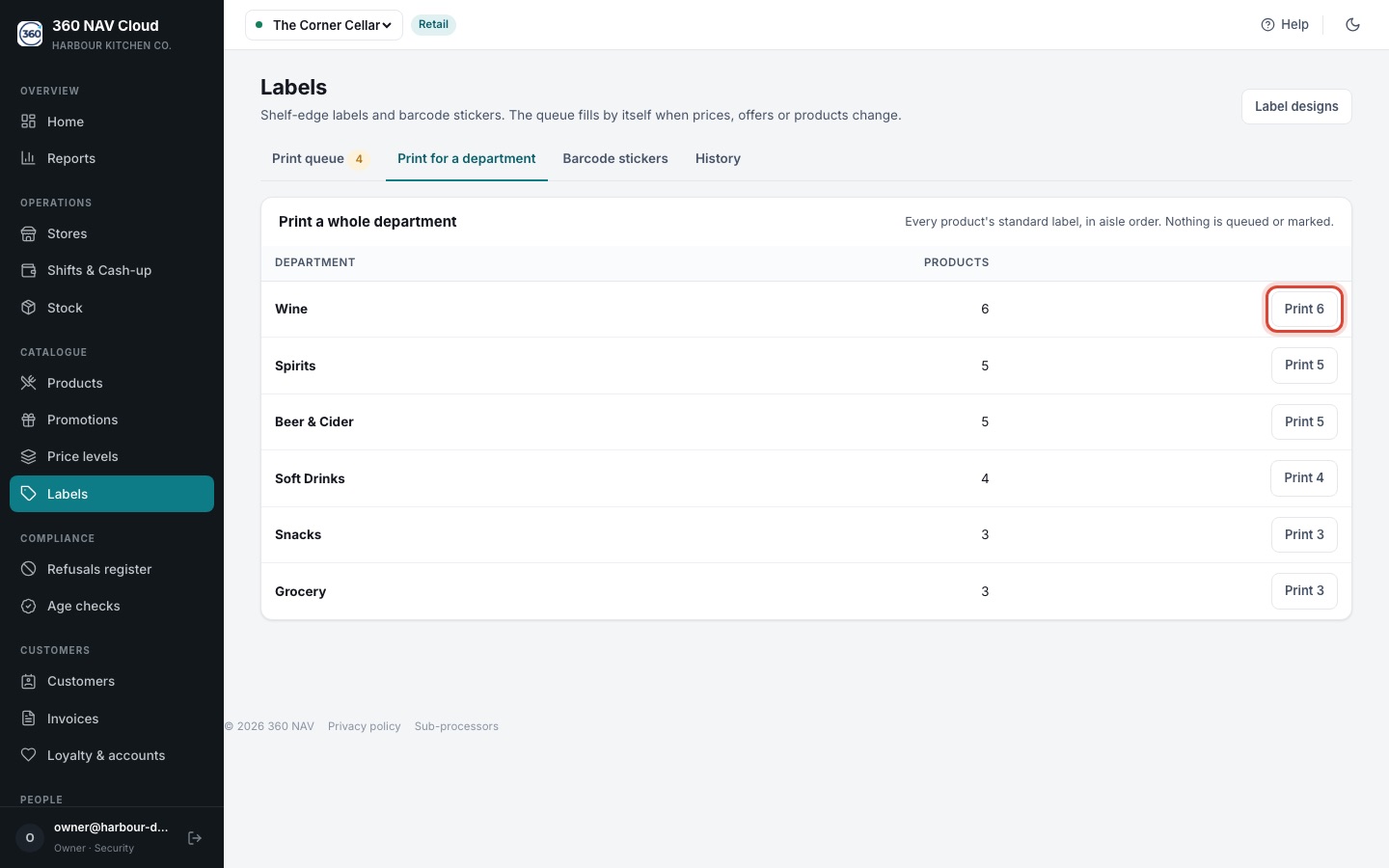
Print a whole department. Open Print for a department and click Print next to it. Labels come out in aisle order.
Tips
- Barcode stickers prints barcodes for products that don't have one.
- History shows what was printed and when.