
Steps
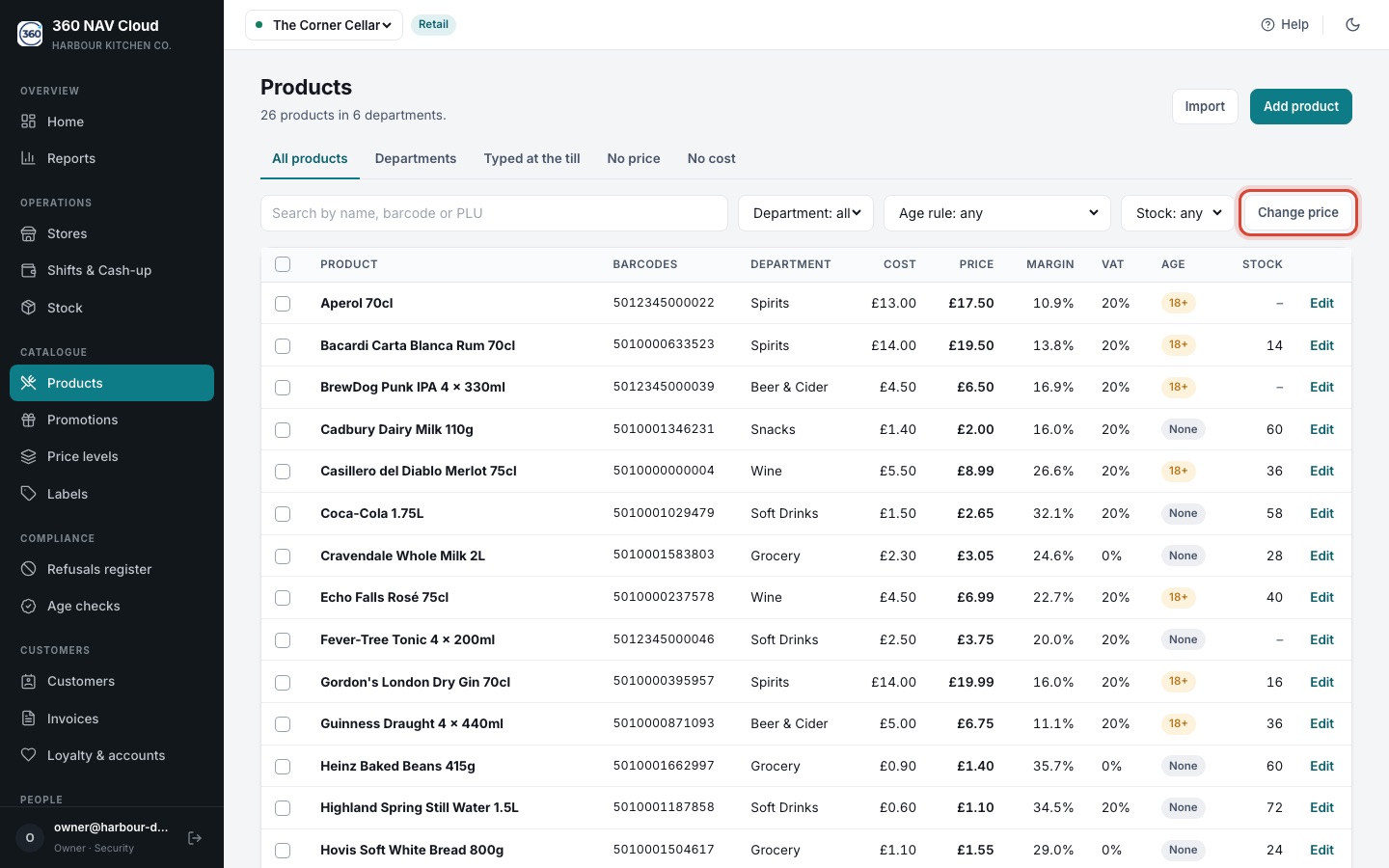
Open Products, then Change price. The page tells you how many products are below your target margin.
Choose the change. Raise prices to reach a margin, change them by a percentage, or by an amount. Pick how to round (for example ending in 9 or 99) and when it starts.
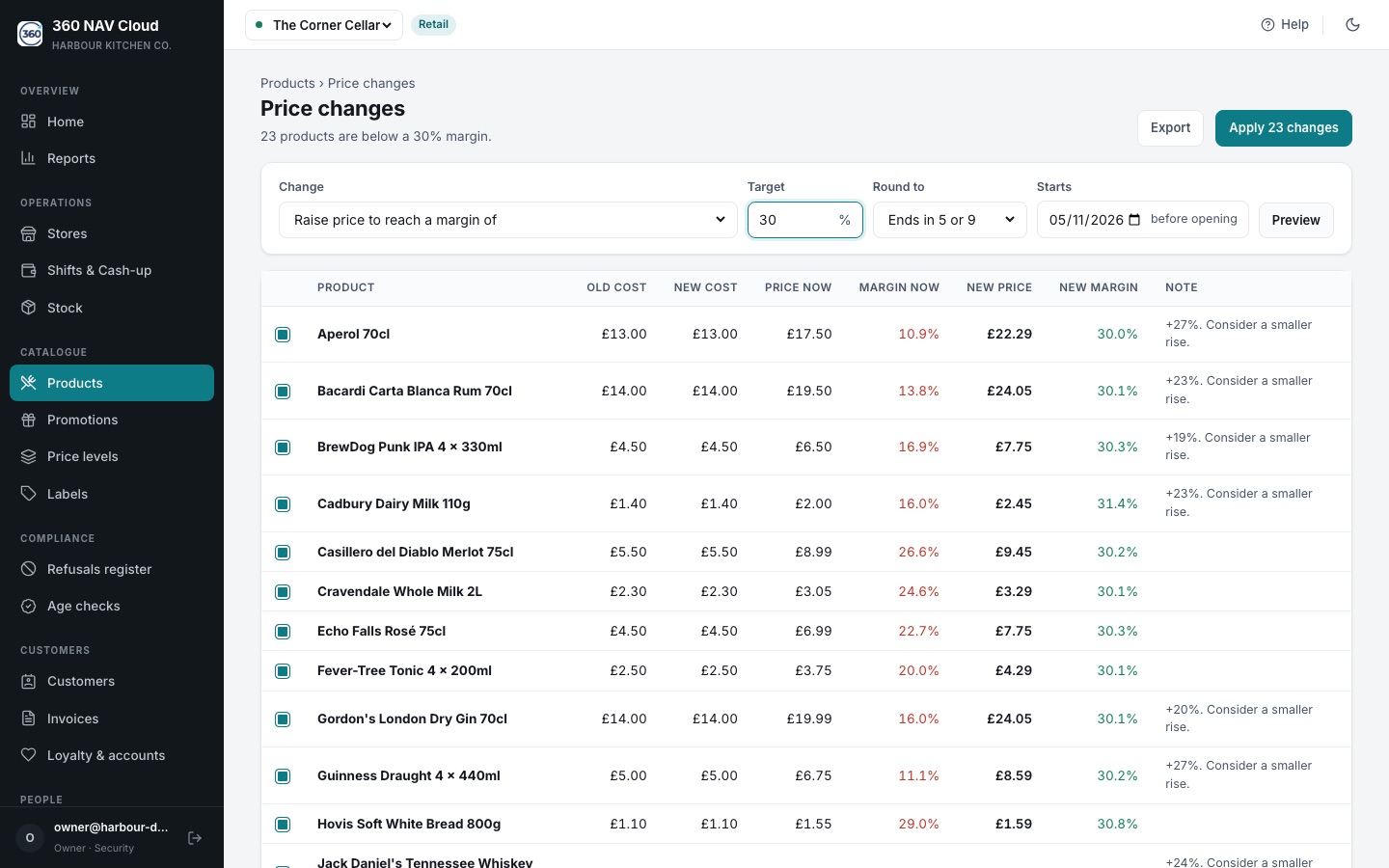
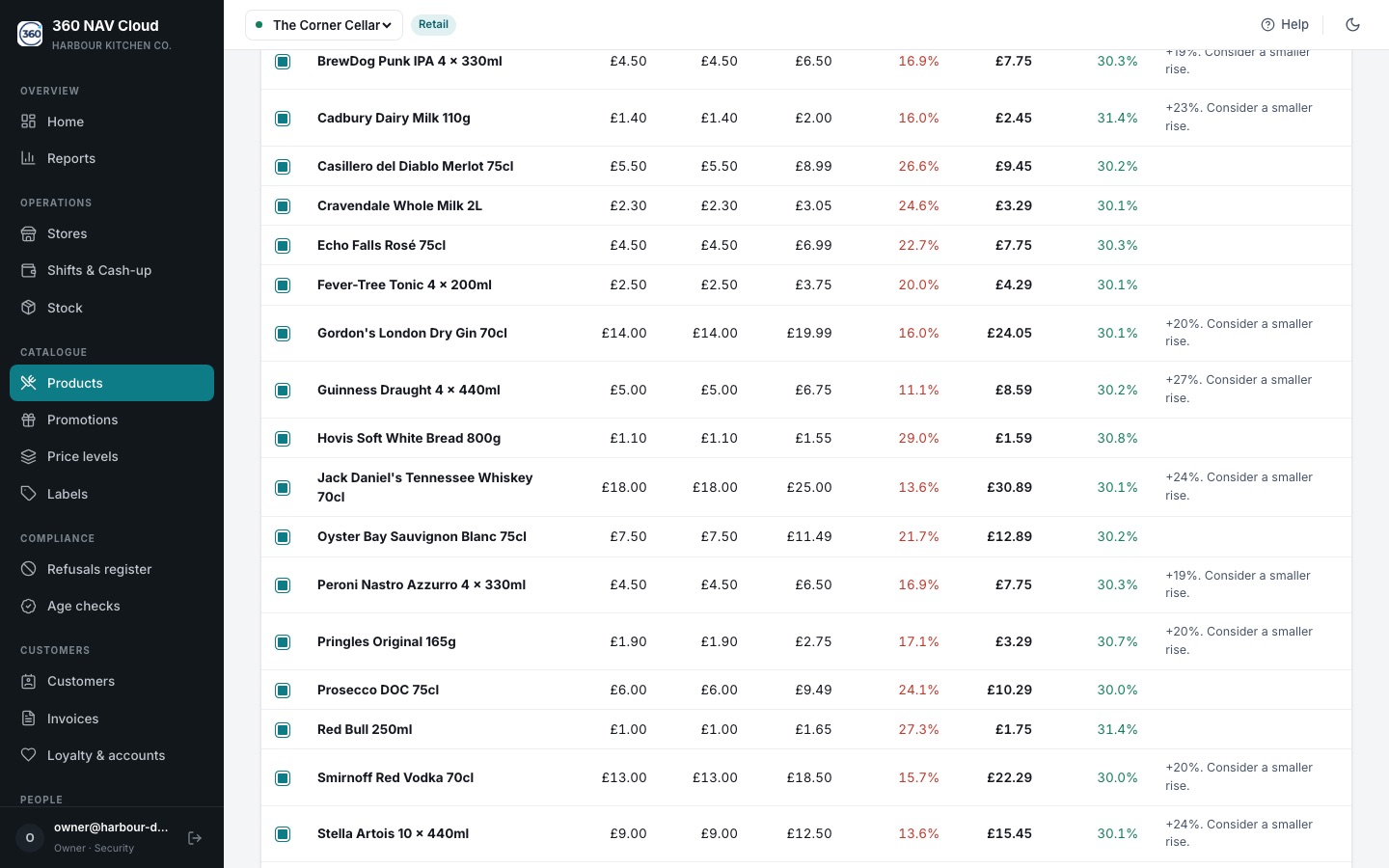
Preview. Each product shows its old and new price and margin, with a note if the rise is large. Untick anything to leave alone.
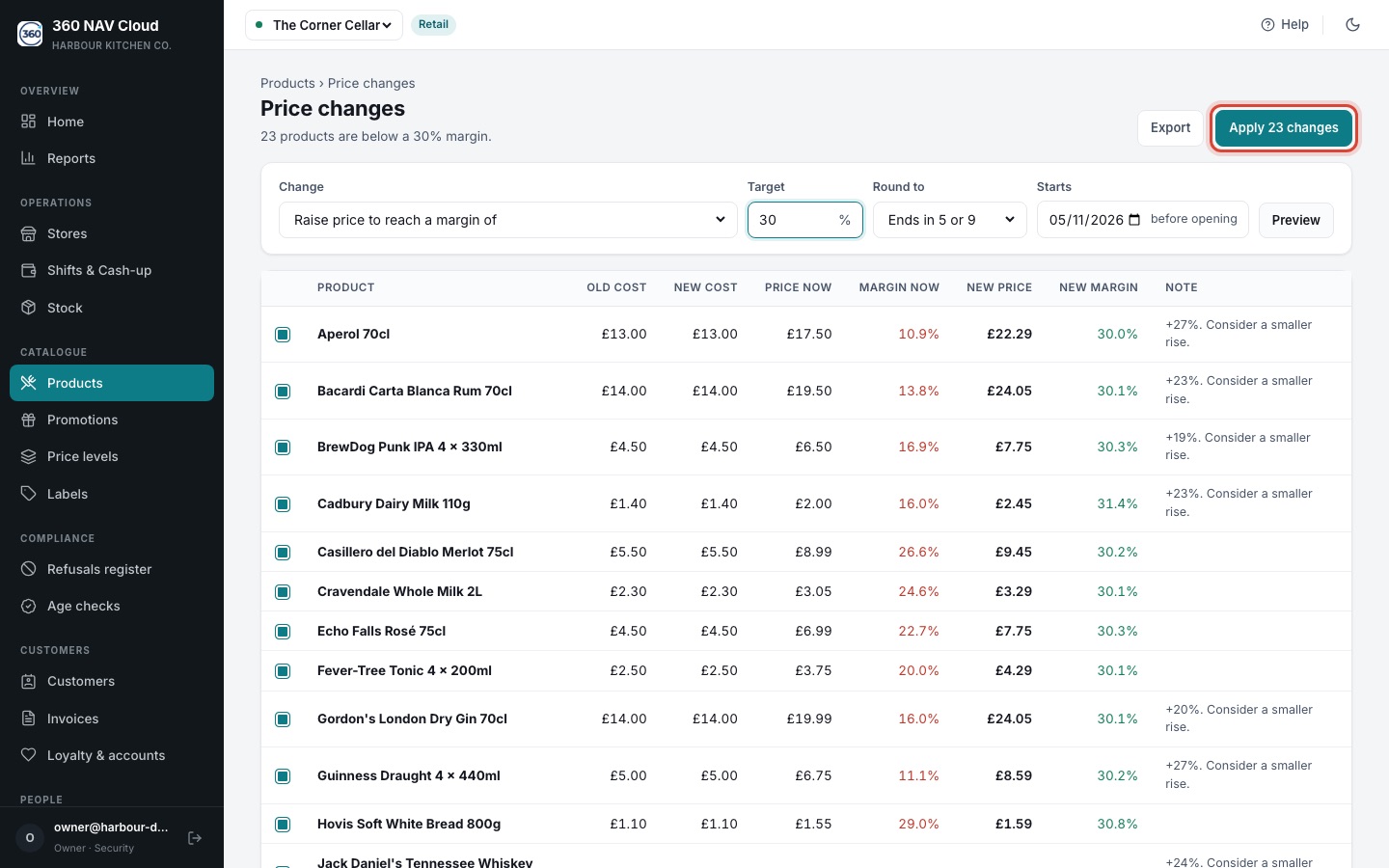
Apply. The tills update, and new shelf labels are queued for printing.
Tips
- Export the list first if you want to check it in a spreadsheet.