
Before you start
Install the 360 NAV POS app on the device (Windows, Android or iPad), or open it in the browser. You need an owner or manager login for the dashboard.
Steps
Open Stores in the dashboard.
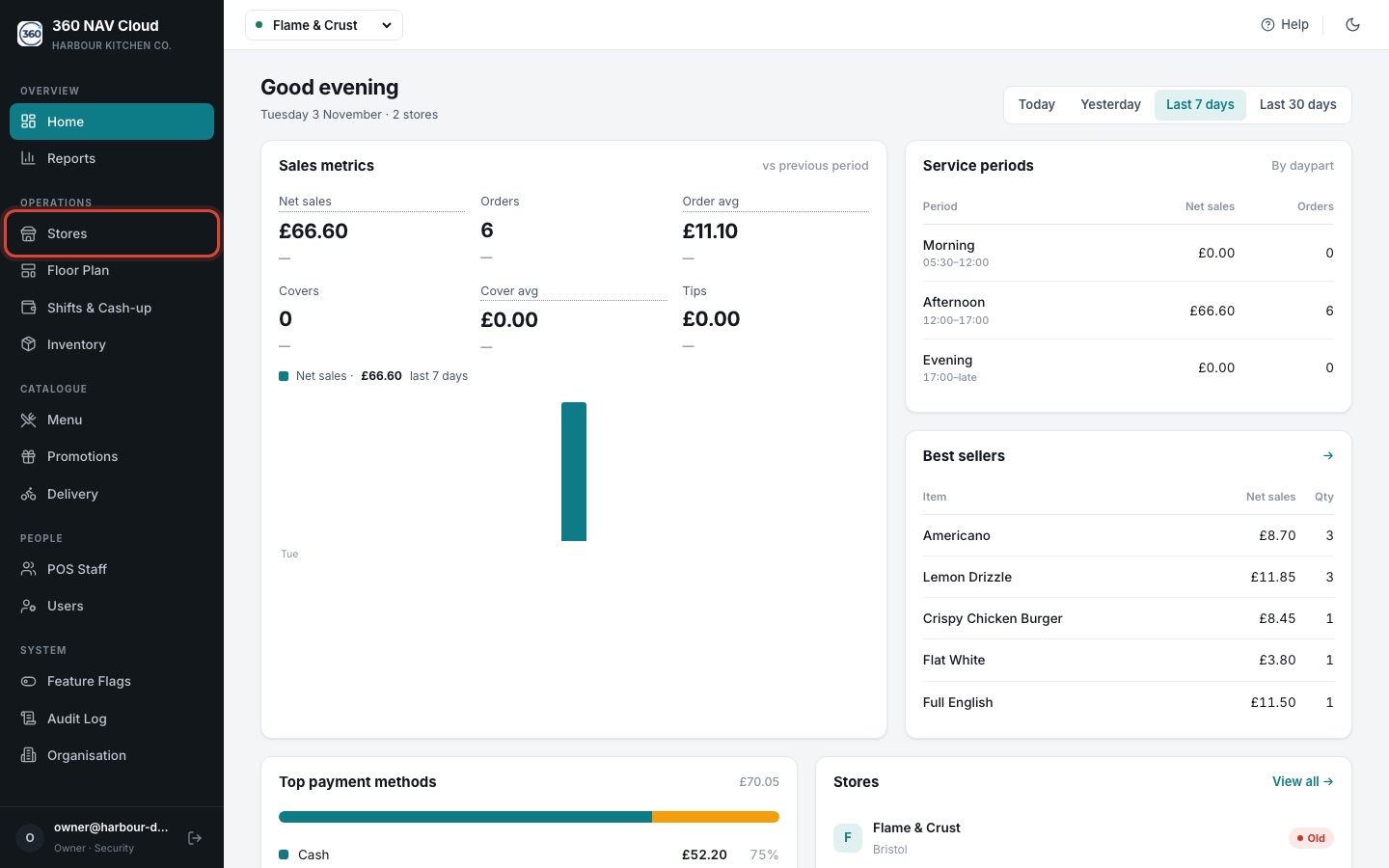
Click Pair a device on the store the till belongs to.
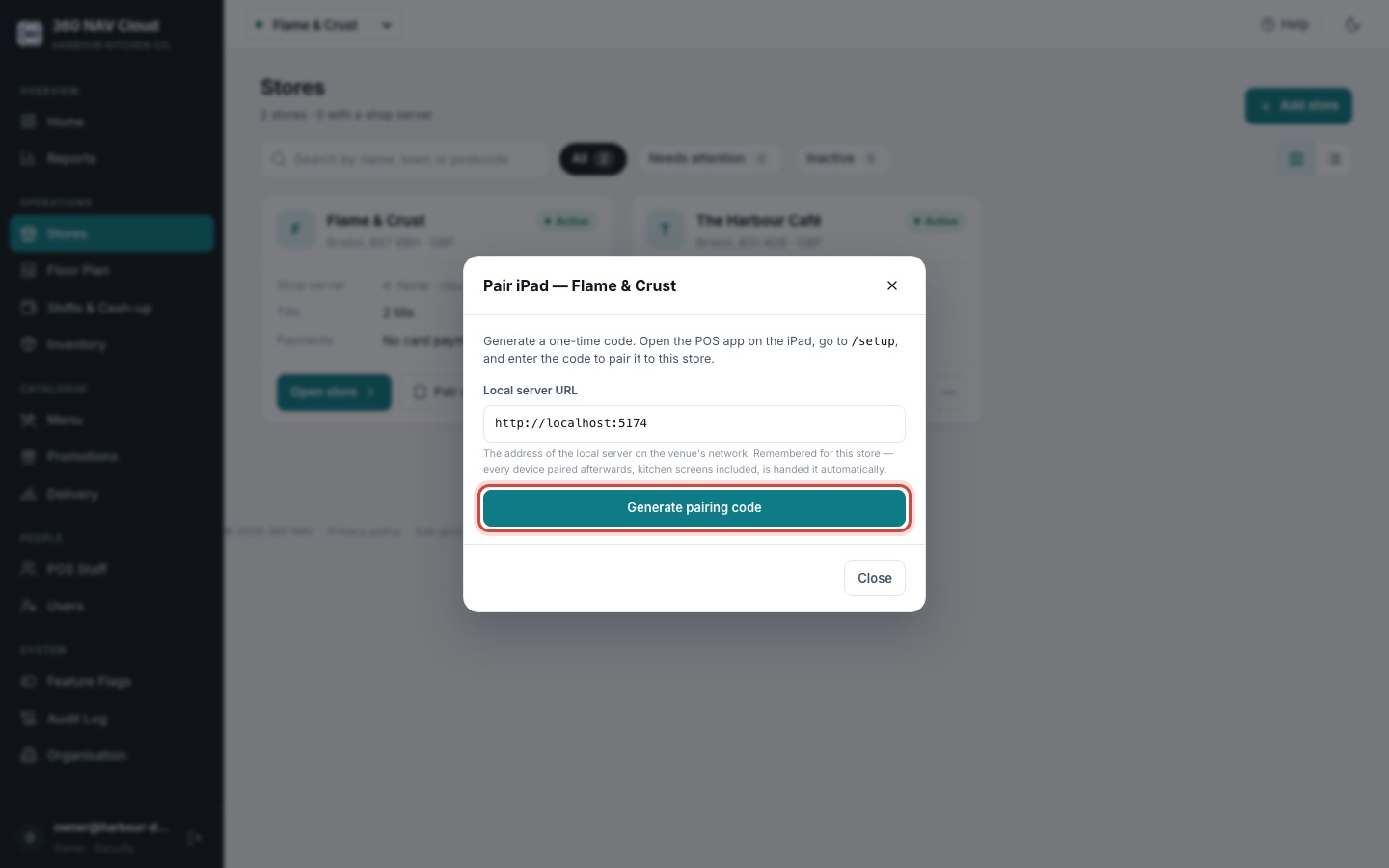
Generate a pairing code. The first time, also type your shop server address if you have one. The code works once and expires after a few minutes.
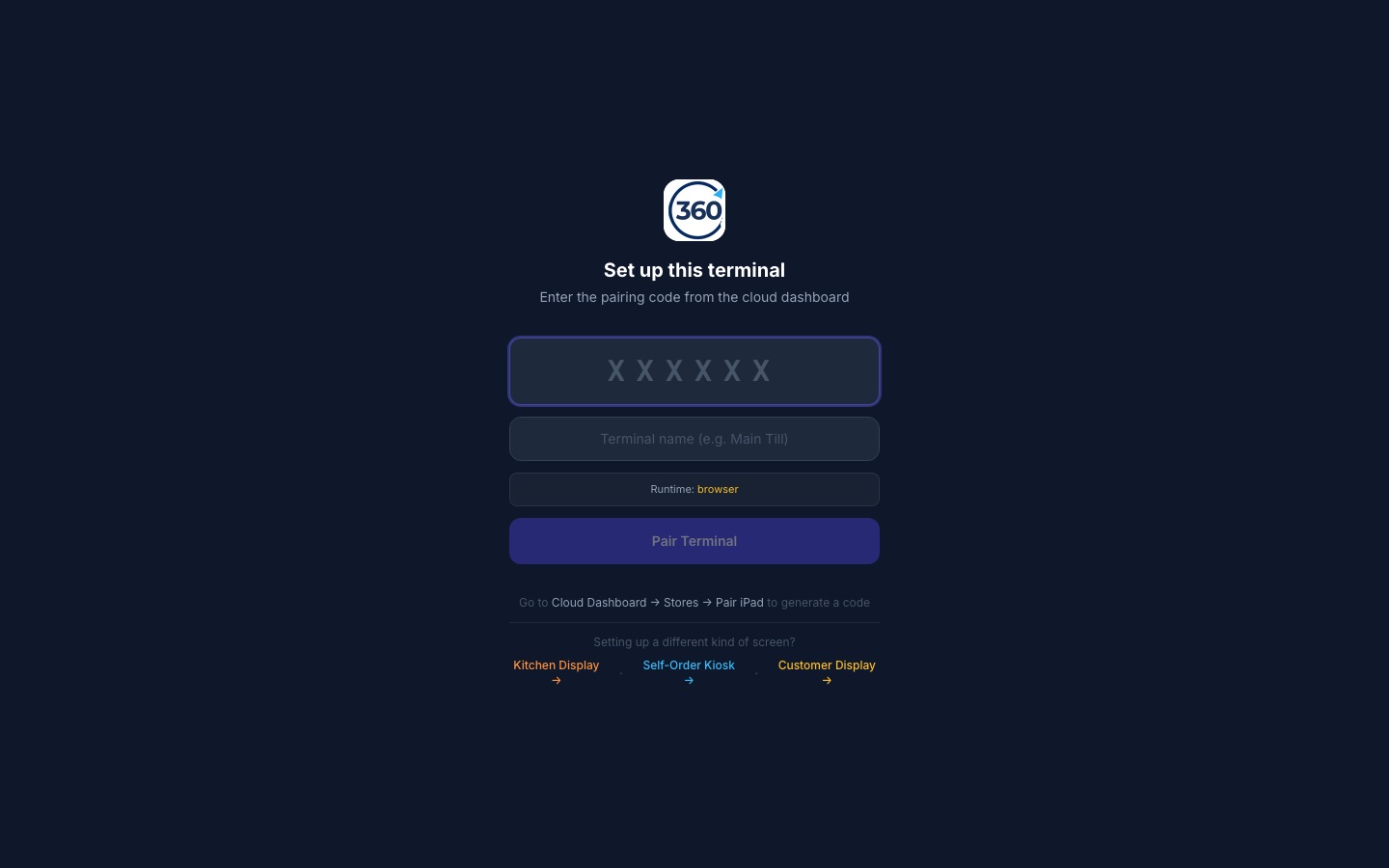
Open the app on the till. It shows Set up this terminal.
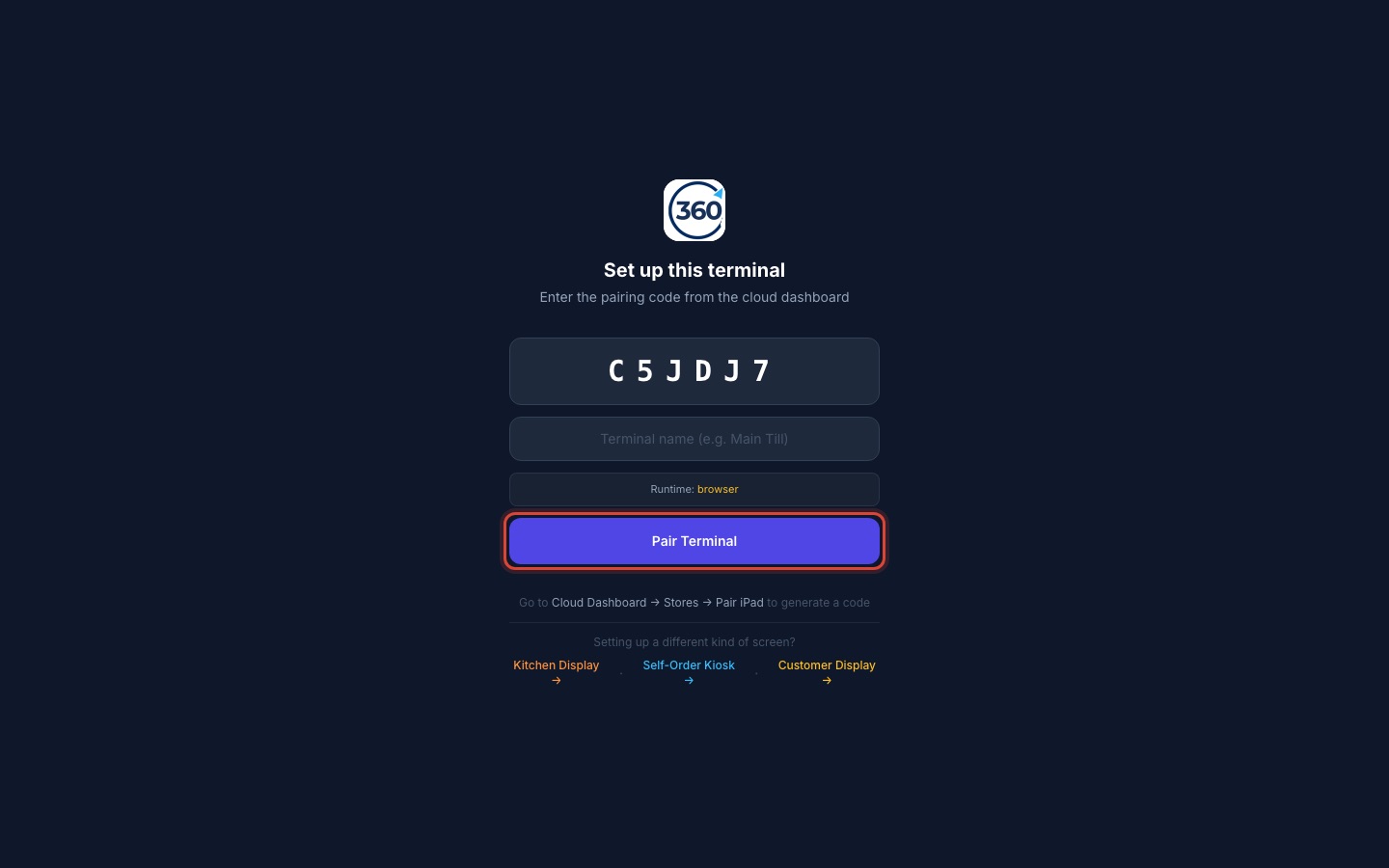
Type the code and tap Pair Terminal.
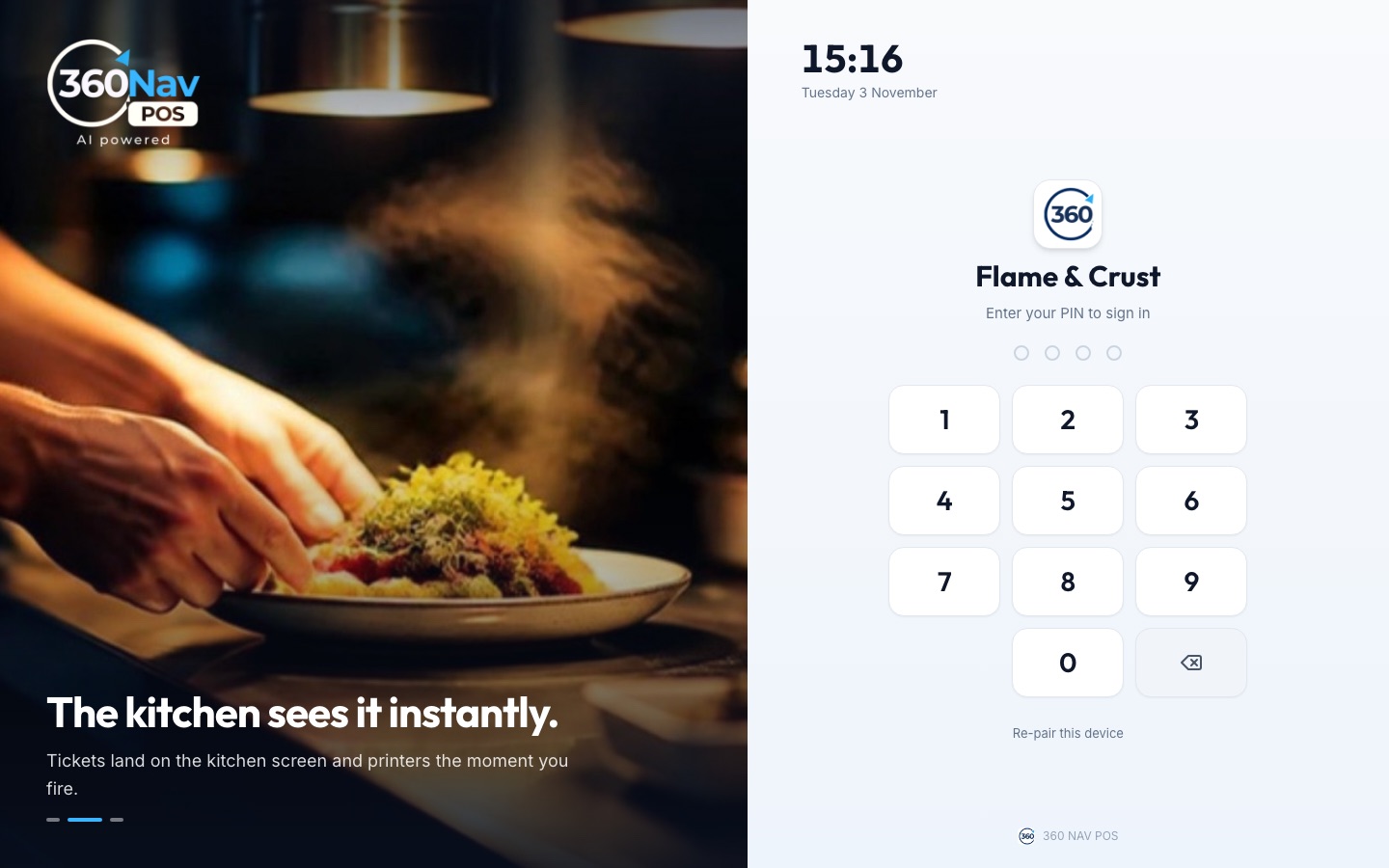
Sign in. The till downloads your menu and staff. Staff sign in with their PIN.
Tips
- The same Pair a device code sets up kitchen screens and customer displays too.
- To move a till to another store, tap Re-pair this device on its sign-in screen.