
Steps
Open the kitchen setup page in the POS app on the screen (or tap Kitchen Display on the till's setup screen).
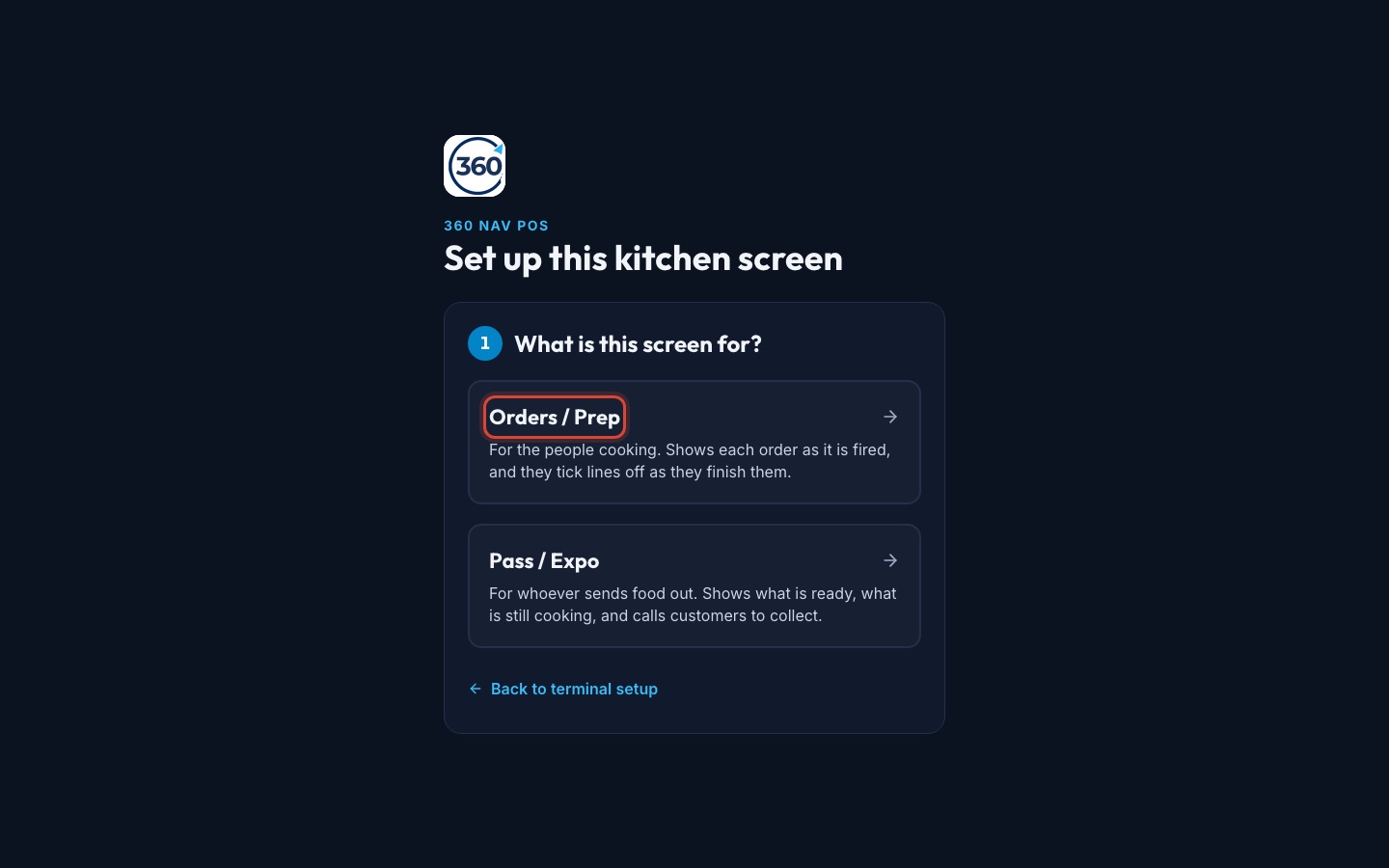
Choose what the screen is for. Orders / Prep for the cooks, or Pass / Expo for whoever sends food out.
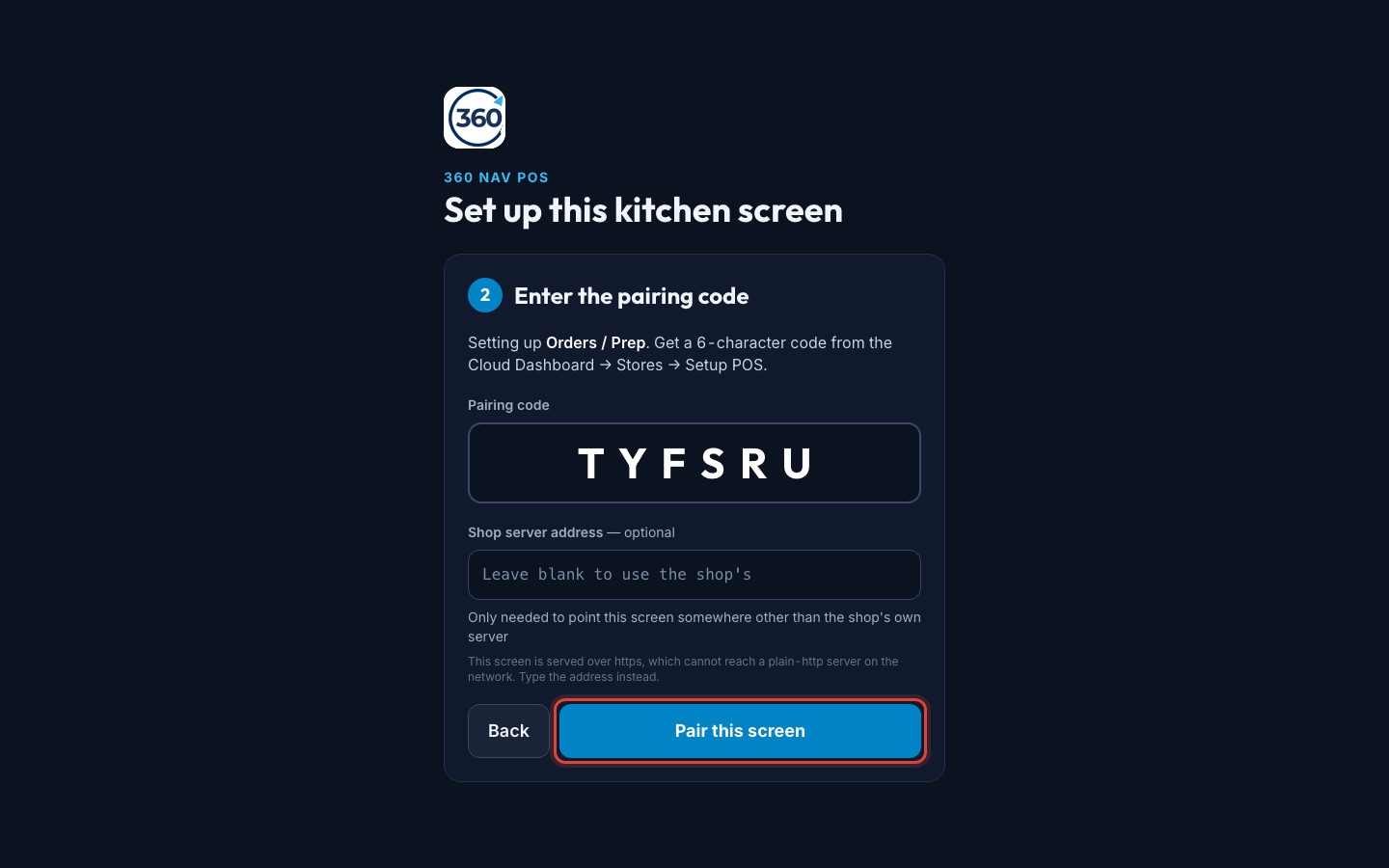
Get a pairing code. In the dashboard, open Stores, then Pair a device, and generate a code.
Type the code and tap Pair this screen. If you don't have a shop server, tap Continue without a local server.
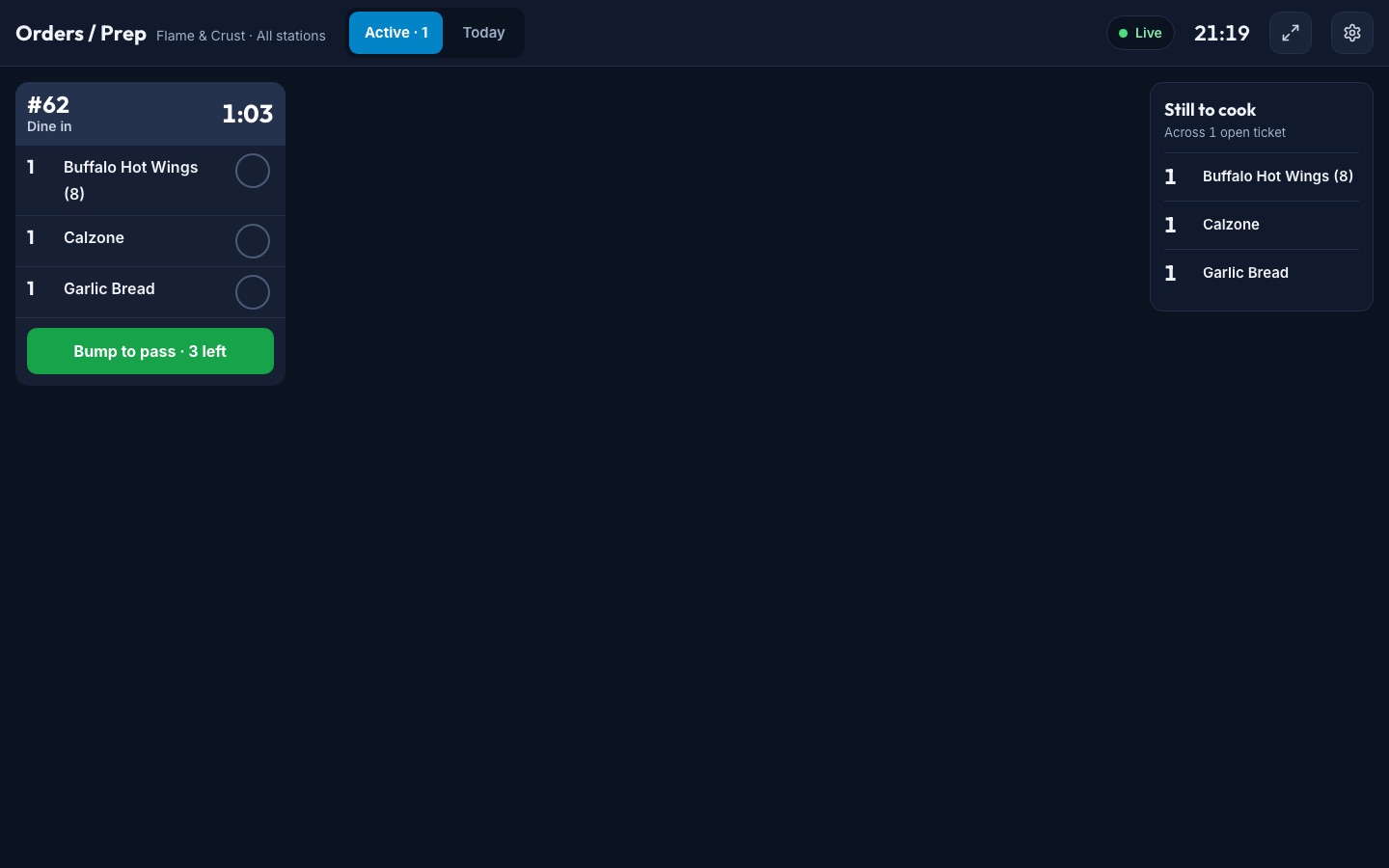
Work the orders. Orders appear the moment they're fired on the till. Tap each line as it's done, and bump the order when it's ready.
Tips
- Use Settings → KDS Stations on the till to send drinks and food to different screens.